FPS & Shooters
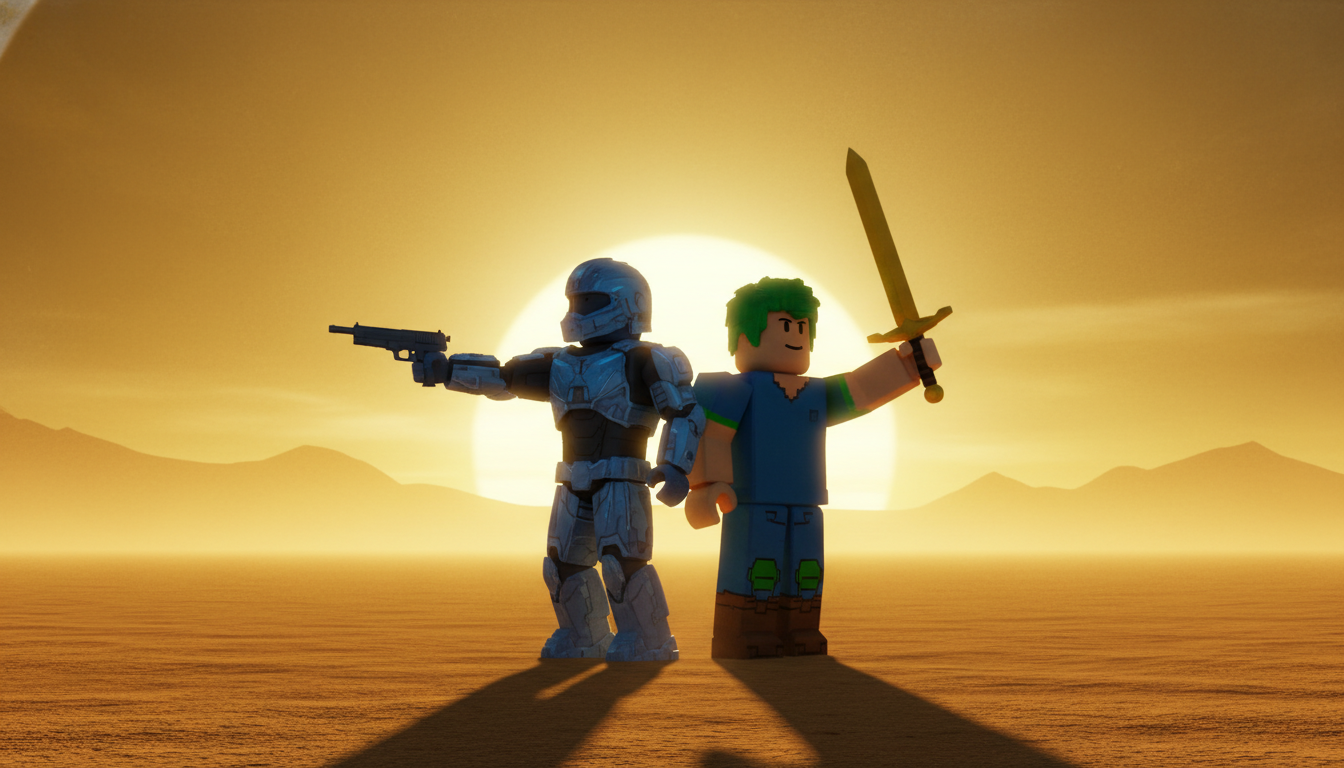
High-energy thumbnails with action poses, weapon showcases, and intense lighting for FPS content.
Professional AI thumbnails for FPS, RPG, Minecraft & esports YouTube channels.
AI-generated thumbnails for gaming content — created in seconds, not hours.
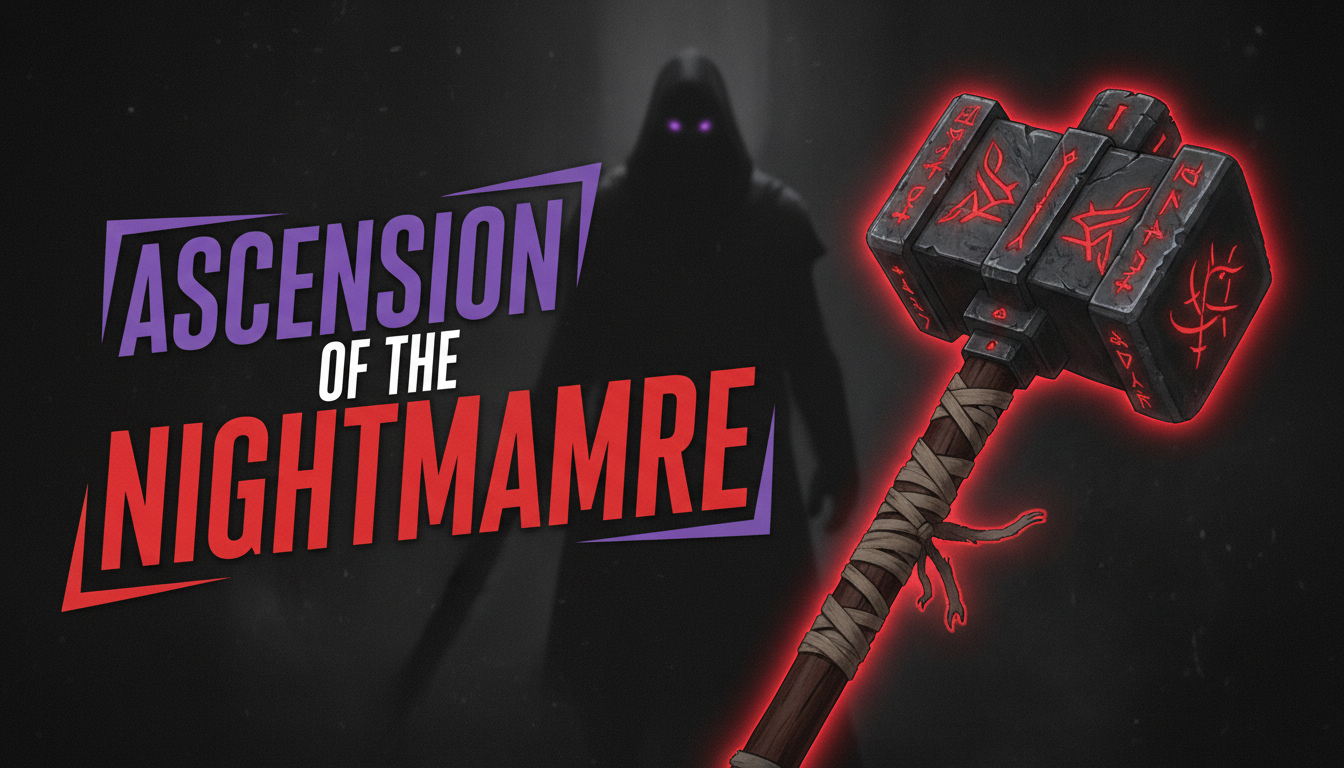
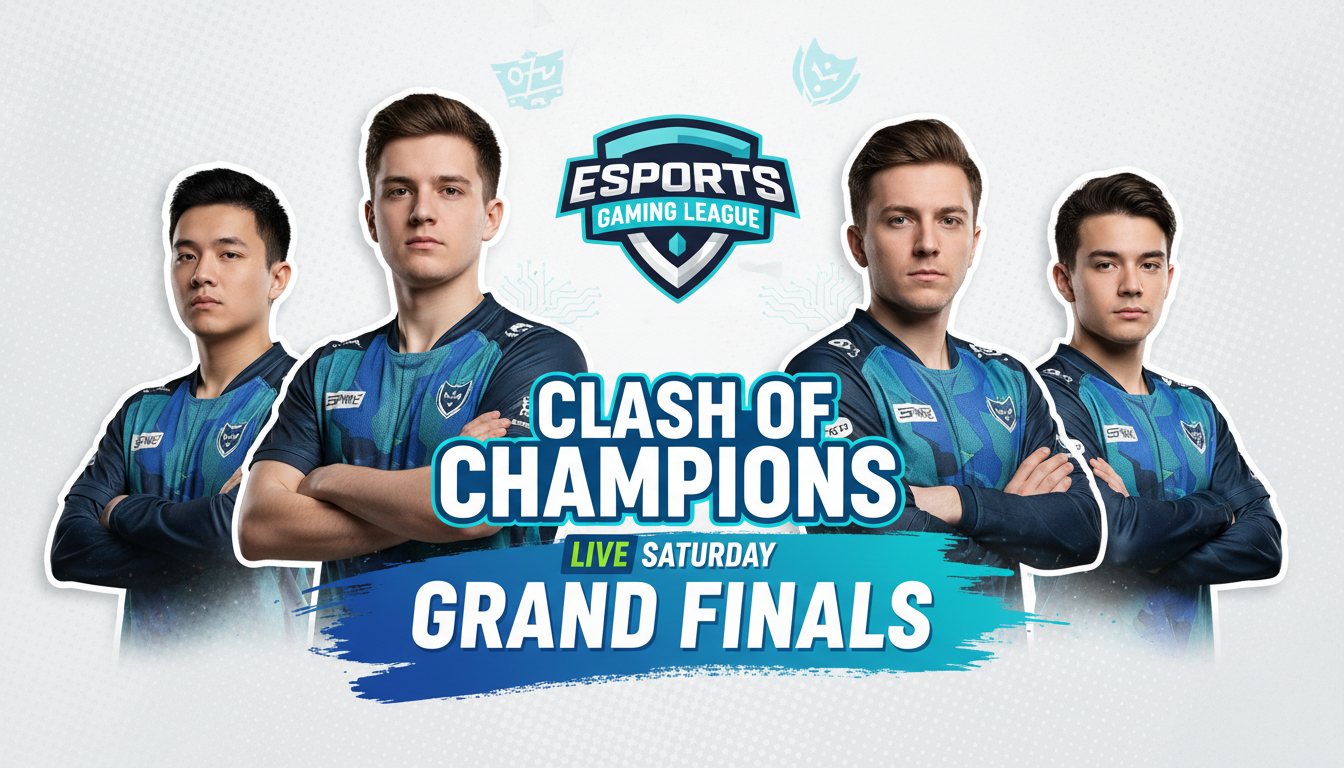
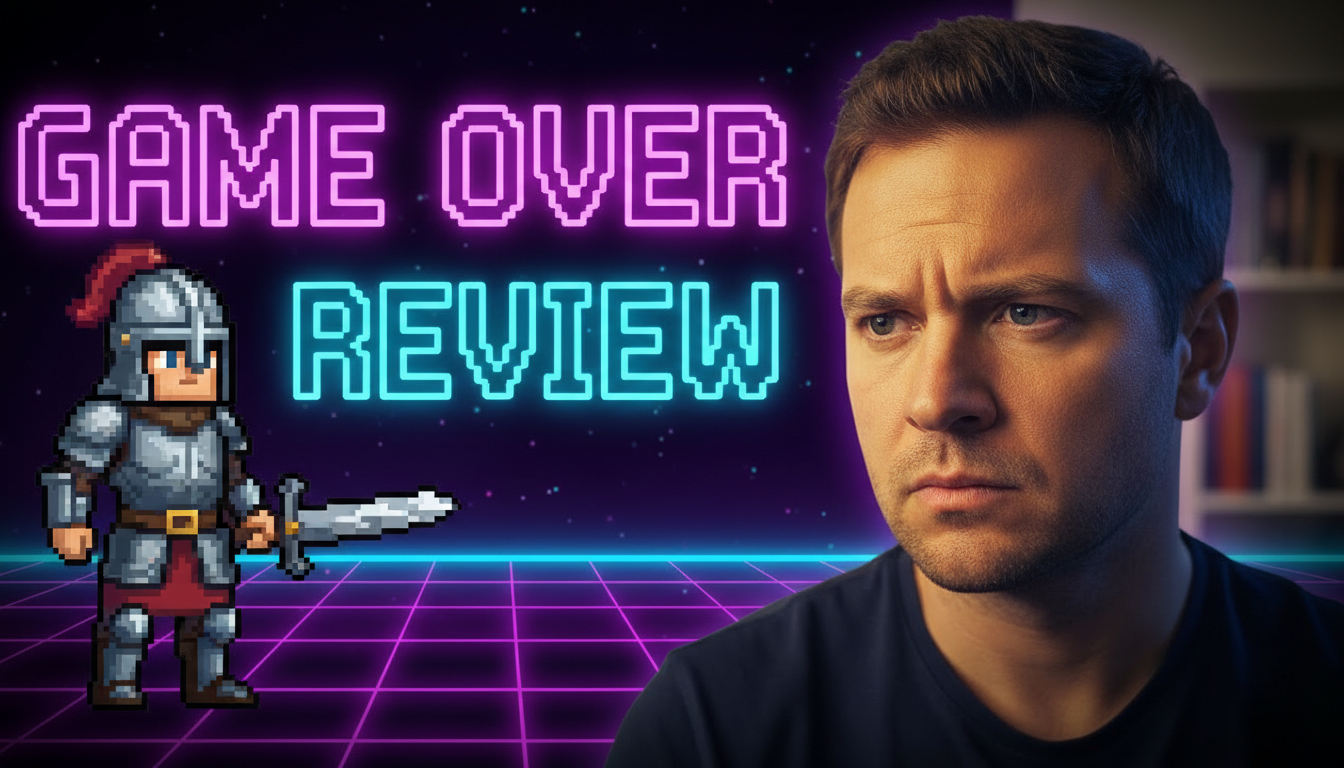
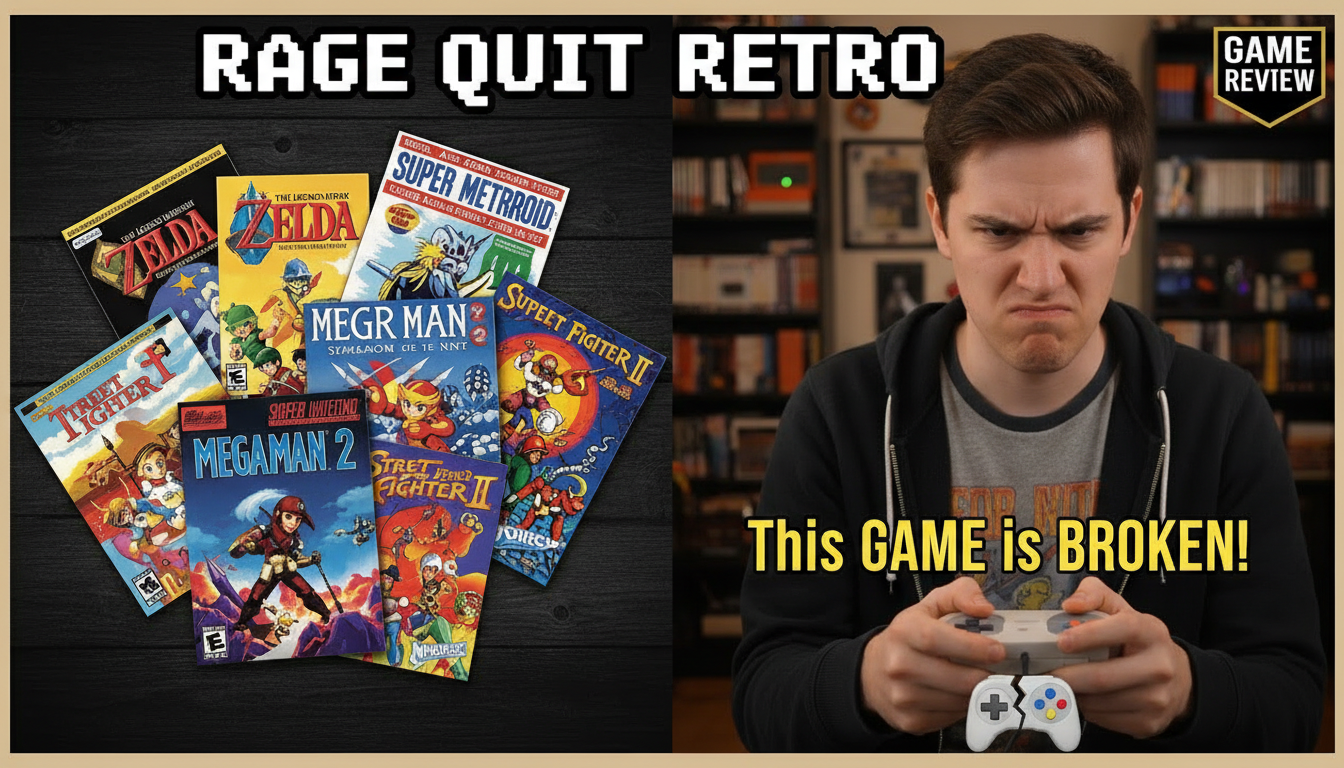
Choose a category built for the kind of content you create.
High-energy thumbnails with action poses, weapon showcases, and intense lighting for FPS content.
Epic fantasy-styled thumbnails with dramatic landscapes, character art, and cinematic compositions.
Bright, colorful thumbnails optimized for casual and competitive mobile game content.
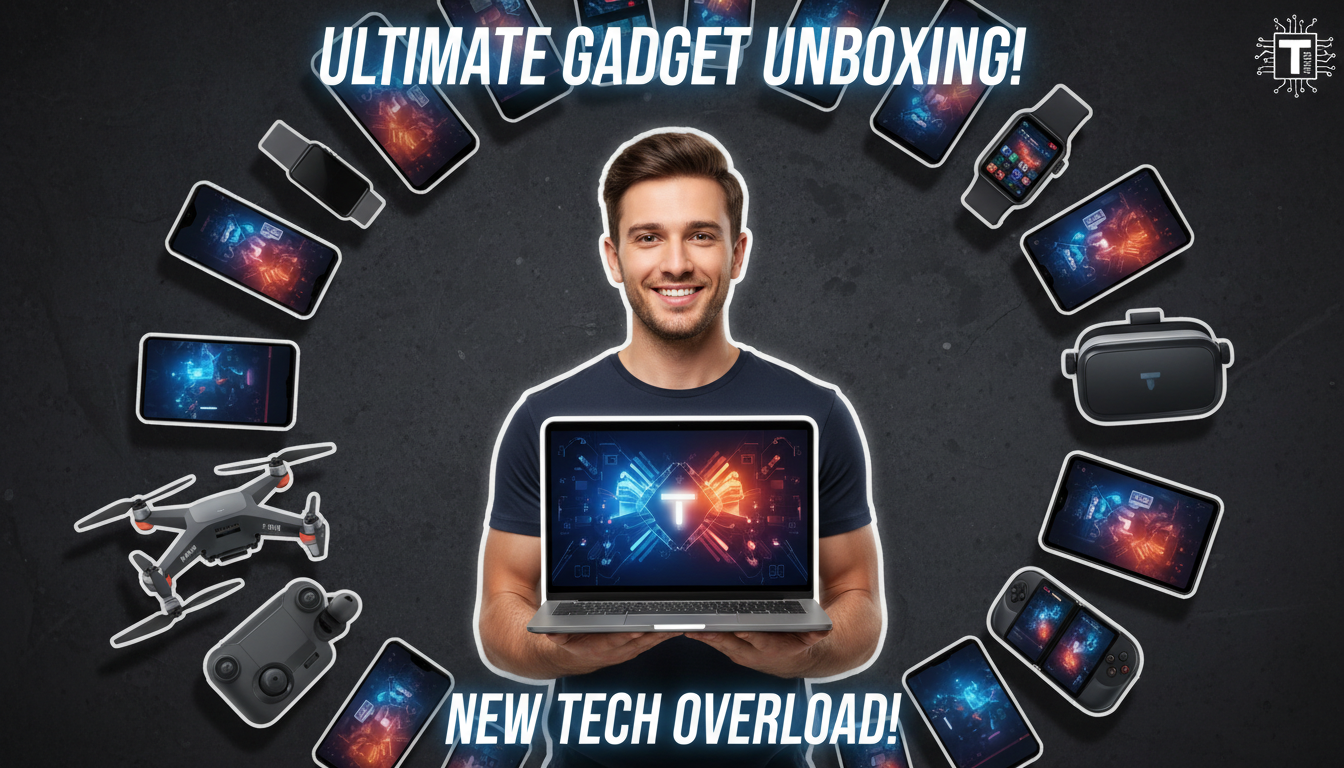
Clean review-style thumbnails with score overlays, comparison layouts, and product showcases.
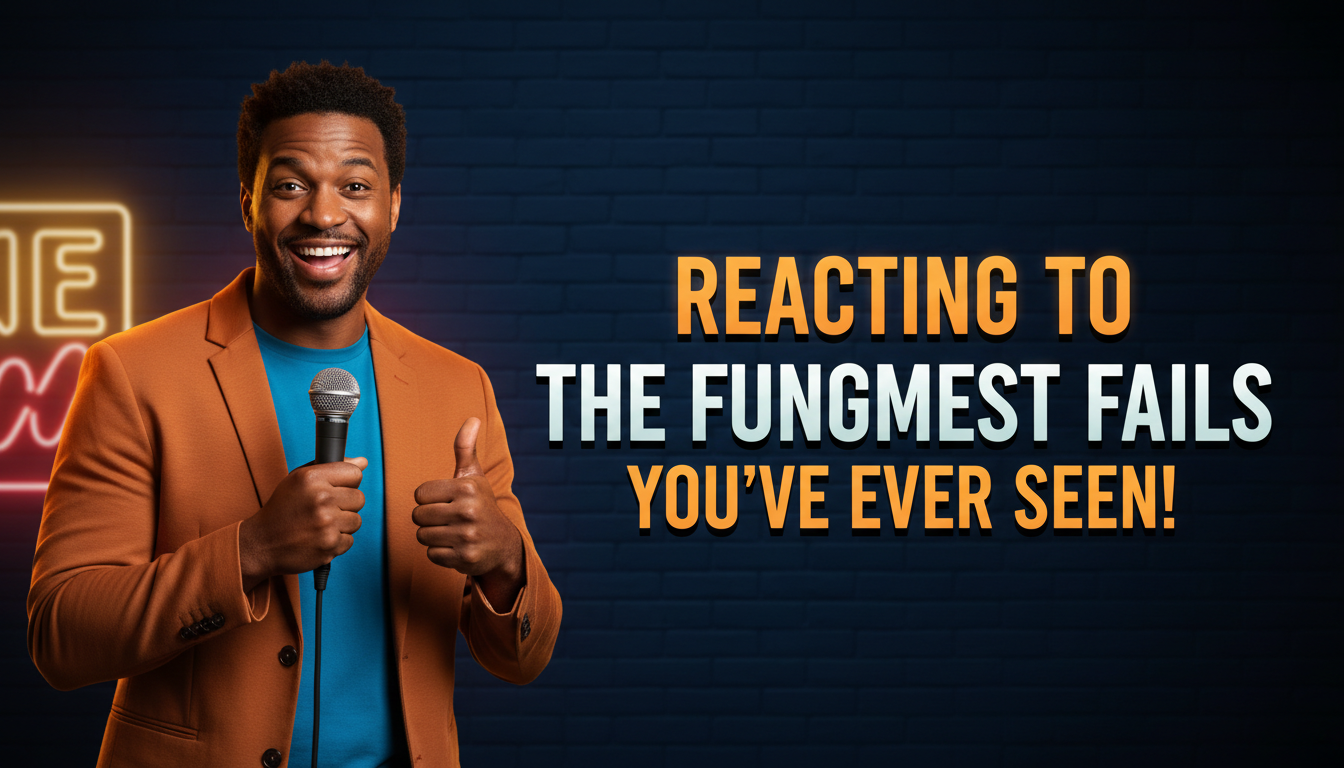
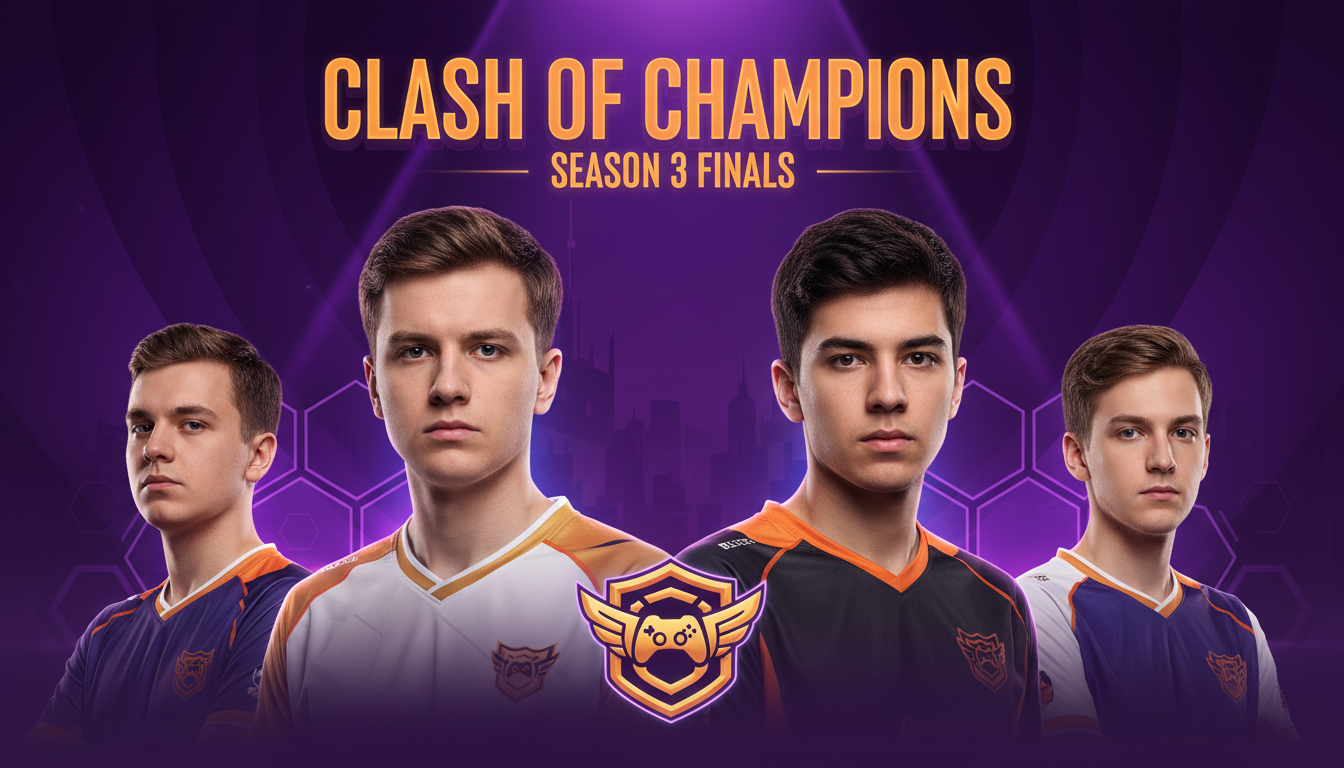
Tournament-grade thumbnails with team colors, player highlights, and dynamic split-screen layouts.
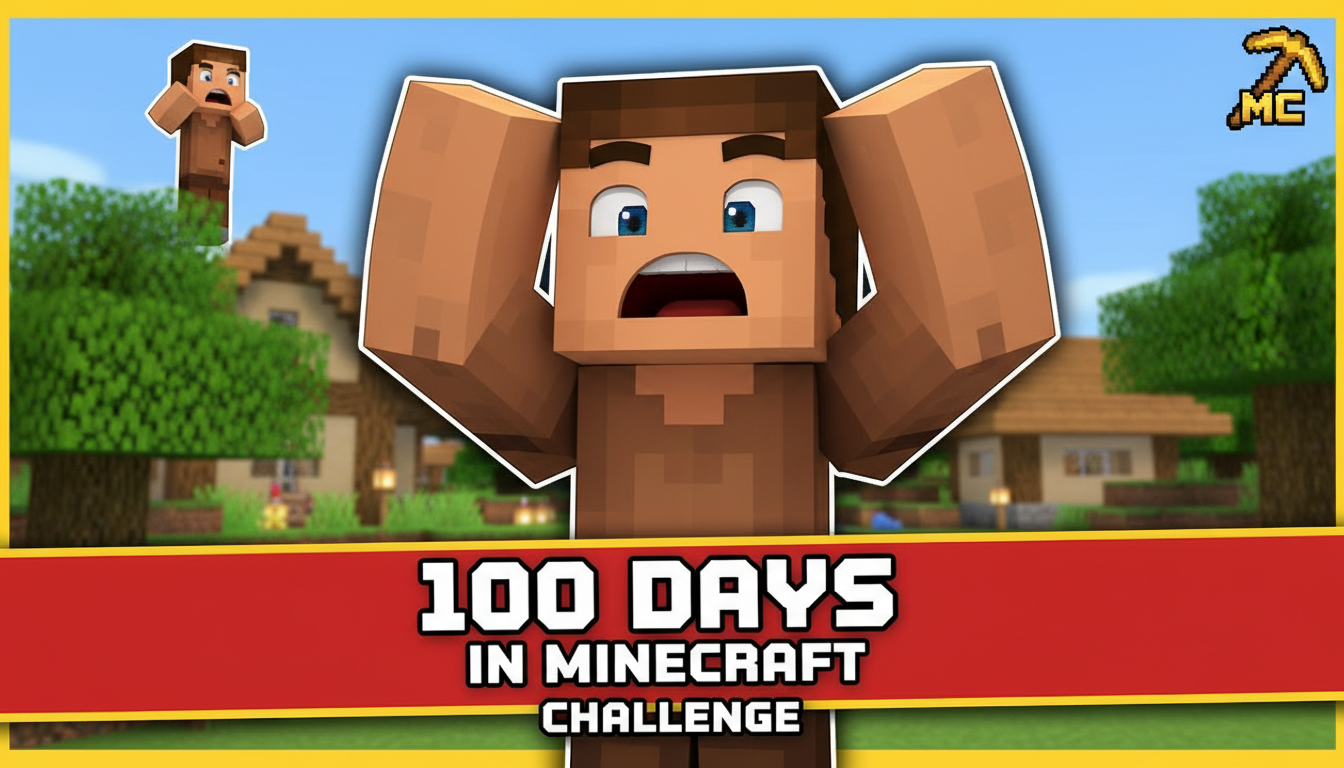
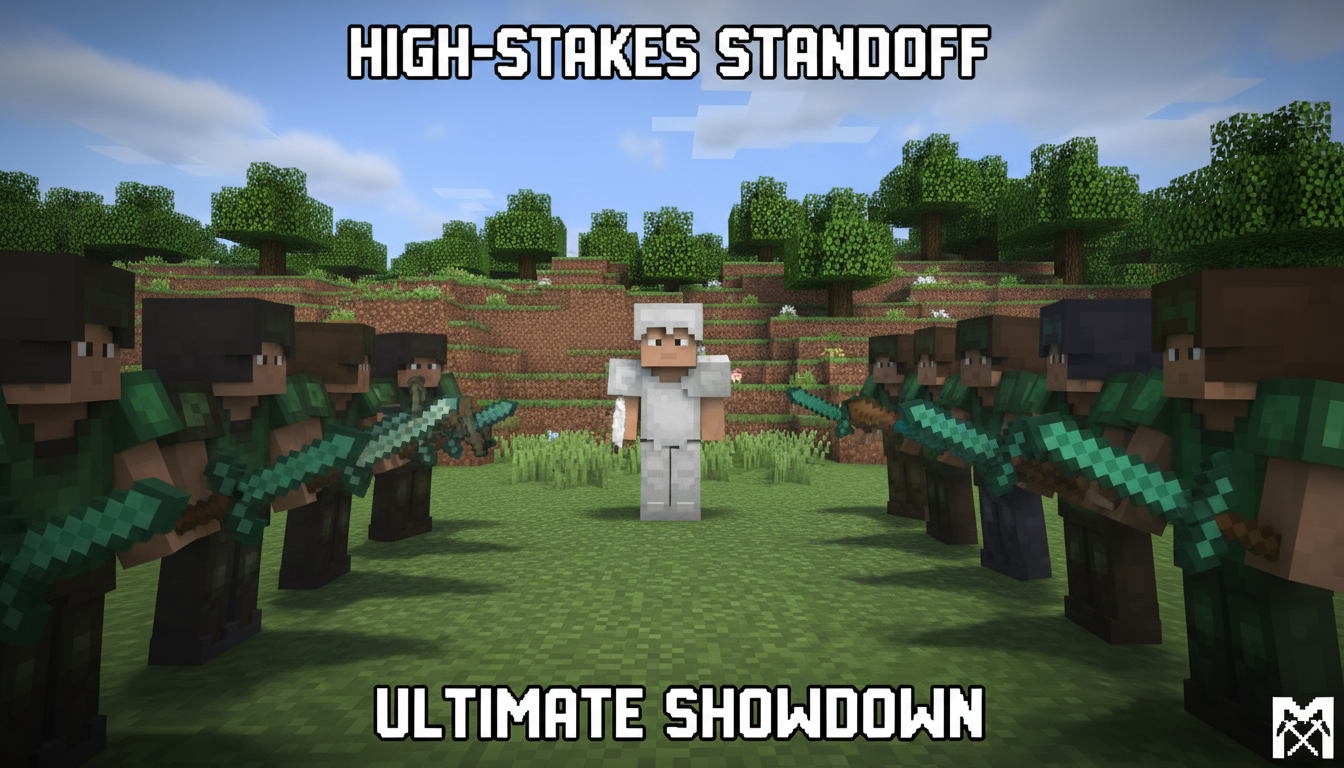
Vibrant block-style thumbnails featuring builds, survival challenges, and creative world showcases.
Gaming thumbnails compete with flashy content. Use neon accents, dark backgrounds with bright focal points, and strong color contrast to grab attention in the feed.
The best gaming thumbnails capture a moment — an epic kill, a shocked reaction, or a dramatic reveal. Frozen action shots outperform static screenshots.
Limit text to 3-5 words max. Use large, bold fonts with outlines or shadows so they're readable at thumbnail size on mobile.
Include iconic weapons, characters, or UI elements that fans instantly recognize. This signals what the video is about before they read the title.
How AI thumbnail generation compares to traditional design tools.
| Feature | Thumix | Canva | Photoshop |
|---|---|---|---|
| AI generation from prompt | Full | Limited | None |
| Gaming-specific templates | 6 sub-niches | Generic | None built-in |
| Time per thumbnail | 3-10 seconds | 10–20 minutes | 30+ minutes |
| Skill required | None | Low | High |
| Commercial rights | Included | Included (Pro) | Your assets only |
Pick a gaming style that fits your content.
Add your topic, text, and optional reference images.
Generate your image and download it in HD.
Find the perfect AI thumbnail style for your content.
The complete guide to YouTube thumbnail dimensions and best practices.
What resolution should your YouTube thumbnails be? Find out here.
Understanding the ideal aspect ratio for YouTube thumbnails.
Keep your key elements visible with the thumbnail safe zone guide.