Survival & Hardcore
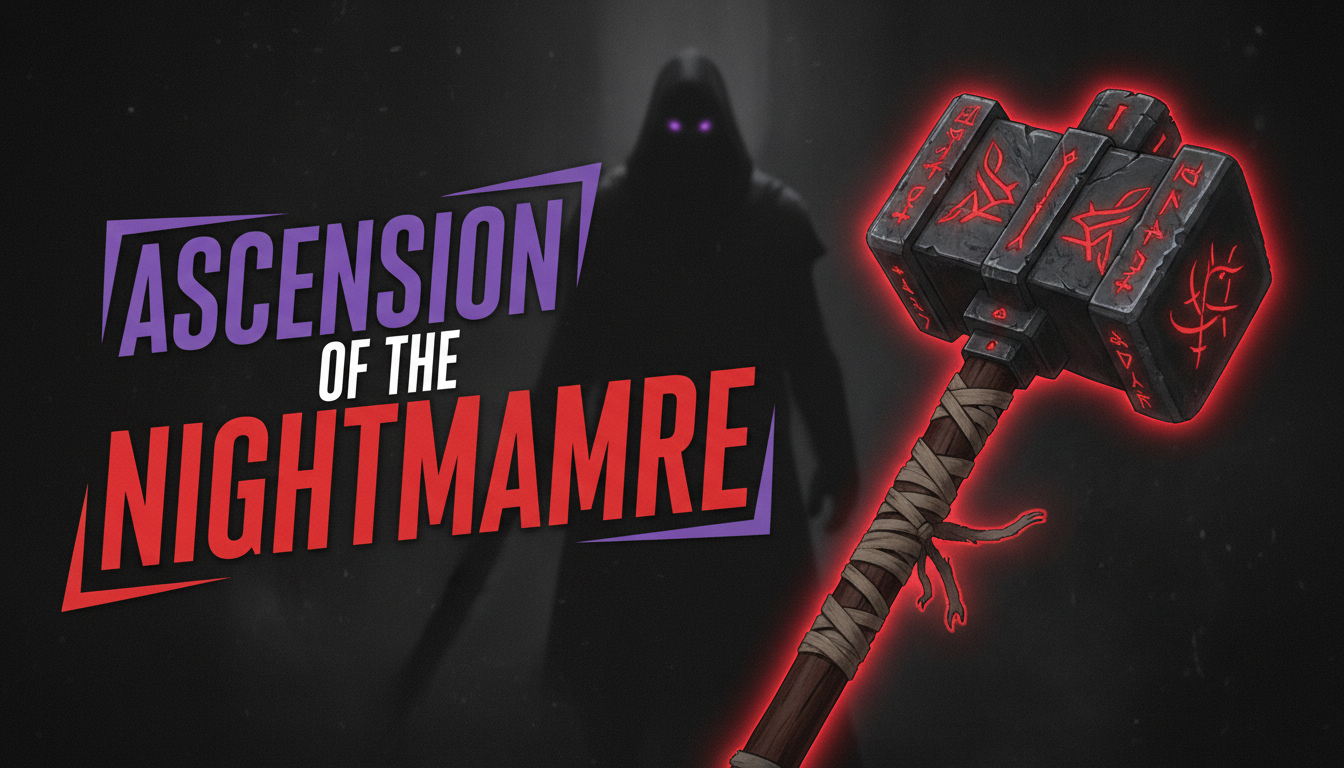
High-stakes thumbnails with dramatic lighting, hearts, and danger framing for survival and hardcore runs.
Professional AI thumbnails for survival, hardcore, 100 days, builds, Bedwars & SMP channels.
AI-generated thumbnails for Minecraft content — created in seconds, not hours.
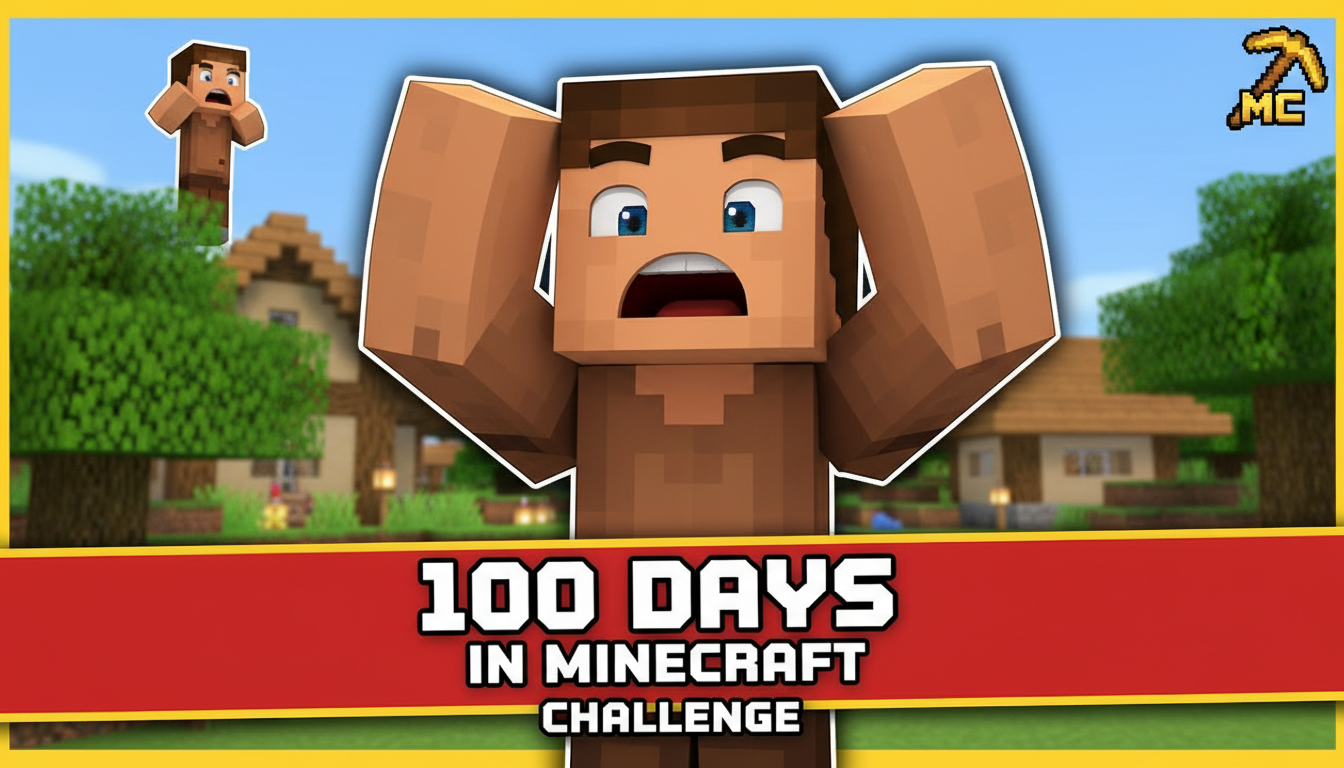
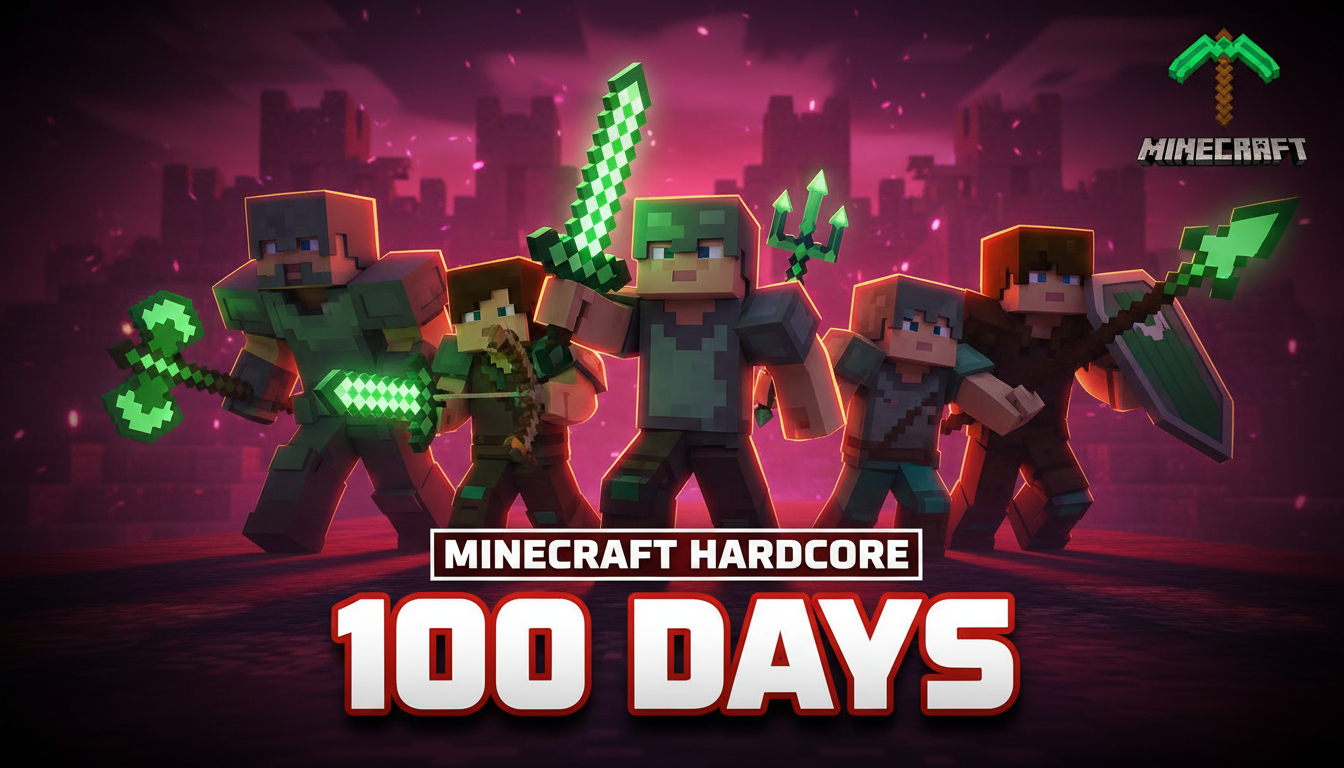
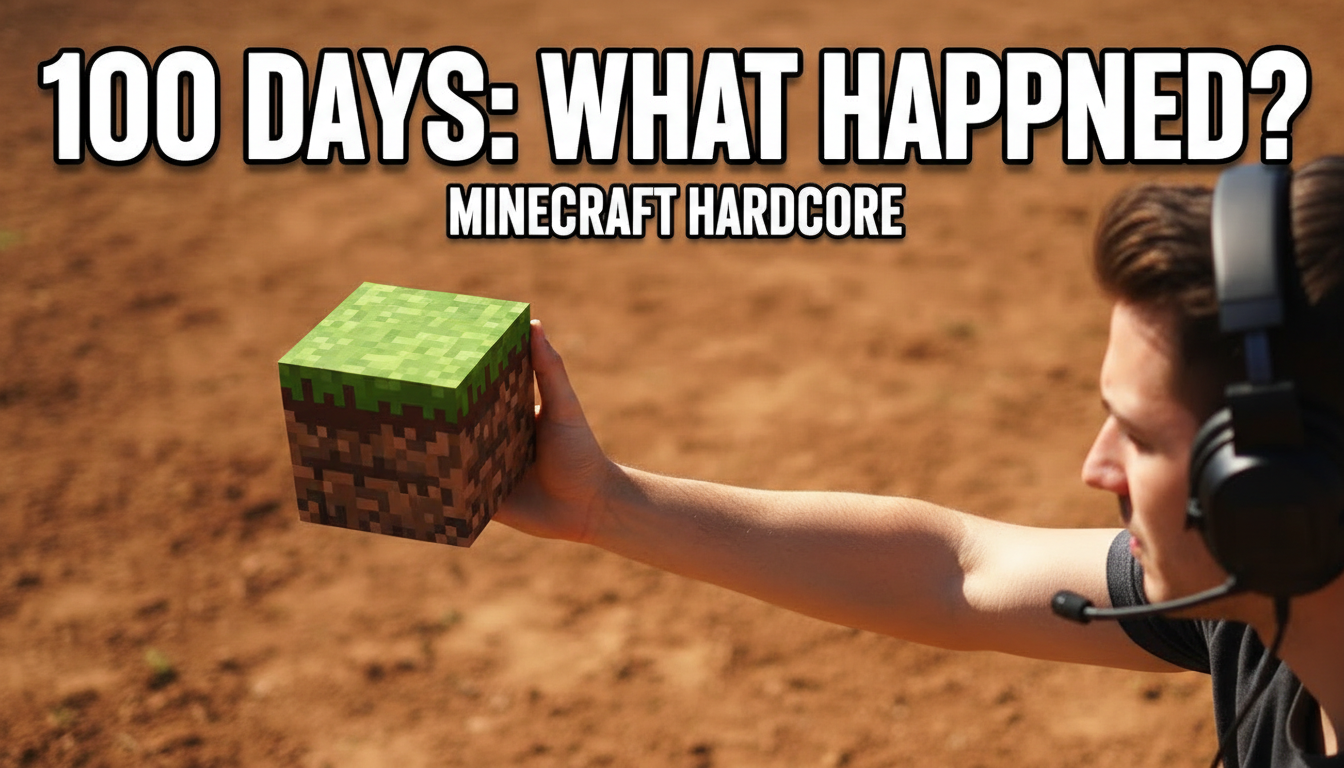
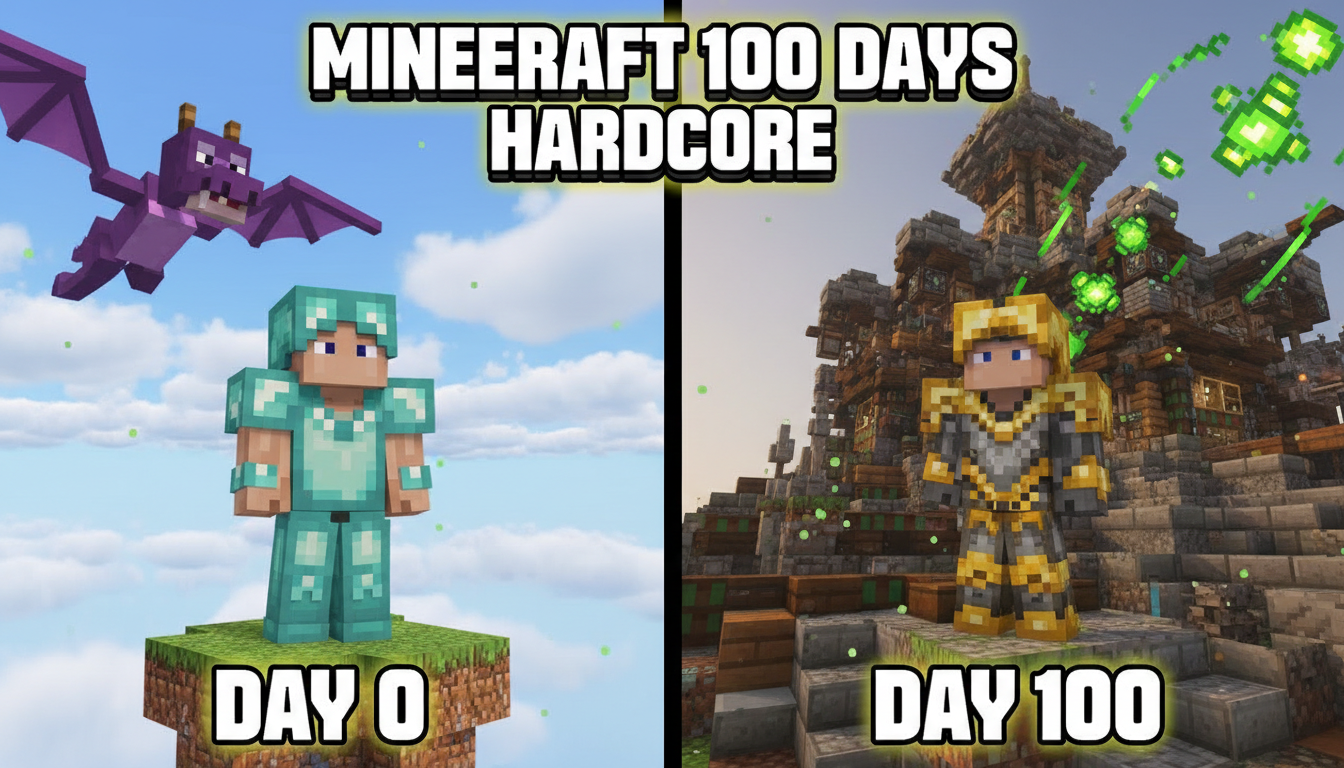
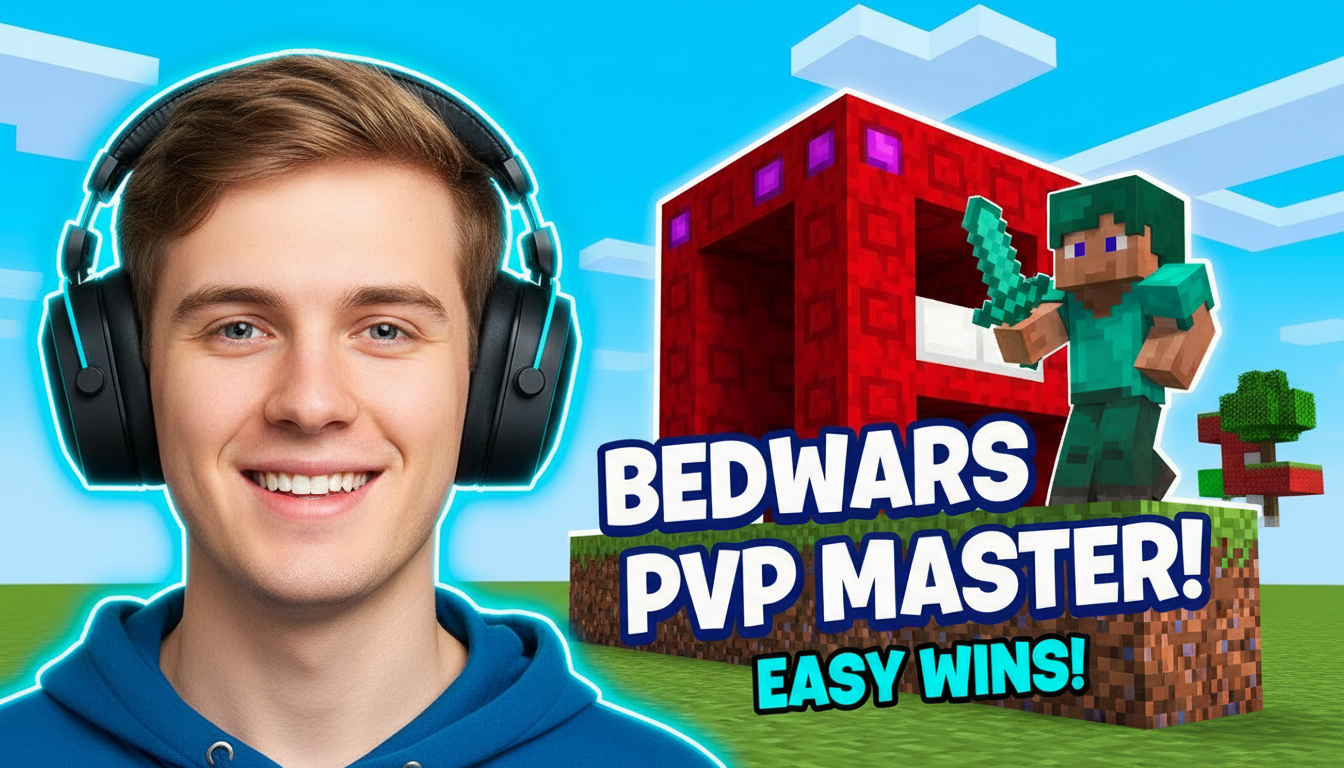
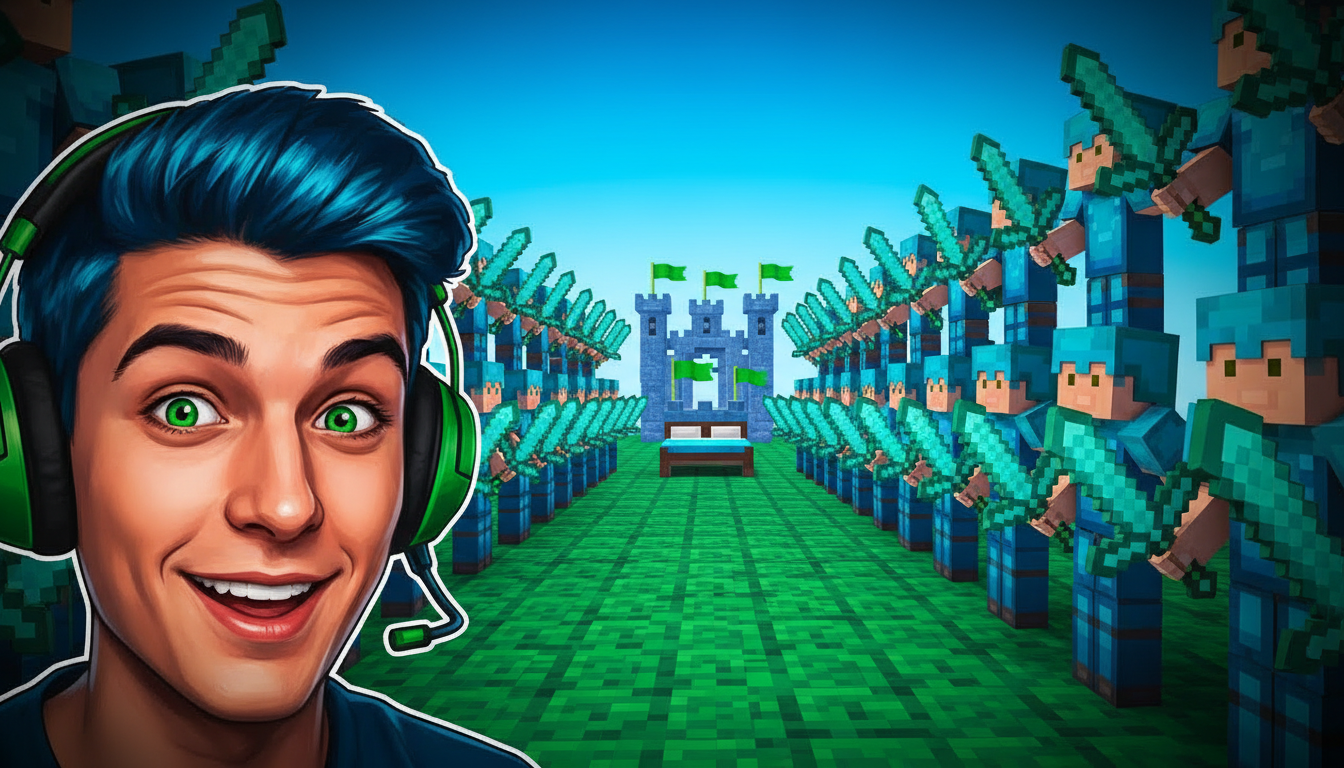
Choose a category built for the kind of content you create.
High-stakes thumbnails with dramatic lighting, hearts, and danger framing for survival and hardcore runs.
Progress-showcase thumbnails with big day counters, before/after worlds, and transformation reveals.
Clean showcase thumbnails highlighting mega builds, redstone contraptions, and step-by-step tutorials.
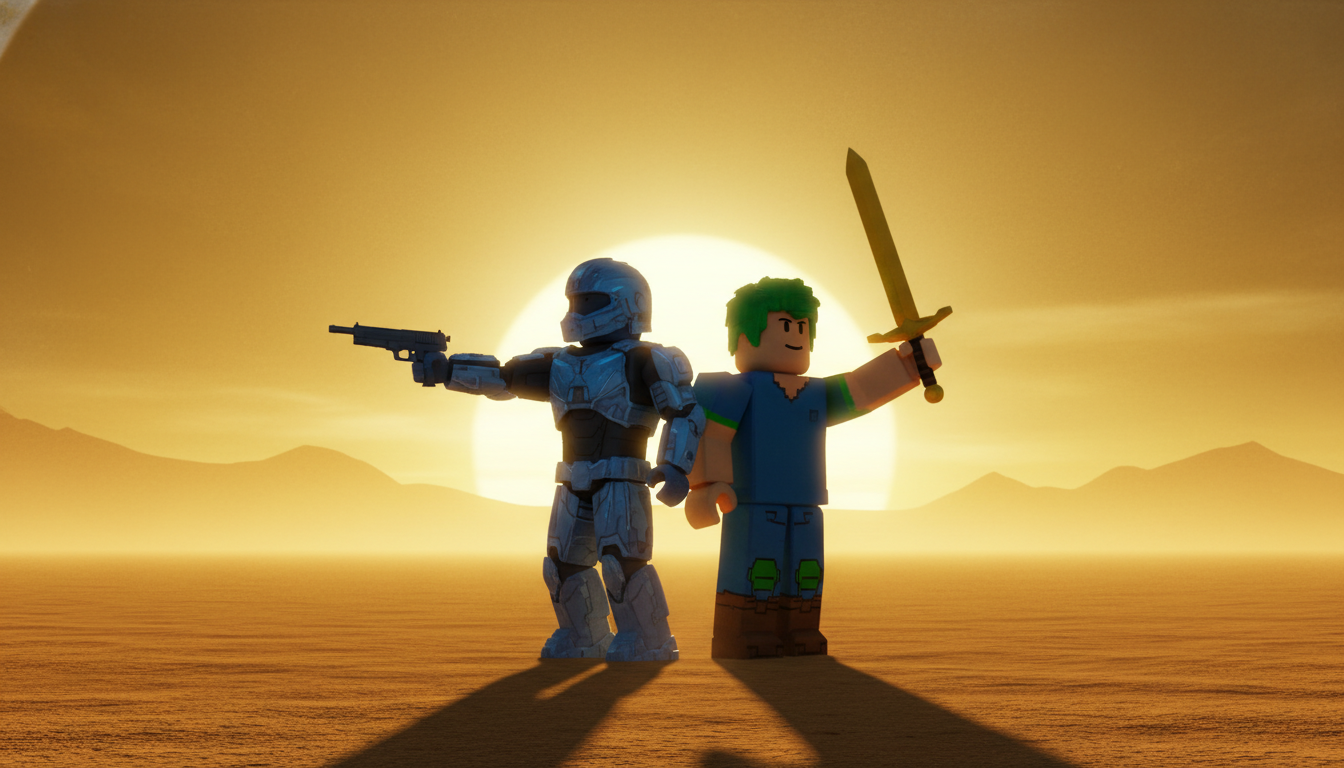
Fast-action combat thumbnails with dynamic poses, particle effects, and rivalry framing.
Cinematic character-driven thumbnails for SMP episodes, lore drops, and server drama.
Curiosity-gap thumbnails for modded chaos, glitch showcases, and timer-overlay speedrun attempts.
Minecraft viewers scan for the block aesthetic. Keep cuboid characters, pixel textures, and in-game lighting so the thumbnail reads as Minecraft at a glance.
The best-performing Minecraft thumbnails show either danger (half a heart, a creeper behind you) or scale (a mega base filling the frame). Pick one and exaggerate it.
"100 DAYS", "1000 HOURS", "$1 vs $1,000,000 base" — numbers frame the challenge instantly and give viewers a reason to click.
Flat daylight screenshots underperform. Golden-hour light, torch glow, or dramatic shadows make the same scene feel cinematic.
How AI Minecraft thumbnail generation compares to traditional design tools.
| Feature | Thumix | Canva | Photoshop |
|---|---|---|---|
| Templates from real Minecraft YouTube | Yes — analyzed from top videos | Generic stock layouts | None built-in |
| Minecraft-specific sub-niches | 6 sub-niches | Generic | None built-in |
| Time per thumbnail | 3-10 seconds | 10–20 minutes | 30+ minutes |
| Skill required | None | Low | High |
| Commercial rights | Included | Included (Pro) | Your assets only |
Pick a minecraft style that fits your content.
Add your topic, text, and optional reference images.
Generate your image and download it in HD.
Find the perfect AI thumbnail style for your content.
The complete guide to YouTube thumbnail dimensions and best practices.
What resolution should your YouTube thumbnails be? Find out here.
Understanding the ideal aspect ratio for YouTube thumbnails.
Keep your key elements visible with the thumbnail safe zone guide.