Recreate any thumbnail style
Upload any thumbnail as a style reference and recreate its exact look — with your own face, product, or photo dropped right in.
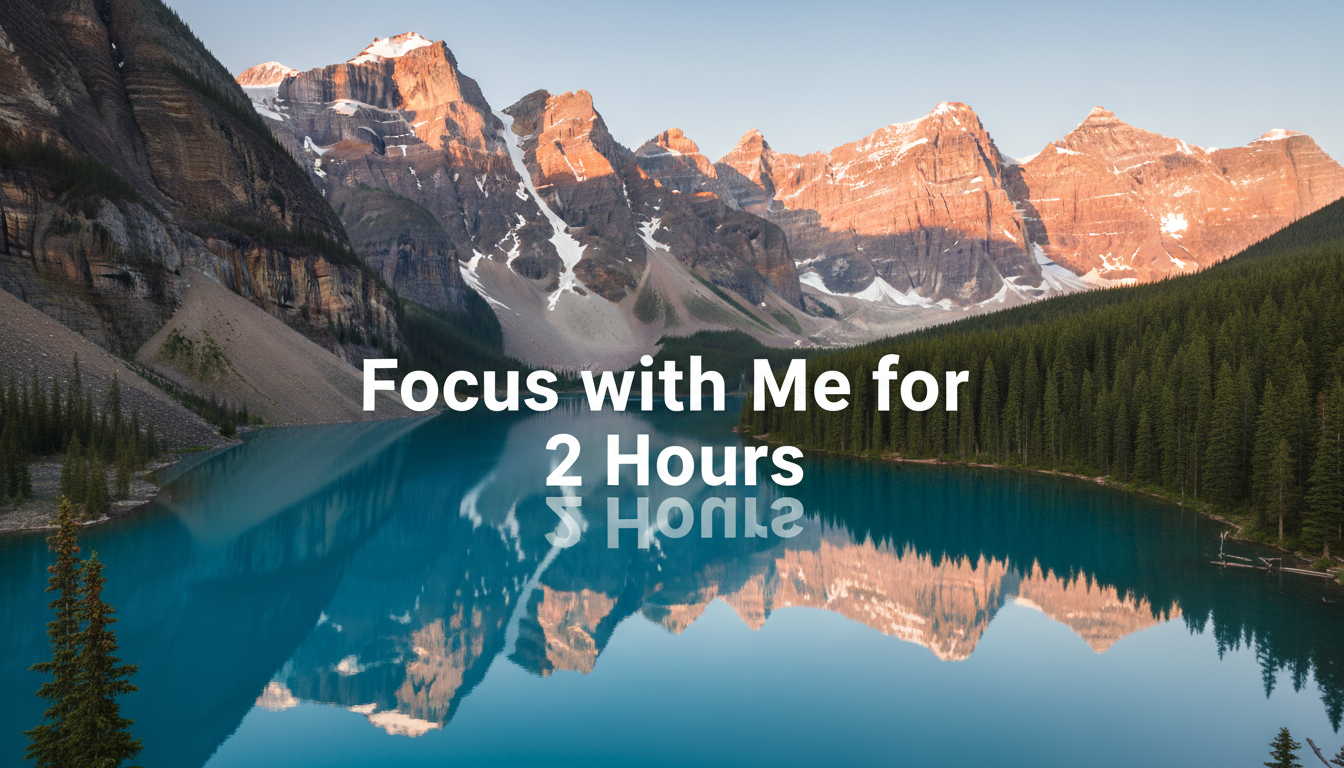

Get the look that earns the click
Copy a winning style, or turn one thumbnail into a whole series. No designer needed.
Make your video look like the ones already winning
See a style crushing it in your niche? Drop in your photo and get that exact look in seconds.
- Fit right in with the top creators in your niche
- Your face and subject stay exactly as they are
- Bold, click-ready results — no designer needed


 Result
Topic: buying every iPhone ever made
Text: I BOUGHT EVERY iPHONE
Style analyzed automatically ✓
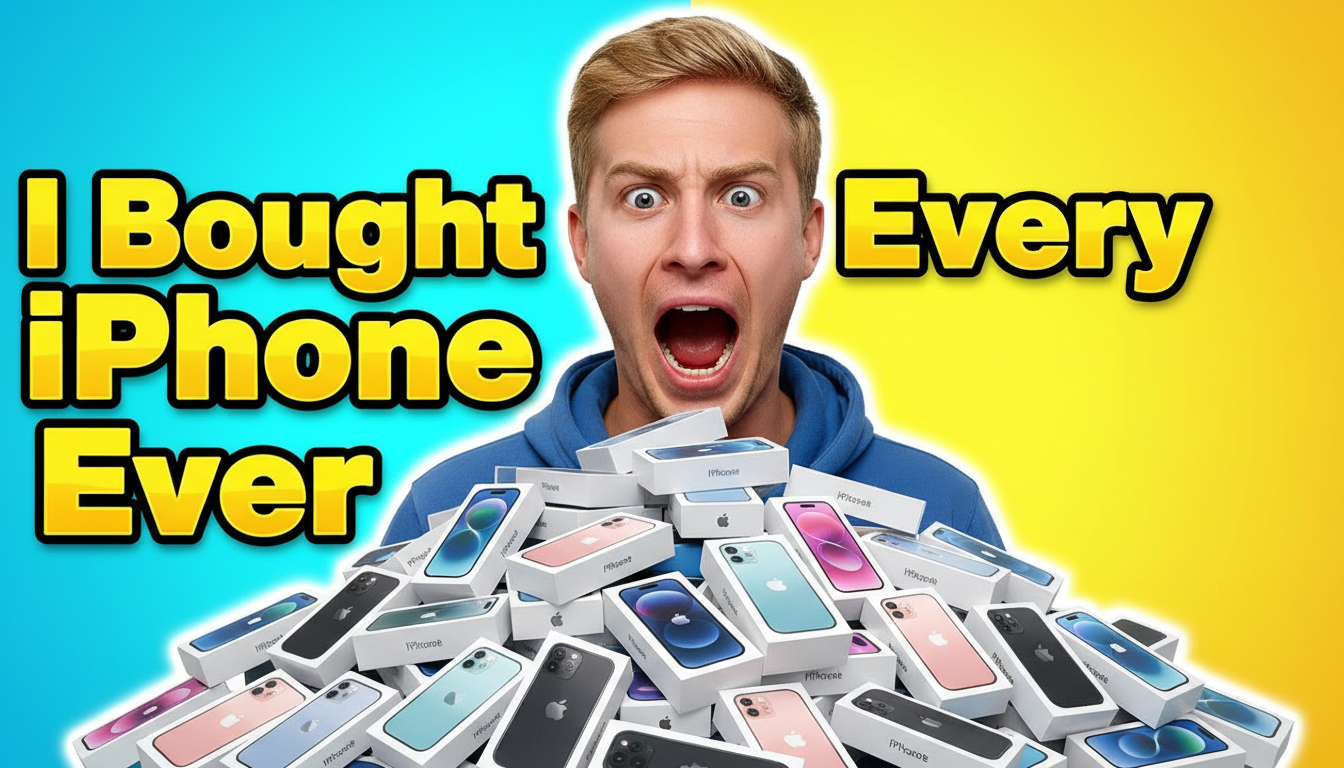 Result
Turn one great thumbnail into a whole series
Love a look? Upload it, add your topic and title, and the AI studies the style and generates new thumbnails like it — no prompt writing.
- A consistent, recognizable look across every video
- Swap in your topic and title, keep the winning style
- Batch up to 4 variations and pick your favorite
Create in any style, instantly
No need to describe complex visual styles in words. Just show the AI what you want, and it extracts the essence for you.
Skip the Prompt Engineering
Just upload — AI analyzes the style and writes the prompt for you.
Star In Your Own Thumbnails
Upload up to 4 context images — your face, product, or logo — and they'll appear in the generated results.
Infinite Variations
Each generation is unique. Batch generate up to 4 images at once.