Phone Reviews
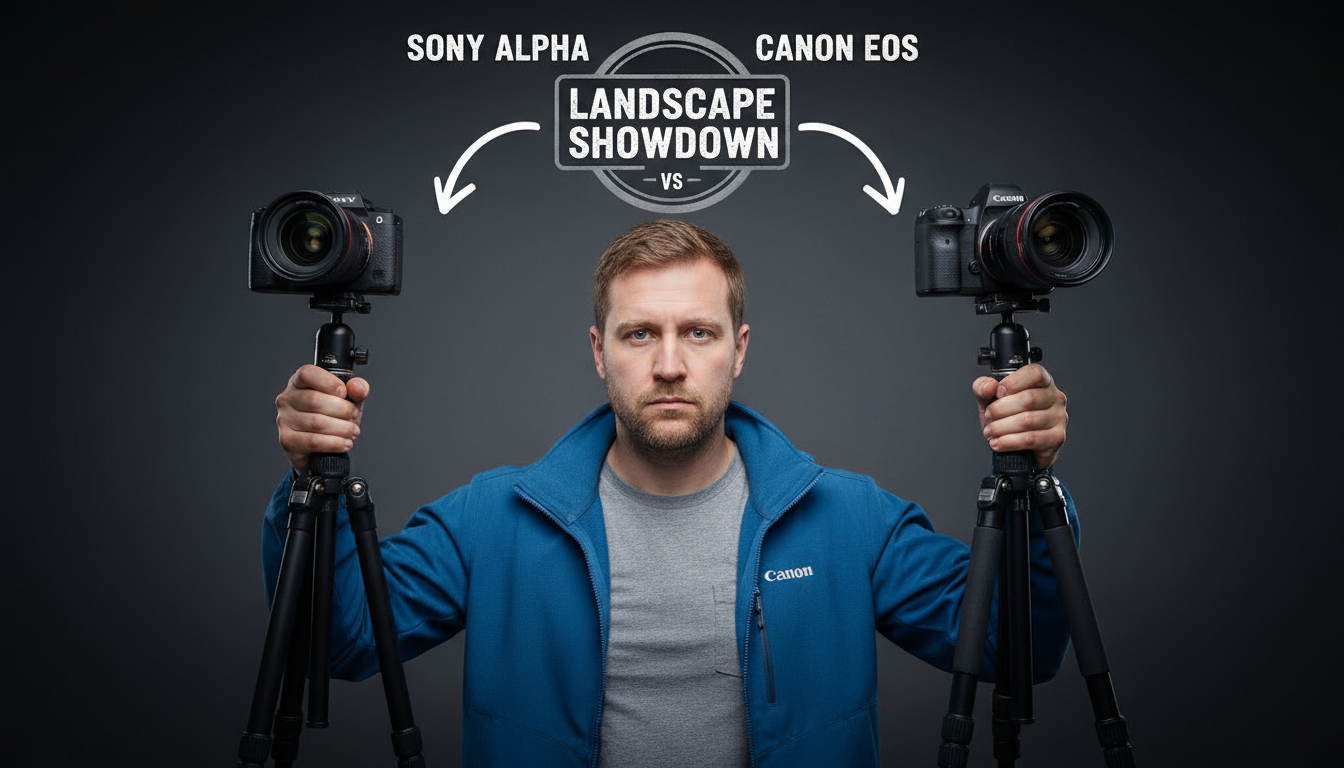
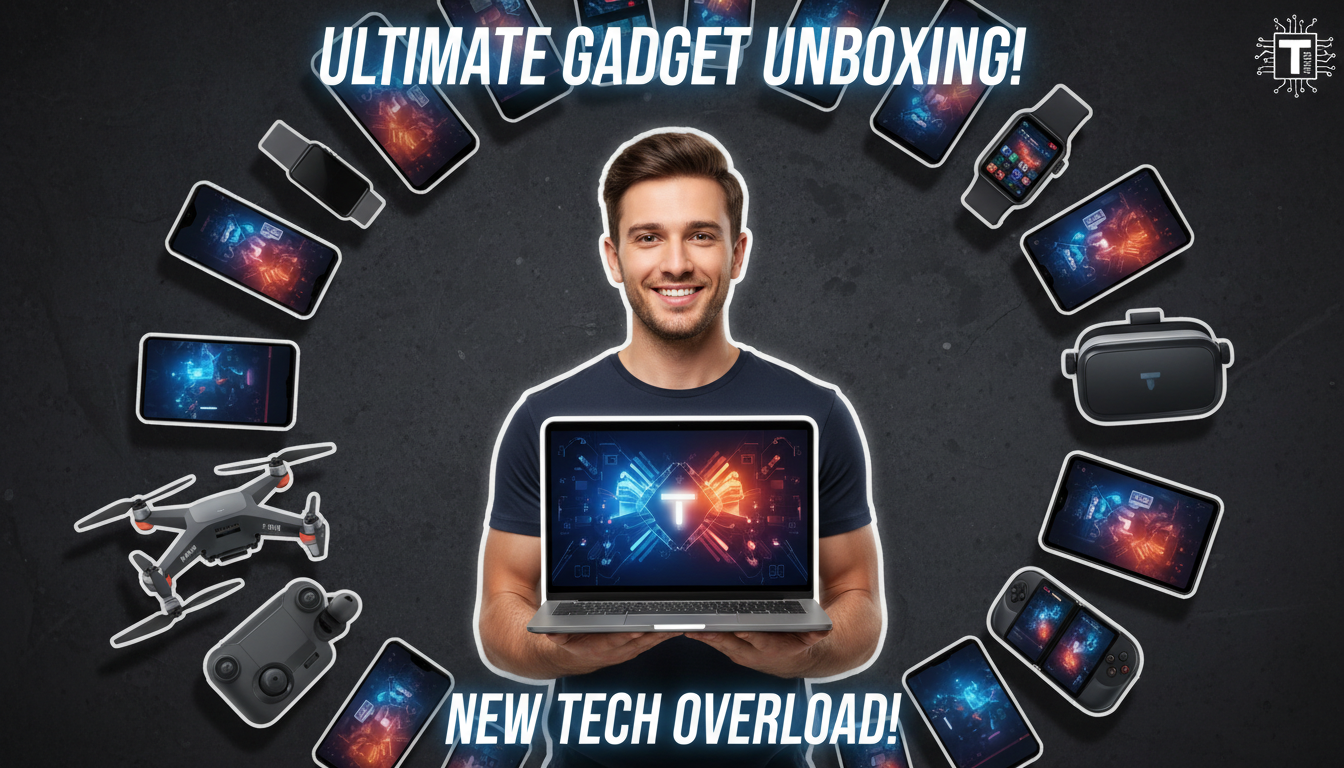
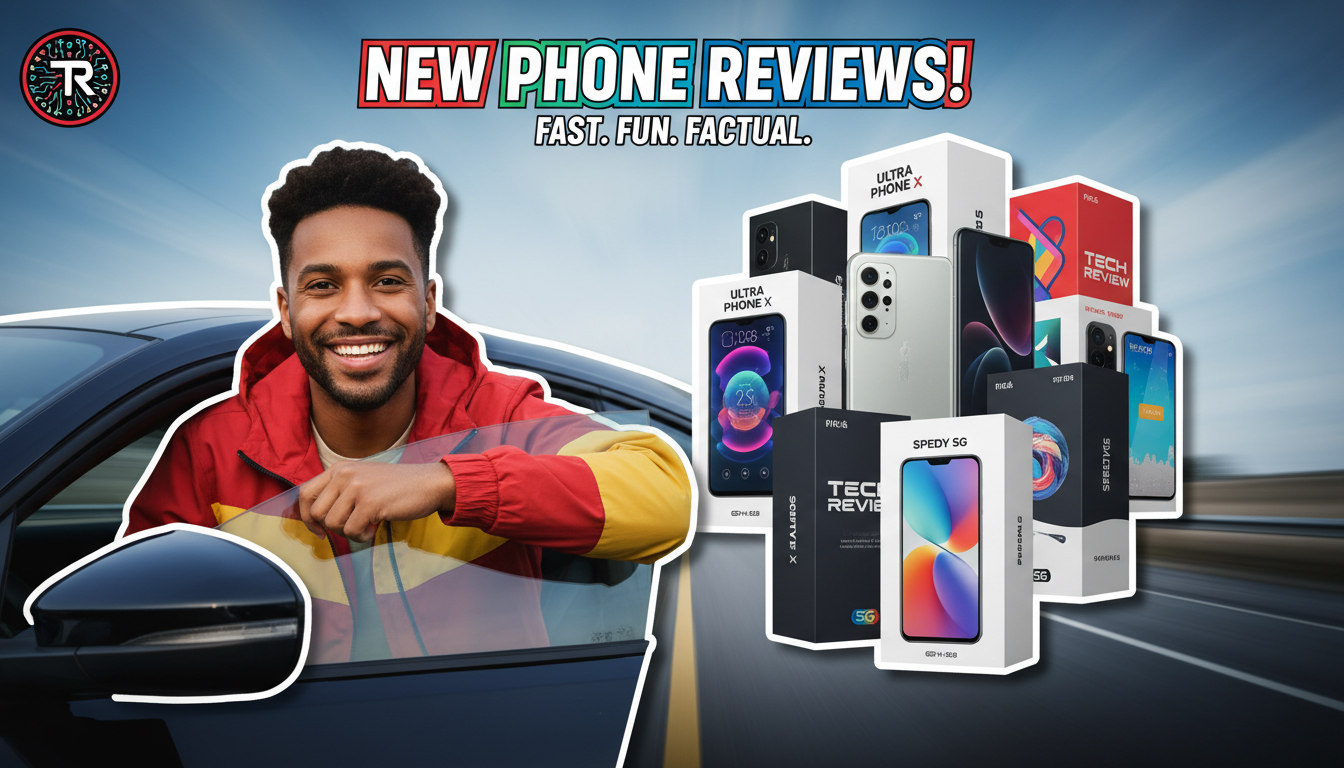
Clean product-focused thumbnails with device mockups, spec highlights, and comparison layouts.
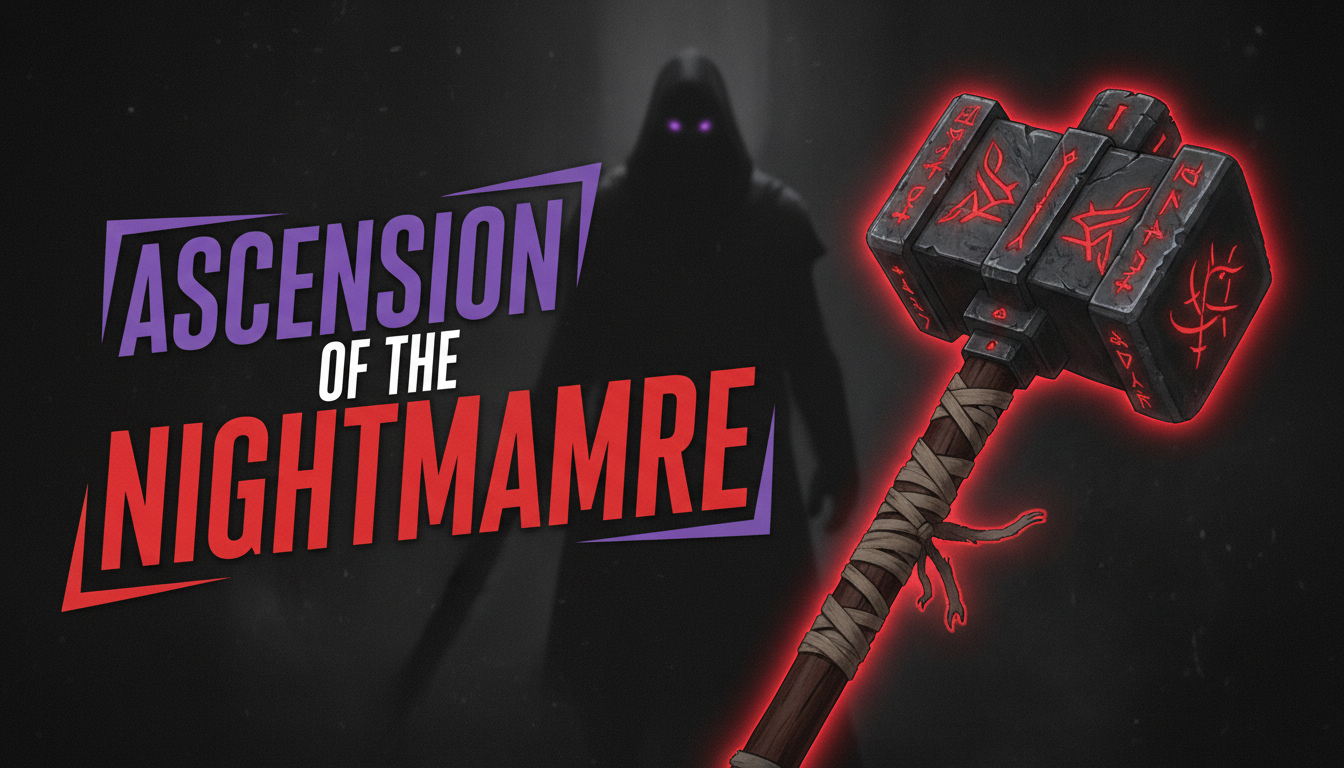
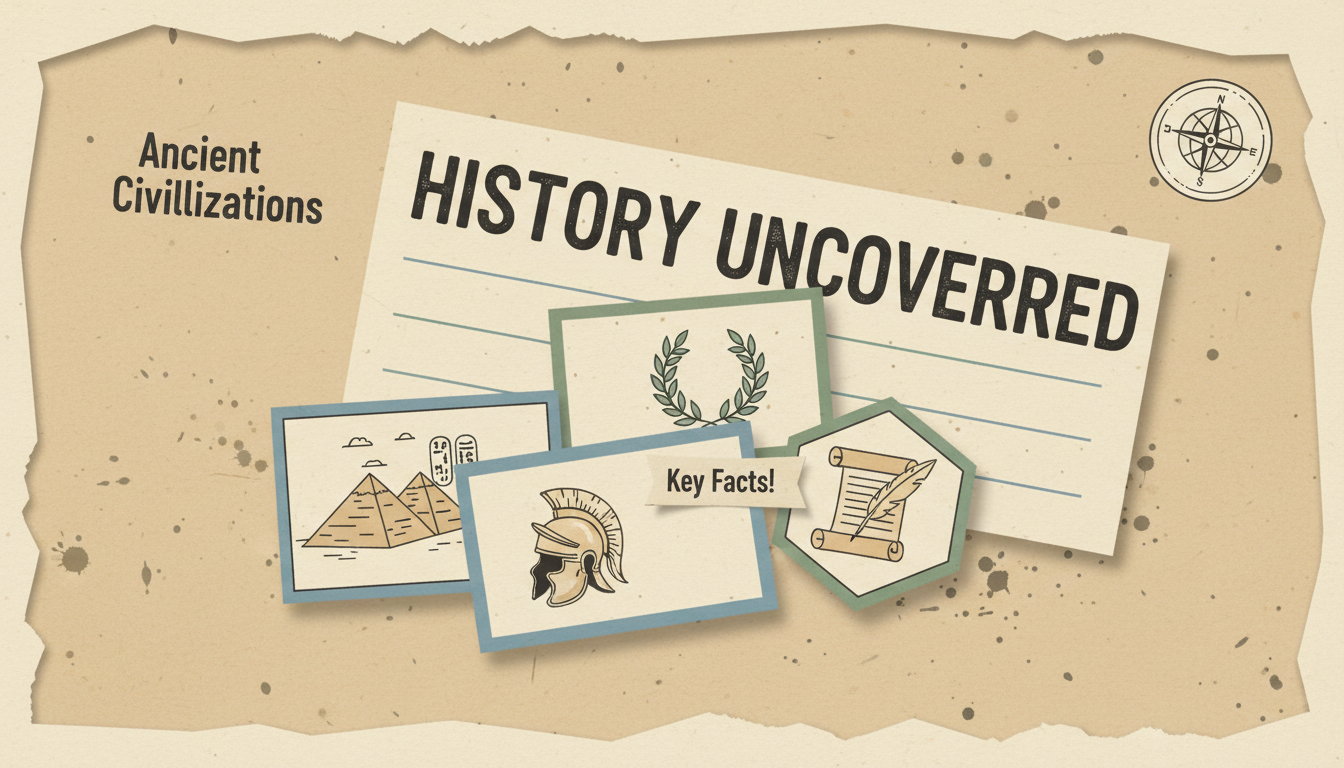
Professional AI thumbnails for product reviews, unboxings, coding & tech YouTube channels.
AI-generated thumbnails for tech content — created in seconds, not hours.


Choose a category built for the kind of content you create.
Clean product-focused thumbnails with device mockups, spec highlights, and comparison layouts.
RGB-lit, high-contrast thumbnails showcasing custom builds, components, and benchmark results.
Screen-capture style thumbnails with UI previews, step indicators, and clear tool branding.
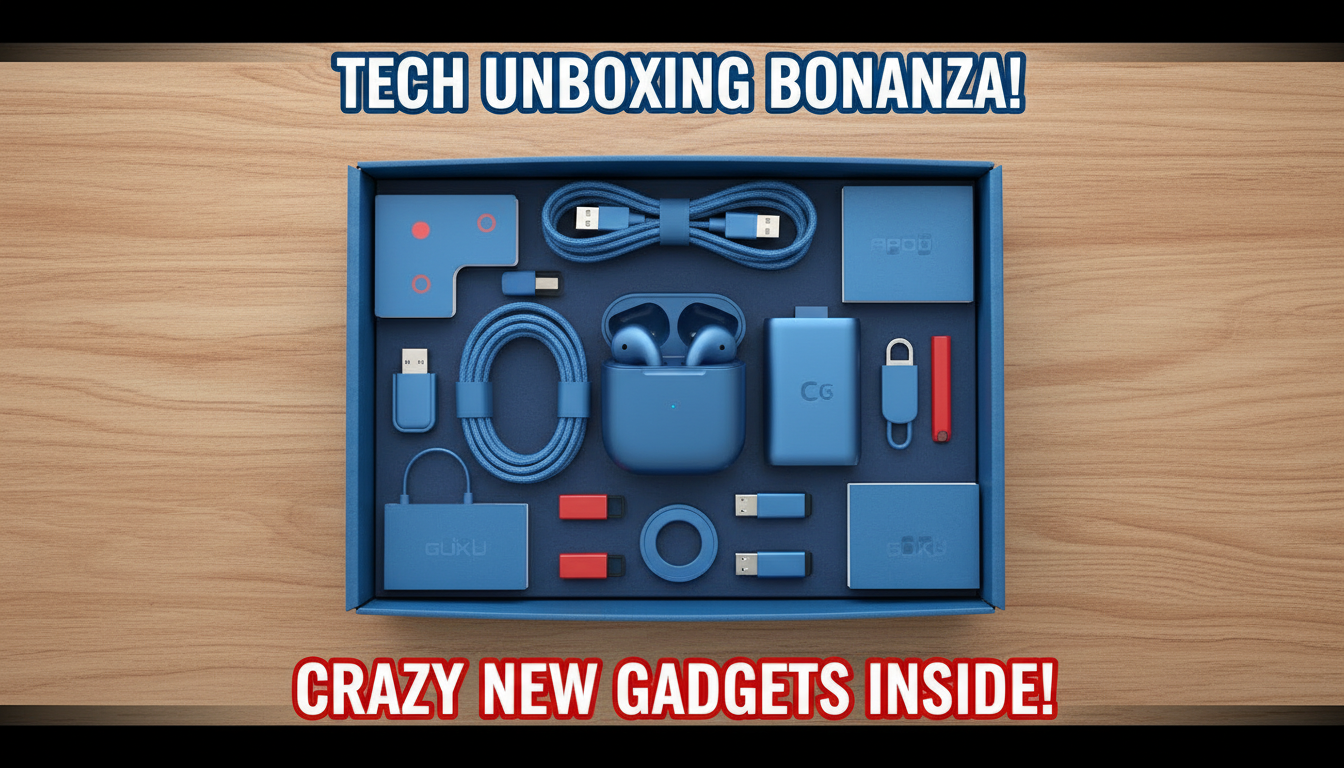
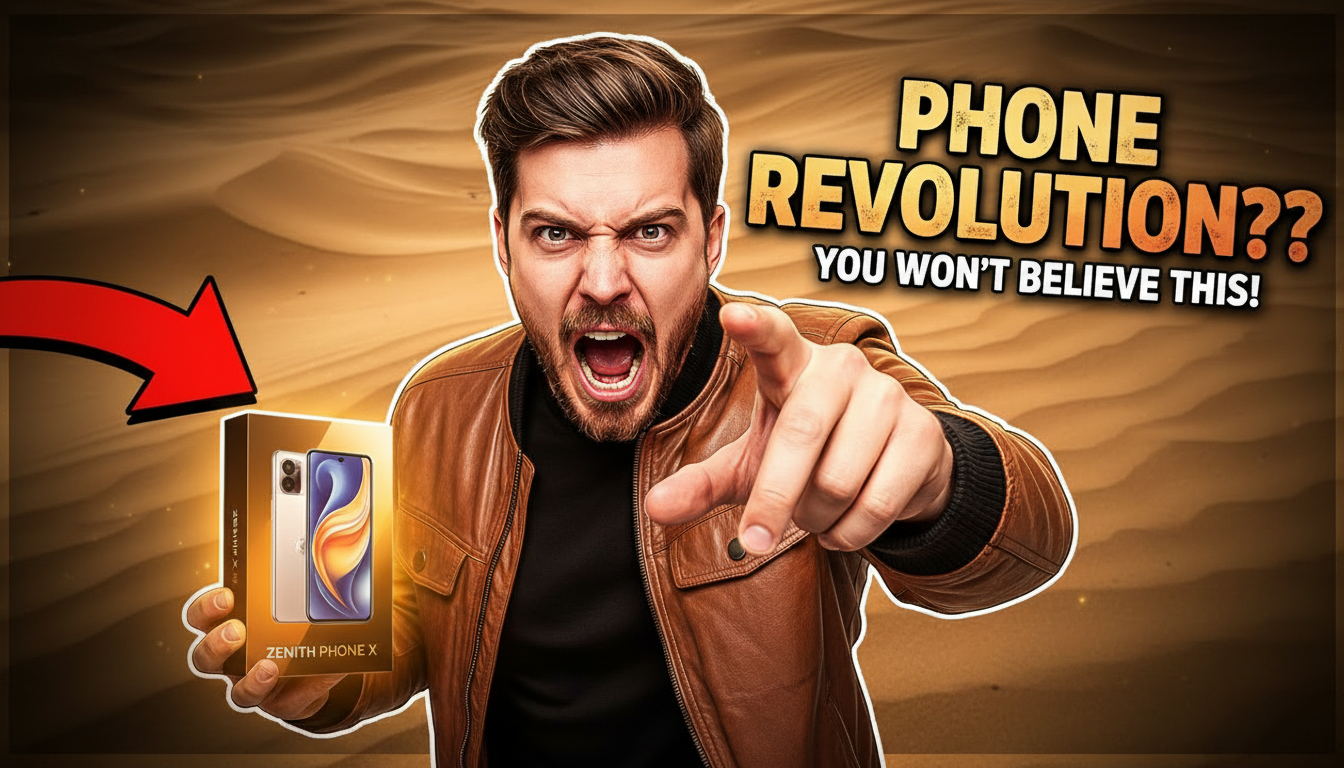
Excitement-driven thumbnails with product reveals, reaction faces, and premium packaging shots.
Breaking-news styled thumbnails with bold headlines, brand logos, and urgency-driven layouts.
The device or gadget should be the focal point. Use clean backgrounds with subtle gradients to make products pop.
Side-by-side or versus layouts work extremely well for reviews. They instantly communicate what the video compares.
Key numbers (price, score, benchmark) as large text overlays give viewers a reason to click for the full story.
Align your thumbnail style with the product's brand colors. Apple thumbnails feel different from gaming PC thumbnails — lean into that.
How AI thumbnail generation compares to traditional design tools.
| Feature | Thumix | Canva | Photoshop |
|---|---|---|---|
| AI generation from prompt | Full | Limited | None |
| Tech-specific templates | 5 sub-niches | Generic | None built-in |
| Time per thumbnail | 3-10 seconds | 10–20 minutes | 30+ minutes |
| Skill required | None | Low | High |
| Commercial rights | Included | Included (Pro) | Your assets only |
Pick a tech style that fits your content.
Add your topic, text, and optional reference images.
Generate your image and download it in HD.
Find the perfect AI thumbnail style for your content.
The complete guide to YouTube thumbnail dimensions and best practices.
What resolution should your YouTube thumbnails be? Find out here.
Understanding the ideal aspect ratio for YouTube thumbnails.
Keep your key elements visible with the thumbnail safe zone guide.