Stock Market
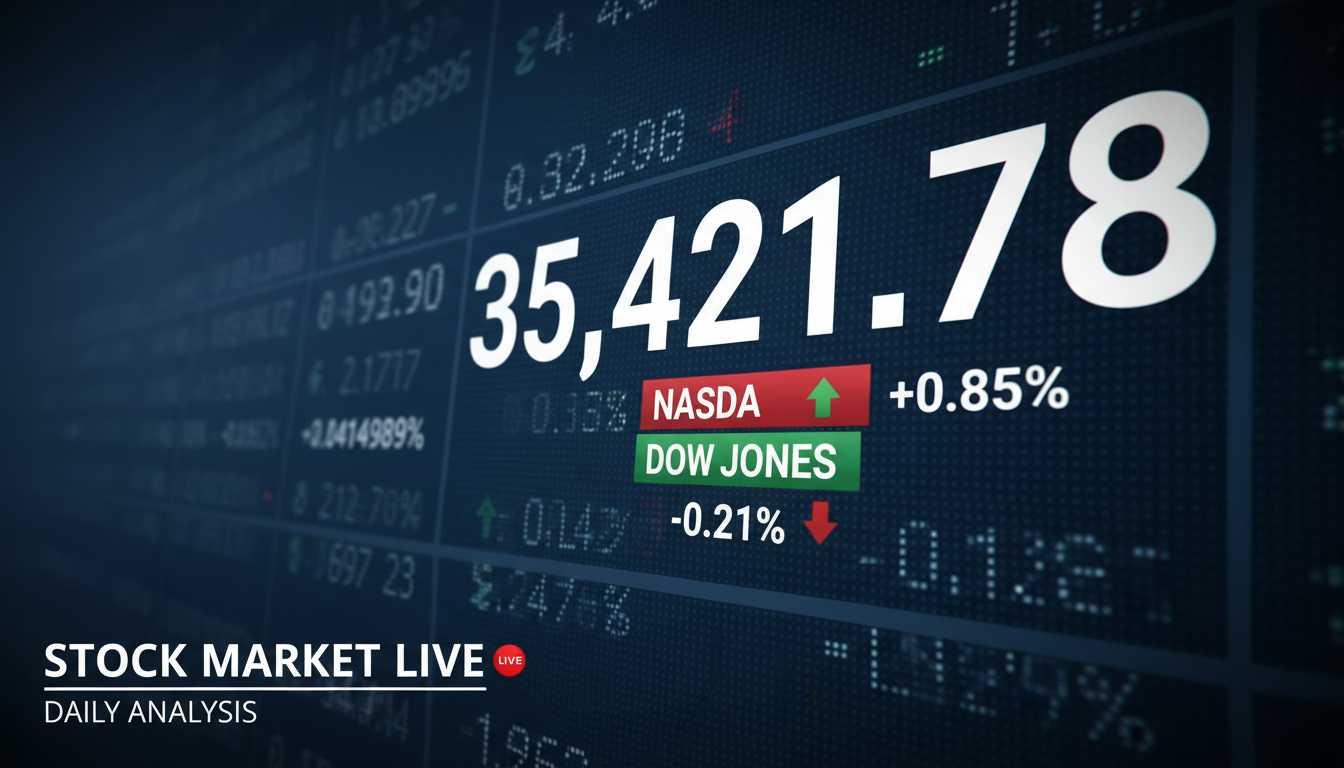
Chart-driven thumbnails with ticker symbols, candlestick patterns, and market trend visuals.
Professional AI thumbnails for investing, personal finance, crypto & money YouTube channels.
AI-generated thumbnails for finance content — created in seconds, not hours.



Choose a category built for the kind of content you create.
Chart-driven thumbnails with ticker symbols, candlestick patterns, and market trend visuals.
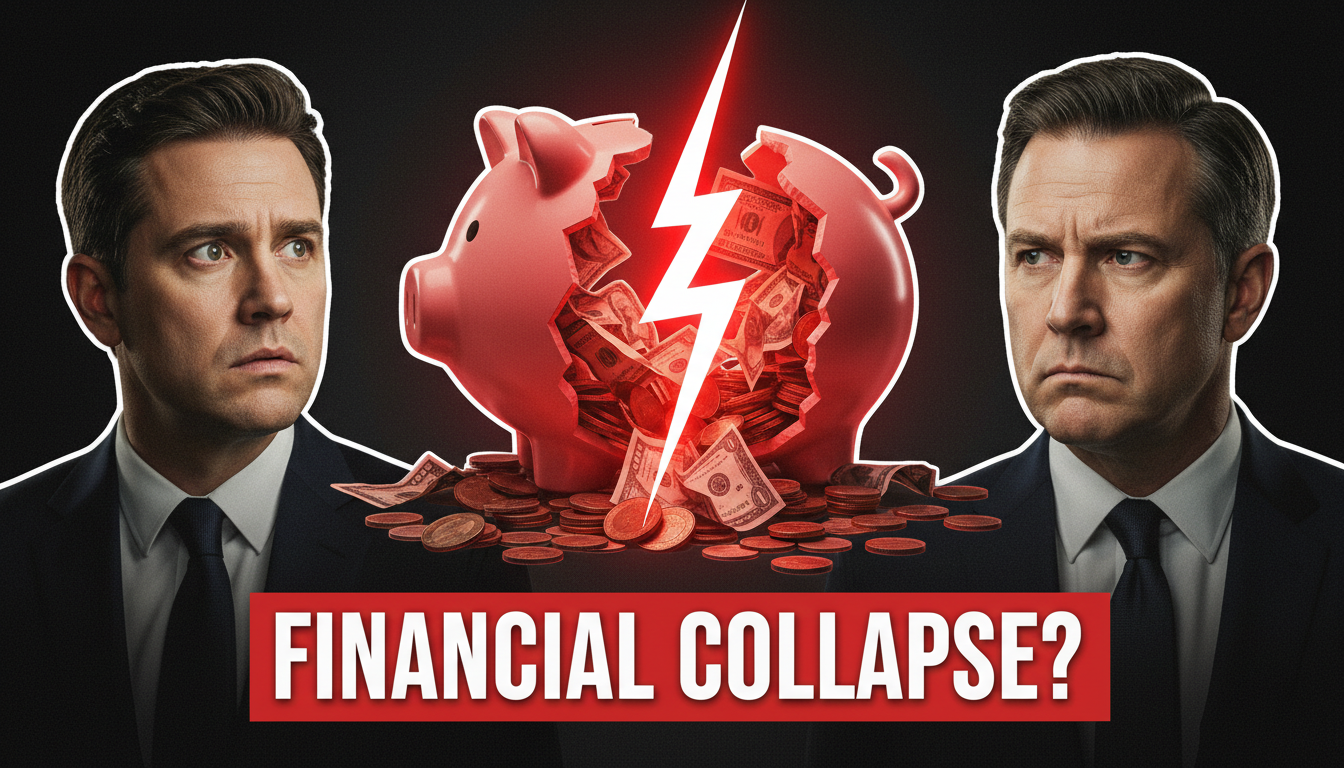
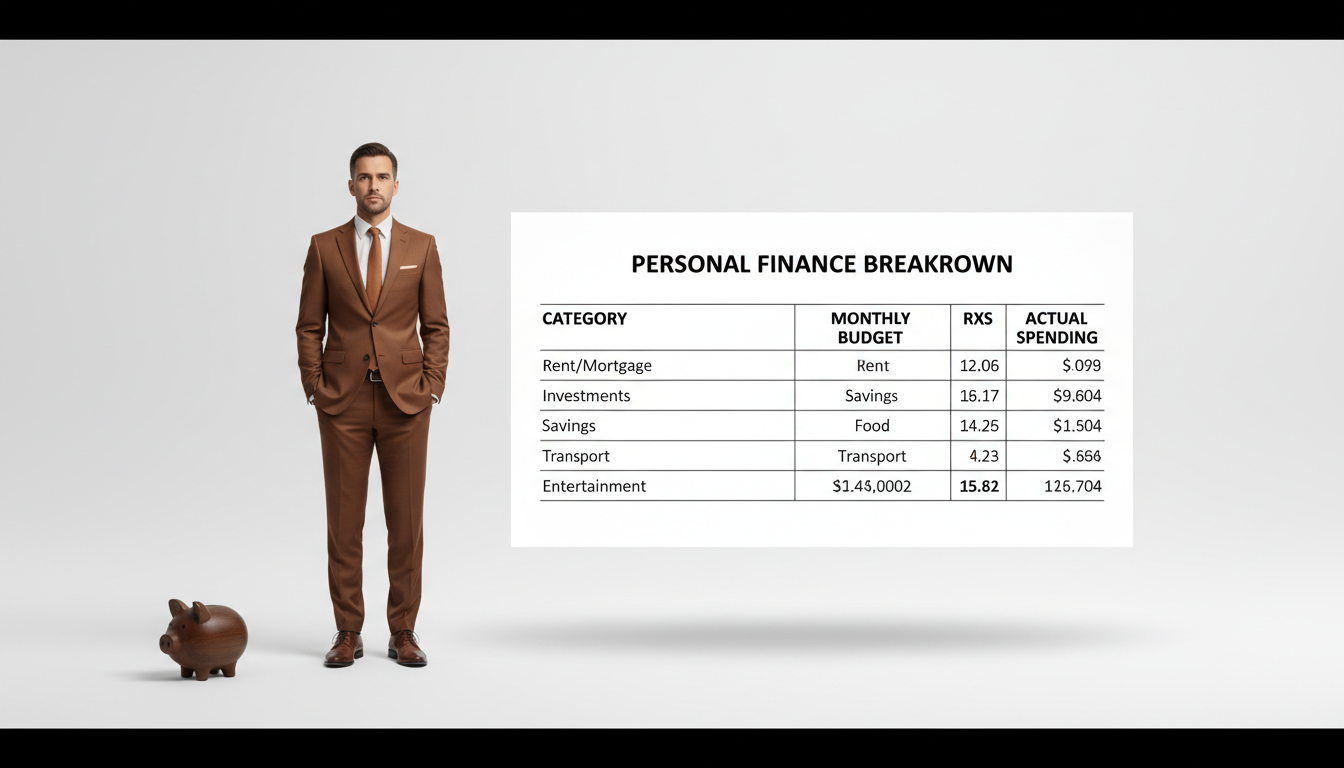
Approachable thumbnails with money imagery, budgeting visuals, and relatable financial scenarios.
Authority-building thumbnails with portfolio graphics, growth charts, and wealth imagery.
Professional thumbnails with document visuals, calculator imagery, and deadline-driven urgency.
Future-focused thumbnails with lifestyle imagery, savings milestones, and age-appropriate visuals.
Dollar amounts, percentages, and returns are powerful hooks. '$10K in 6 Months' as large text instantly communicates value.
Finance audiences value credibility. Clean, professional designs with subtle chart elements build trust at a glance.
Breaking news layouts, red/green arrows, and time-sensitive phrases drive clicks for market updates and financial tips.
Skip excessive money piles and lamborghinis. The most successful finance creators use clean, professional thumbnail styles.
How AI thumbnail generation compares to traditional design tools.
| Feature | Thumix | Canva | Photoshop |
|---|---|---|---|
| AI generation from prompt | Full | Limited | None |
| Finance-specific templates | 5 sub-niches | Generic | None built-in |
| Time per thumbnail | 3-10 seconds | 10–20 minutes | 30+ minutes |
| Skill required | None | Low | High |
| Commercial rights | Included | Included (Pro) | Your assets only |
Pick a finance style that fits your content.
Add your topic, text, and optional reference images.
Generate your image and download it in HD.
Find the perfect AI thumbnail style for your content.
The complete guide to YouTube thumbnail dimensions and best practices.
What resolution should your YouTube thumbnails be? Find out here.
Understanding the ideal aspect ratio for YouTube thumbnails.
Keep your key elements visible with the thumbnail safe zone guide.