Blog
Latest news, updates and tutorials from Thumix
YouTube Shorts Thumbnail Safe Zone: Free Template (2026)
Where Shorts UI covers your thumbnail — the title overlay, action rail, and top crop — with a free 1080×1920 overlay template and exact pixel guidelines.
YouTube Thumbnail Fonts: What MrBeast & Top Creators Use
The fonts MrBeast, MKBHD, Veritasium, Ali Abdaal, and Ryan Trahan use in thumbnails — with free lookalikes, and the 7 best free fonts for any channel.
How to Restore Old Photos with AI (Free, Online)
Scan, upload, restore: fix scratches, tears, fading, and blur, and colorize black-and-white photos with AI — the full workflow, plus what AI can't fix.
How to Combine Two Photos Into One (Free + AI Methods)
Two ways to combine two photos into one: a free browser combiner for side-by-side and grid layouts, and an AI tool that blends them into a single scene. Step by step.
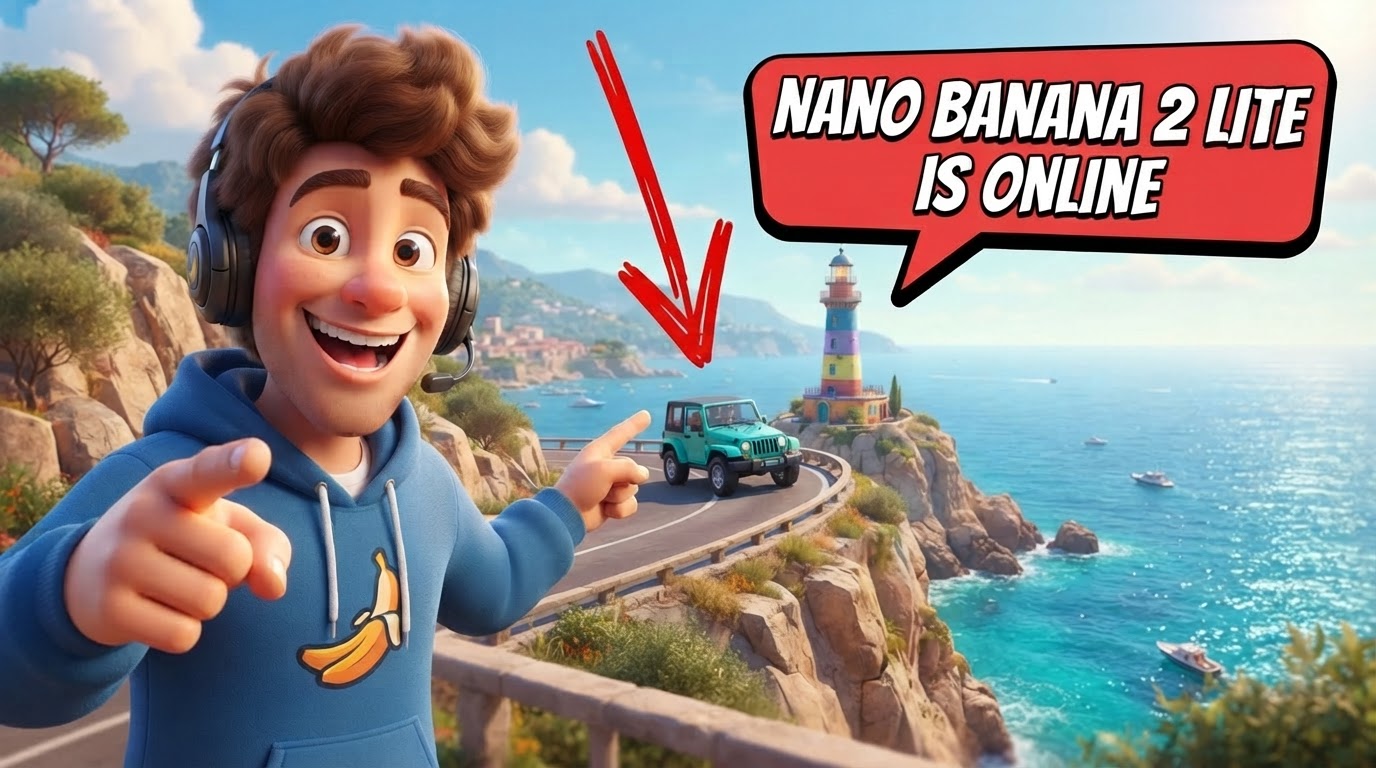
Nano Banana 2 Lite Is Here: 3-Second AI Thumbnails for $0.036 an Image
Google's Nano Banana 2 Lite generates thumbnails in ~3 seconds for about $0.036 an image — Flash-Lite speed with the quality and text rendering creators need.

Nano Banana Pro vs Nano Banana 2: what's the difference?
Google's Nano Banana Pro and Nano Banana 2 both create stunning AI images. Learn which model delivers the quality, speed, and cost you need for YouTube.

Nano Banana 2 vs Nano Banana: What's the Difference?
Google's Nano Banana 2 replaces the original with better text rendering, 16:9 support, and 4K output. Here's what changed and why it matters for thumbnail creators.

Nano Banana 2 Is Here — And It's About to Change How You Make Thumbnails
Google's Nano Banana 2 brings studio-quality AI to YouTube thumbnails. Now available in Thumix with better text, consistency, and photorealism.

Thumix vs Canva for Thumbnail Generation: Why Purpose-Built Wins
Canva is a great design tool. But for YouTube thumbnail generation, purpose-built AI wins. Here's why Thumix outperforms Canva where it counts.

5 MrBeast Thumbnail Templates for High CTR Videos
Ready-to-use MrBeast thumbnail templates that drive clicks. Learn the exact layouts, color schemes, and design patterns behind viral YouTube covers.

Mr Beast Style Thumbnail Guide: How to Create Viral Visuals
Master the psychology, composition, and color theory behind MrBeast's viral YouTube thumbnails. Learn the exact elements that drive millions of clicks.

YouTube Thumbnail Resolution Explained (Pixels & Quality)
What is the correct YouTube thumbnail resolution? This guide explains thumbnail size in pixels, why 1280×720 works best, and how resolution affects image quality and CTR.

YouTube Thumbnail Aspect Ratio Explained (16:9 vs 9:16)
Confused about YouTube thumbnail aspect ratio? This guide explains 16:9 vs 9:16, how thumbnails display across devices, and how to avoid cropping or distortion.

YouTube Thumbnail Size for Mobile (What Actually Works)
Most YouTube views happen on mobile, where thumbnails display far smaller than designed. This guide shows how thumbnails actually appear on phones—and how to design mobile-first thumbnails that improve CTR.

YouTube Thumbnail Safe Zone: What It Is and Where to Place Text
Learn what the YouTube thumbnail safe zone is, where to place text so it isn’t cropped or covered, and how to design mobile‑first thumbnails that get more clicks.

The Perfect YouTube Thumbnail Size: An Easy Beginner’s Guide
Learn the perfect YouTube thumbnail size, why it matters for CTR, and how Thumix’s AI keeps your thumbnails sharp, on-ratio, and ready for every device.

How to Put Text Behind a Person (Step-by-Step)
Learn how to put text behind a person step by step. This guide covers both manual and AI-powered methods, plus tips to get clean results around faces and hair—no Photoshop required.

Text Behind Image: The Complete Guide
The text behind image effect adds depth and visual impact by placing text behind people or objects. In this complete guide, you’ll learn what text-behind is, why it works so well for thumbnails and designs, and how to create the effect quickly using modern AI tools—without Photoshop.

Text Behind Subject in Youtube Thumbnail: 2 Pro Methods
Learn two proven methods to put text behind objects in Youtube thumbnails. Discover manual masking vs. AI-powered tools, plus how Thumix Canvas makes it effortless.

Is it legal to use other thumbnails as inspiration?
Learn the legal boundaries between thumbnail inspiration and copyright infringement. Discover how AI tools like Thumix help you create original, high-CTR thumbnails while staying legally safe.

How to Make YouTube Thumbnails Fast with AI
Learn how to create professional YouTube thumbnails in minutes using AI. A simple 3-step workflow: find references, apply styles, and generate with tools like Thumix.

Master Thumix's Powerful Variables System: Create Reusable AI Thumbnail Prompts
Learn how Thumix's variable syntax lets you create flexible, reusable thumbnail prompts.

Recreate Any YouTube Thumbnail Style in Seconds with Thumix
Use Thumix’s Style Reference tool to upload any thumbnail, extract its style, customize variables, and batch-generate up to 4 high-CTR YouTube thumbnails.

Create Gradient Background Thumbnails: YouTube Inspiration Tool vs Traditional Methods
Discover how Thumix's YouTube Inspiration Tool makes creating gradient background thumbnails 10x faster than traditional methods. Search, select, and generate in less than 2 minutes.

The fast way to create viral youtube thumbnail
Stop guessing what thumbnails work. Thumix's YouTube Inspiration Tool lets you generate custom thumbnails instantly—no prompt engineering needed.

Nano Banana vs. Nano Banana Pro: A Comprehensive Comparison
A deep dive into the differences between Nano Banana and Nano Banana Pro, comparing resolution, text rendering, and creative controls to help you choose the right model.

Stop Creating Gradient Thumbnails with Editor Tools
Stop wasting time with screenshots and editors. Learn how to generate professional gradient text thumbnails instantly with AI.