Create thumbnails inspired by top YouTube styles
Search any keyword, channel, creator, or video URL — pick the styles you like and generate your own in seconds.


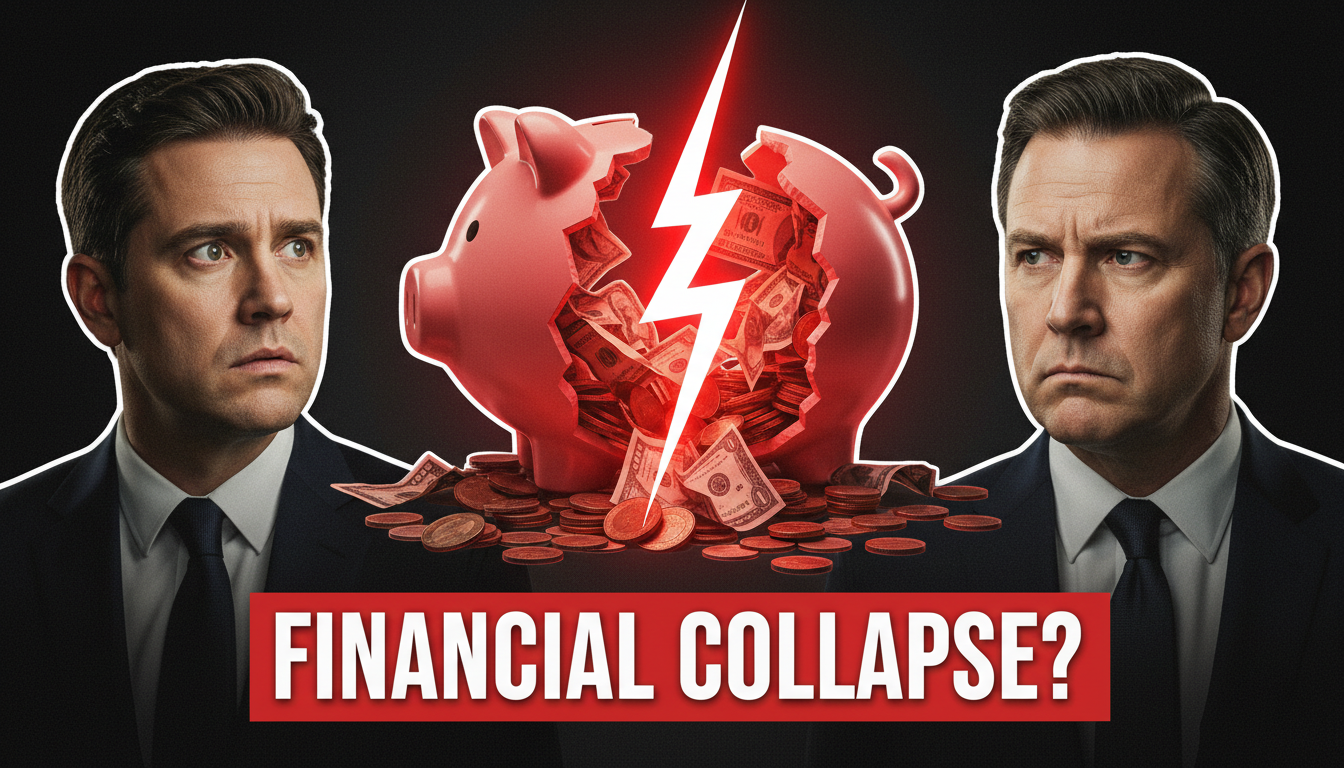

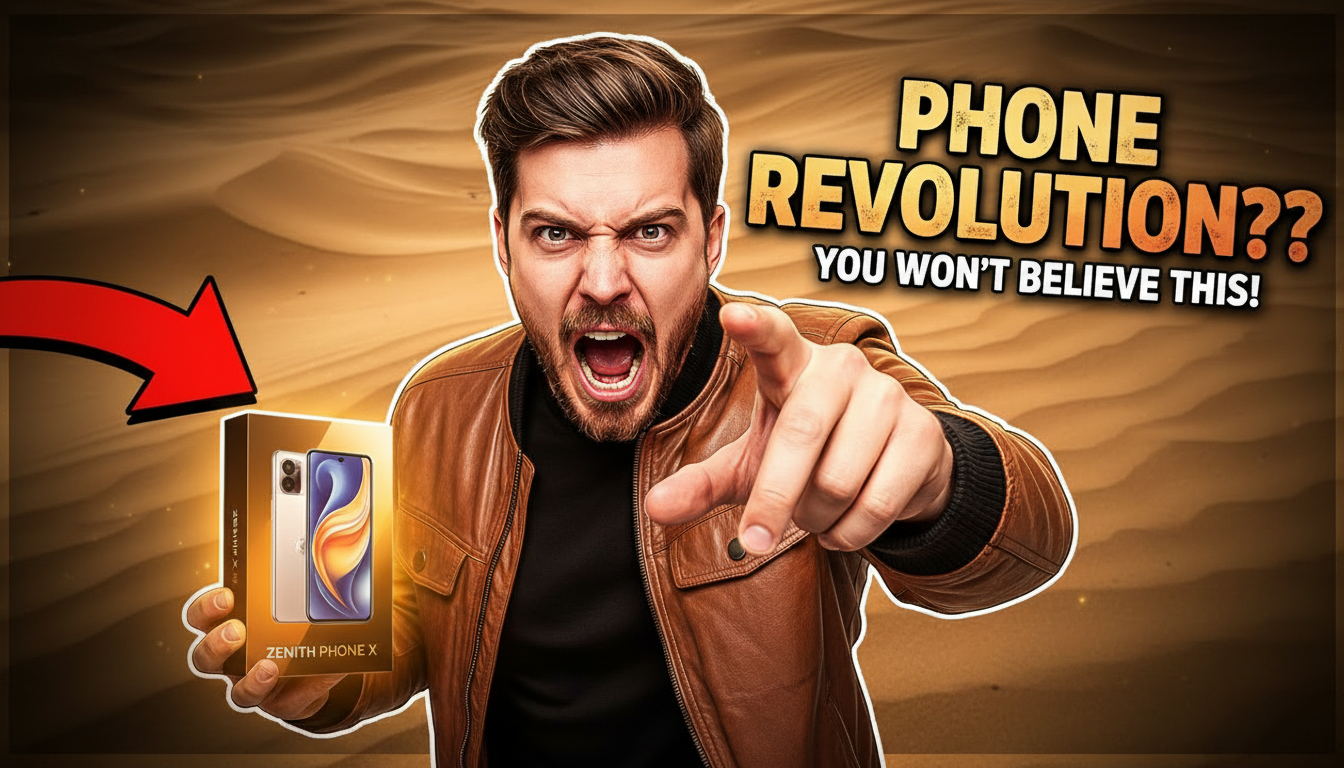



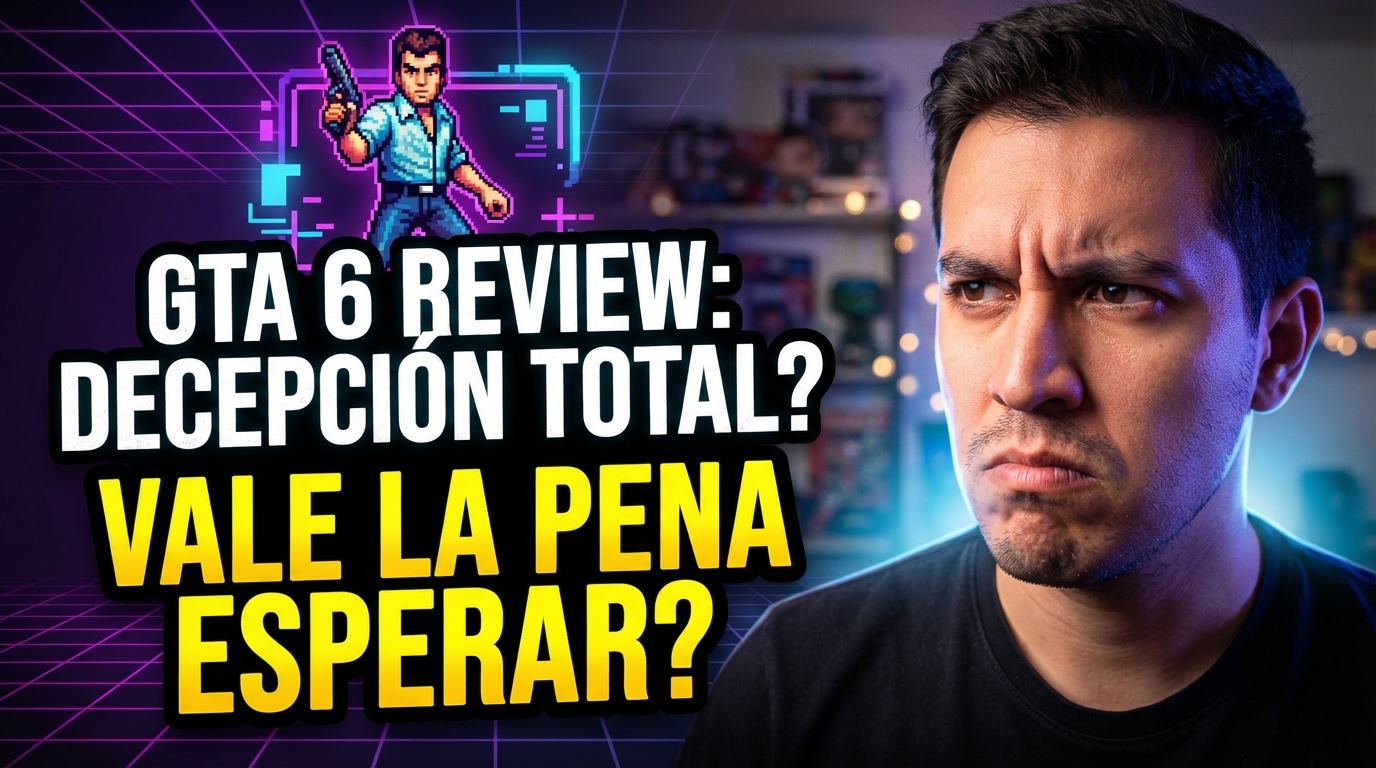
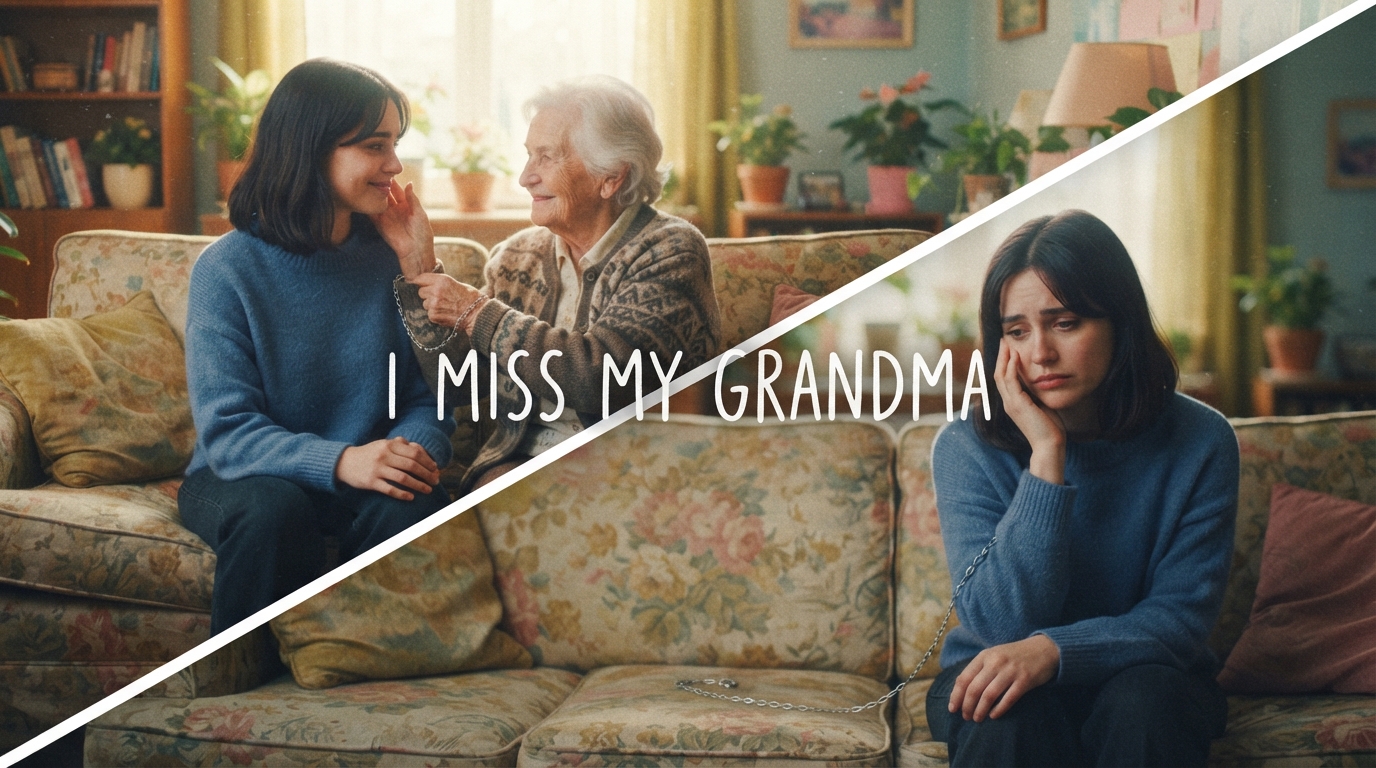
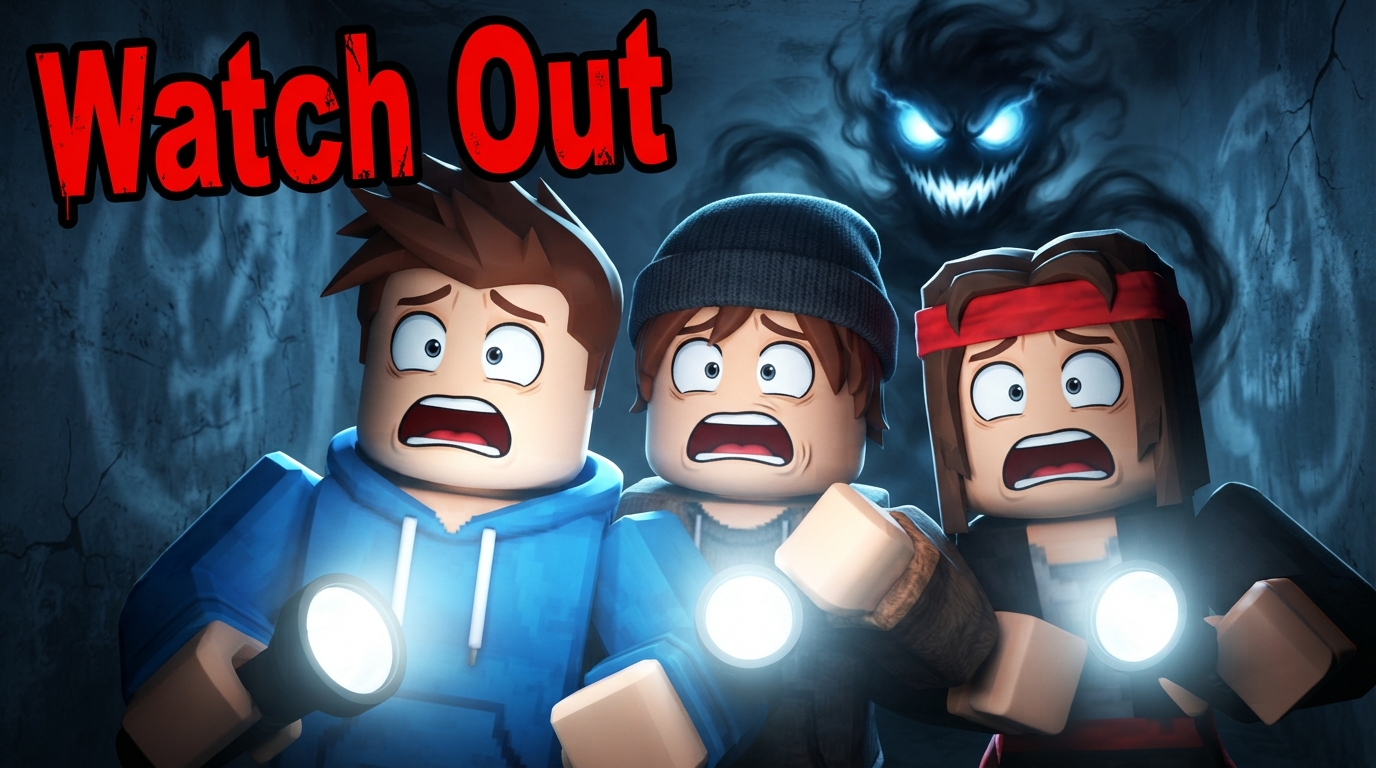
From Inspiration to Finished Thumbnail
Search a keyword, channel, creator, or YouTube URL — get 4 different thumbnails back.
Search a keyword, channel, creator, or YouTube URL and get 4 thumbnail styles back.
Giant textRed arrow popMrBeast styleBefore / AfterDark dramaHype reactionShock face Glitch text
 Split contrast
 Gadget showcase3D character
 Wanted posterBold calloutsVS battle
 Neon gaming
 Iceberg tier
One search, 4 unique styles — each in HD, ready to upload in ~20 seconds.
Search & Select
Search any keyword, channel, creator, or paste a YouTube URL. Pick the thumbnail styles that catch your eye – up to 4 at once.
Customize
Enter your video topic, add optional thumbnail text, upload your own photo — and choose how variations differ: colors, composition, or typography.
Generate & Download
Our AI analyzes the reference styles and creates unique thumbnails. Download in HD, ready to upload.
Stop wasting hours on thumbnails
Professional thumbnails used to require expensive software, design skills, and hours of work. Not anymore.
Save 2+ Hours Per Video
Generate multiple options in seconds instead of designing from scratch.
Learn From What Works
Analyze styles from viral videos and apply proven patterns to your content.
Stay Consistent, Stay Unique
Build your channel's visual identity while keeping each thumbnail fresh.
Frequently asked questions
How does YouTube Inspiration work?+
Do I need an account and credits?+
Can I add my own photos?+
How many thumbnails can I generate at once?+
How do the variation modes work?+
Can I control the text on the thumbnail?+
What makes this different from templates?+
Can I use these thumbnails commercially?+
What if I don't like the results?+
Does referencing real thumbnails violate copyright?+
No. Thumix does not copy or recreate existing YouTube thumbnails. We analyze high-level visual patterns—such as colors, composition, and text layout—to generate new, original designs.
Reference images are used for inspiration only, similar to how creators study trends on YouTube. Thumix does not reuse protected characters, logos, or artwork. Creators remain responsible for ensuring their final thumbnails comply with YouTube policies and copyright laws.