Weight Training
Powerful, high-contrast thumbnails with gym settings, heavy lifts, and muscular poses.
Professional AI thumbnails for workouts, transformations & fitness coaching YouTube channels.
AI-generated thumbnails for fitness content — created in seconds, not hours.

Choose a category built for the kind of content you create.
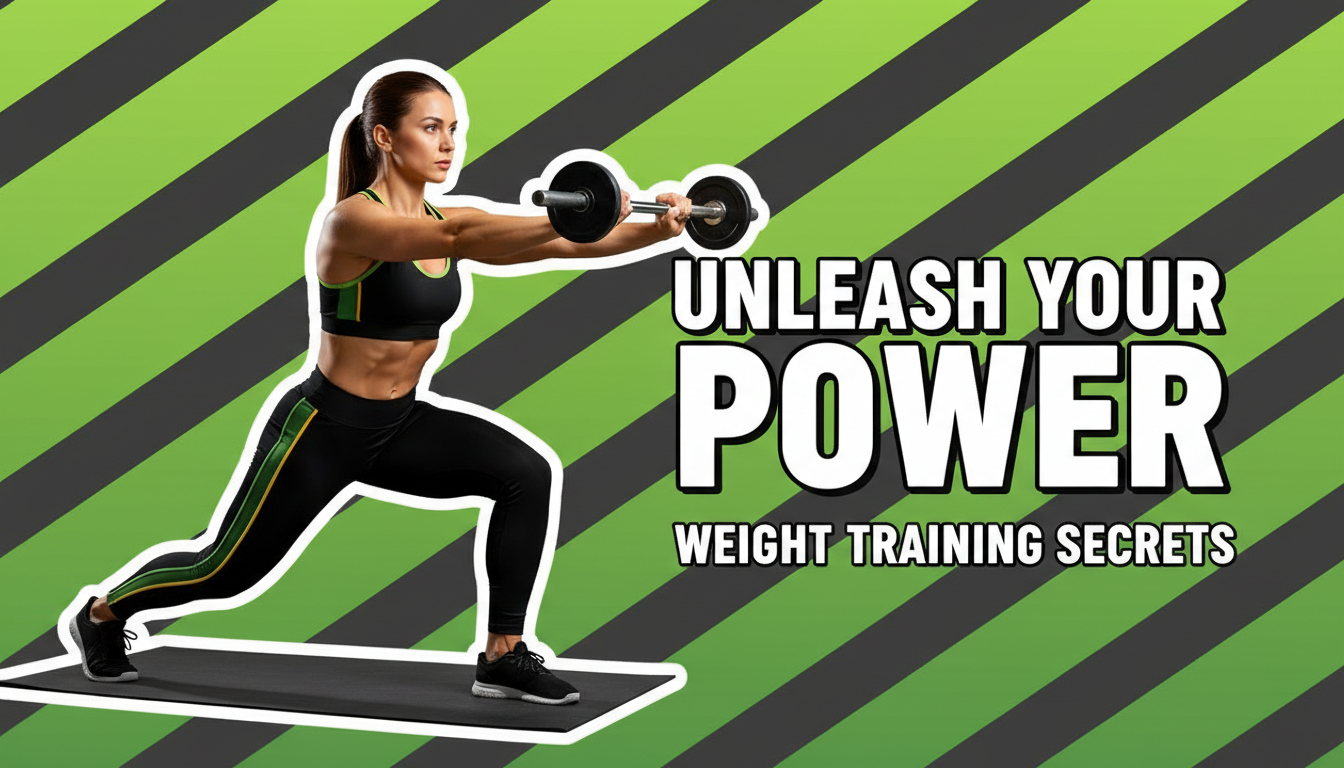
Powerful, high-contrast thumbnails with gym settings, heavy lifts, and muscular poses.
High-energy thumbnails with motion blur, sweat effects, and dynamic action poses.
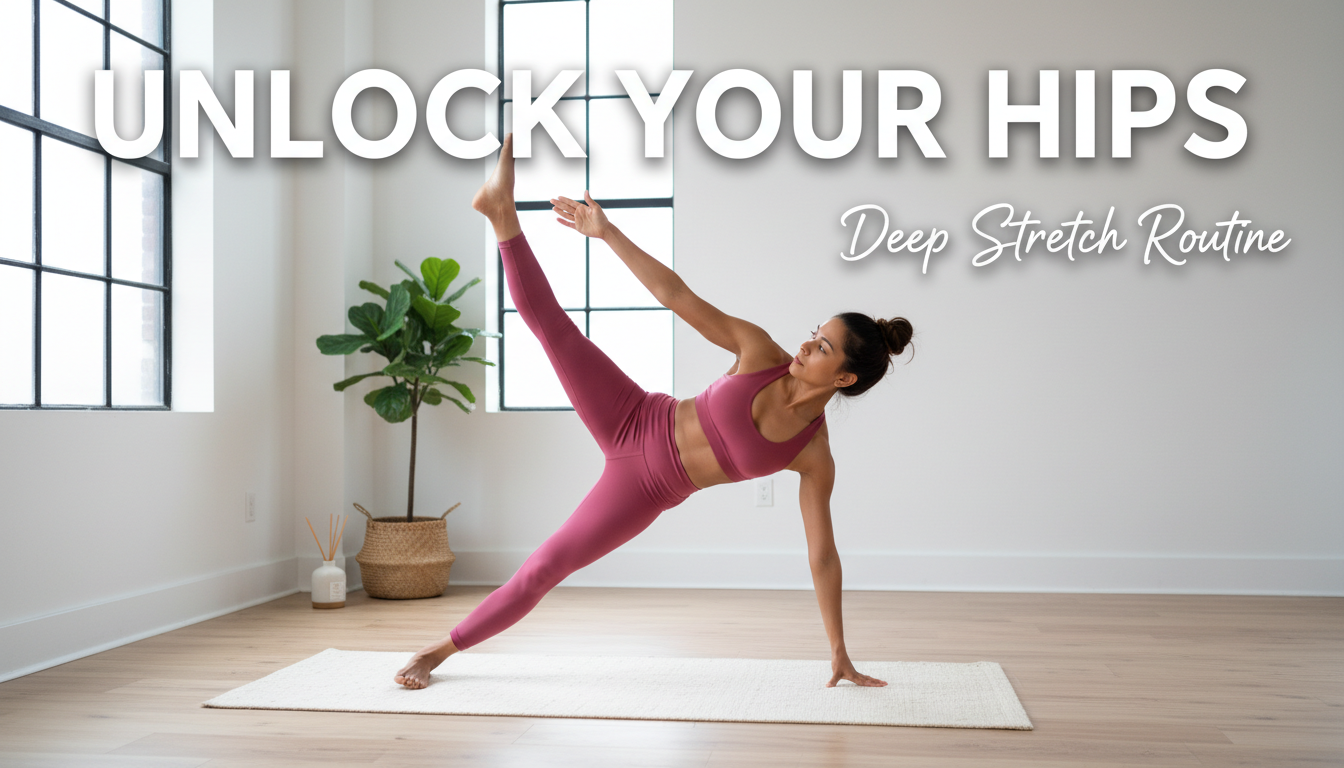
Calm, minimal thumbnails with serene poses, natural settings, and soft color palettes.
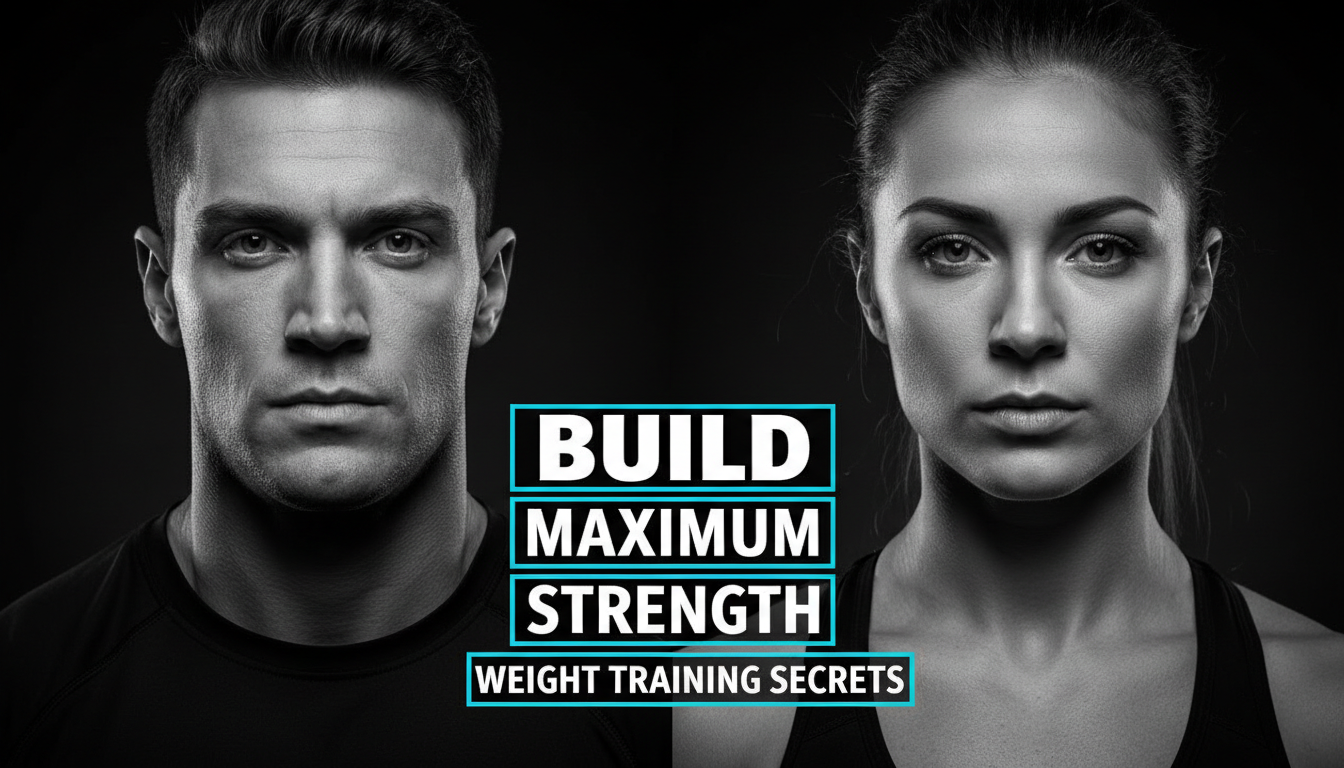
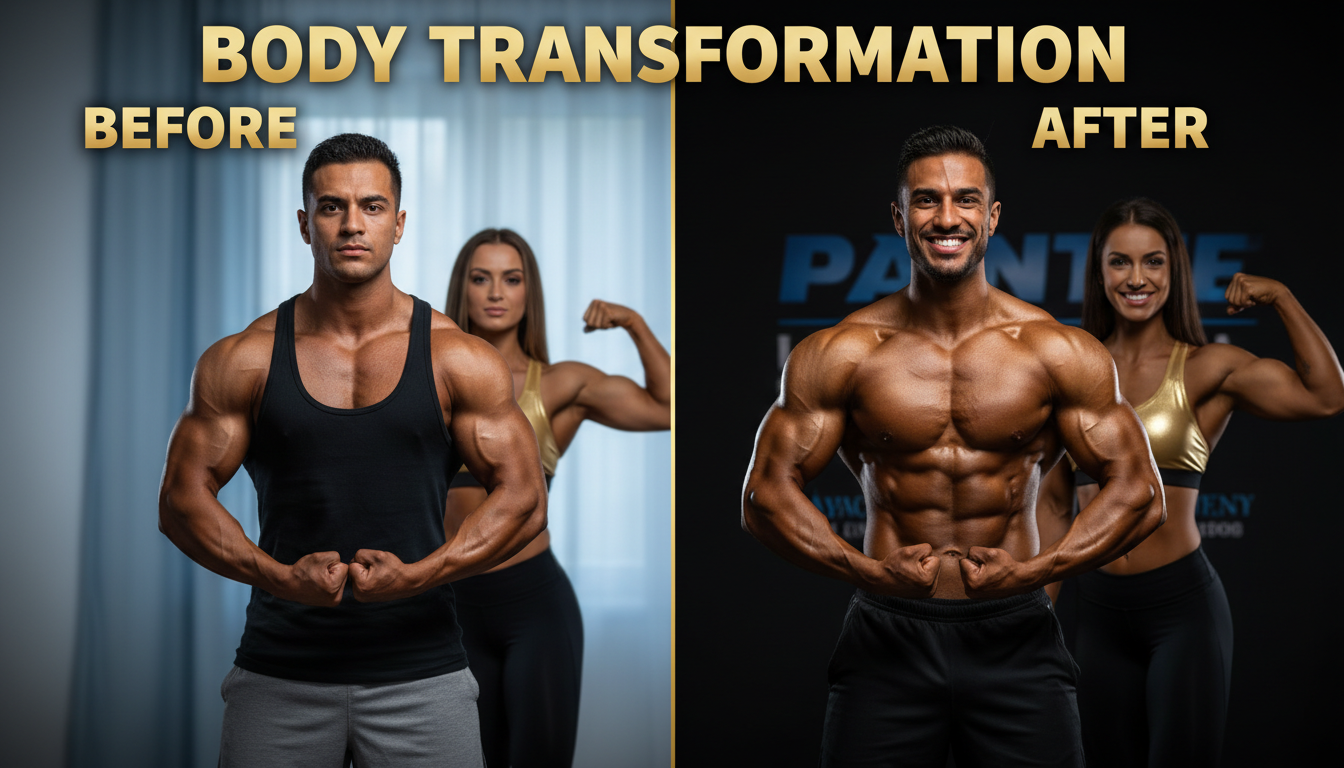
Before-after split-screen thumbnails that dramatically showcase physical changes.
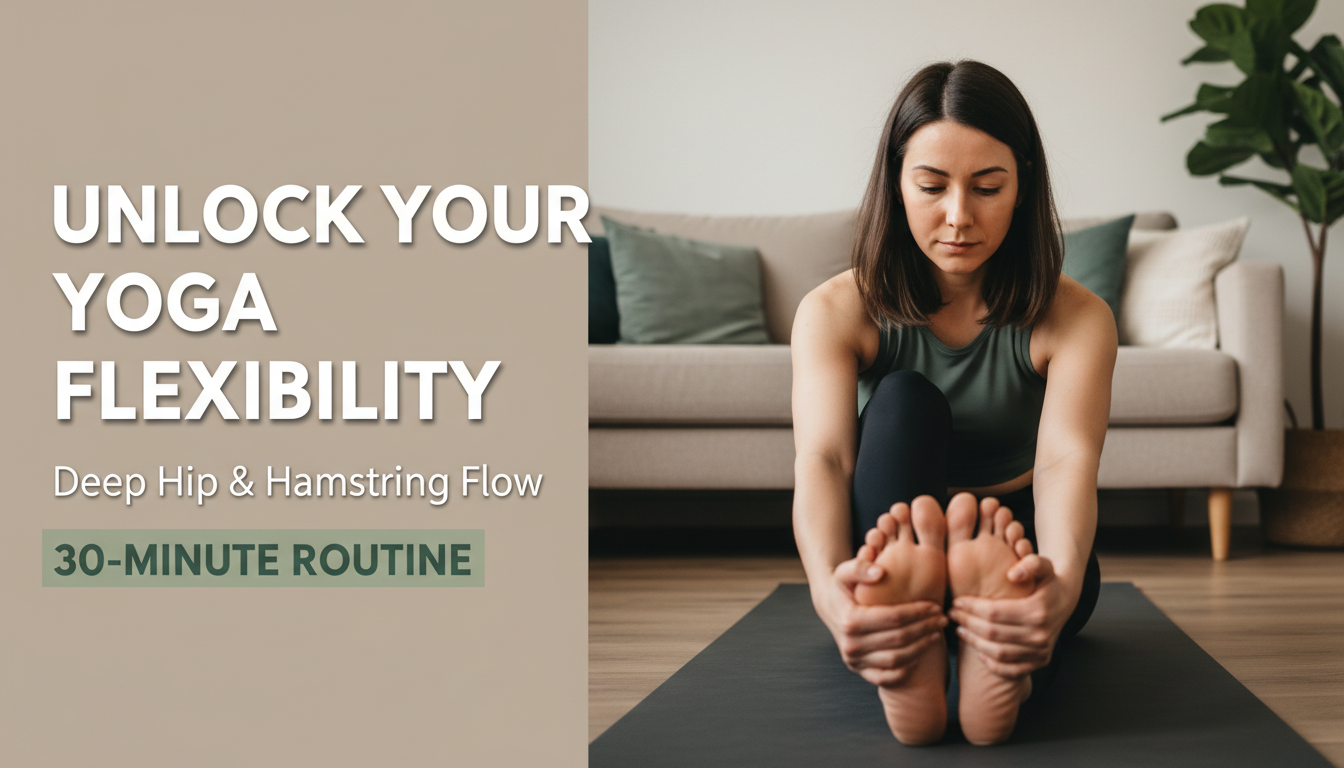
Approachable thumbnails with living room settings, minimal equipment, and clear exercise demonstrations.
Before-after thumbnails are the highest-performing format in fitness. The visual contrast drives curiosity and clicks.
A mid-rep freeze frame with visible effort looks more compelling than a static posed shot.
Short power phrases like '30 Day Challenge' or 'No Equipment' work. Avoid paragraph-length text.
HIIT thumbnails should feel intense. Yoga thumbnails should feel calm. Let the visual tone match the workout.
How AI thumbnail generation compares to traditional design tools.
| Feature | Thumix | Canva | Photoshop |
|---|---|---|---|
| AI generation from prompt | Full | Limited | None |
| Fitness-specific templates | 5 sub-niches | Generic | None built-in |
| Time per thumbnail | 3-10 seconds | 10–20 minutes | 30+ minutes |
| Skill required | None | Low | High |
| Commercial rights | Included | Included (Pro) | Your assets only |
Pick a fitness style that fits your content.
Add your topic, text, and optional reference images.
Generate your image and download it in HD.
Find the perfect AI thumbnail style for your content.
The complete guide to YouTube thumbnail dimensions and best practices.
What resolution should your YouTube thumbnails be? Find out here.
Understanding the ideal aspect ratio for YouTube thumbnails.
Keep your key elements visible with the thumbnail safe zone guide.