Makeup Tutorials
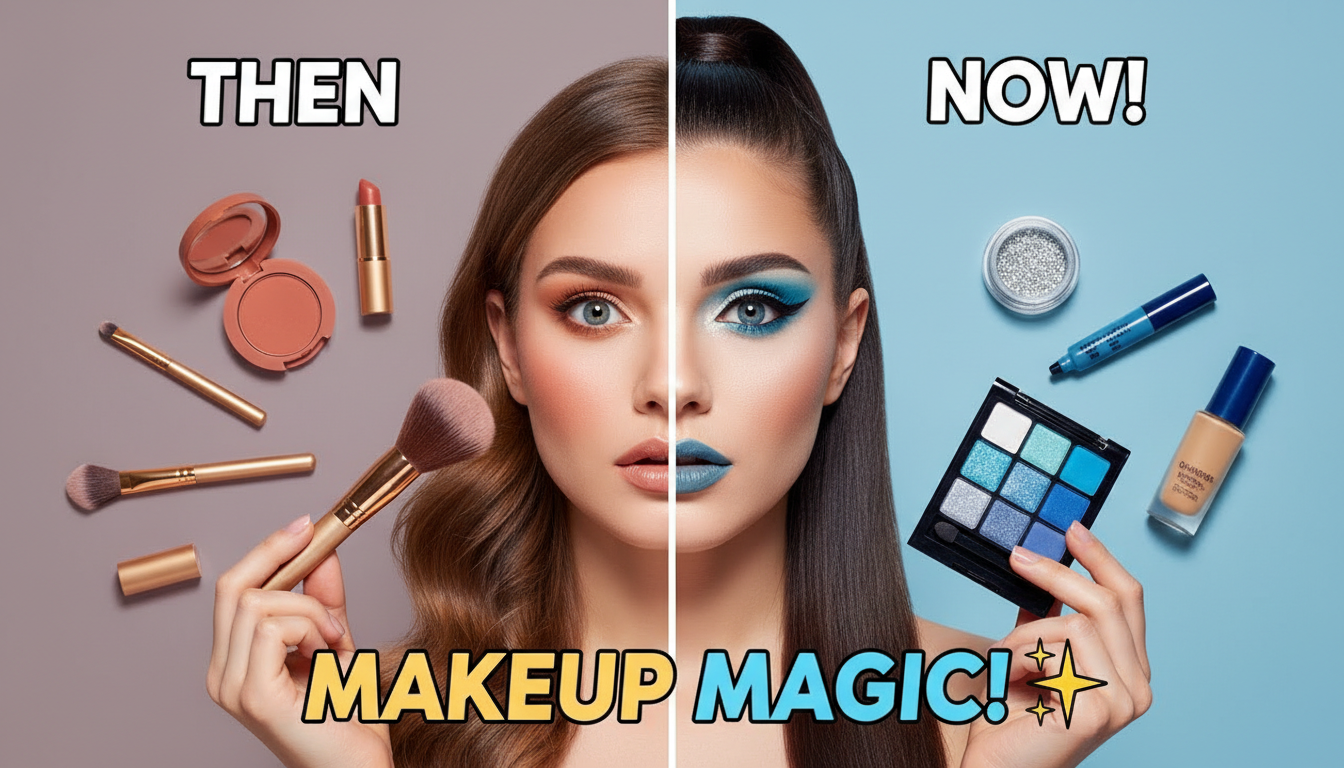
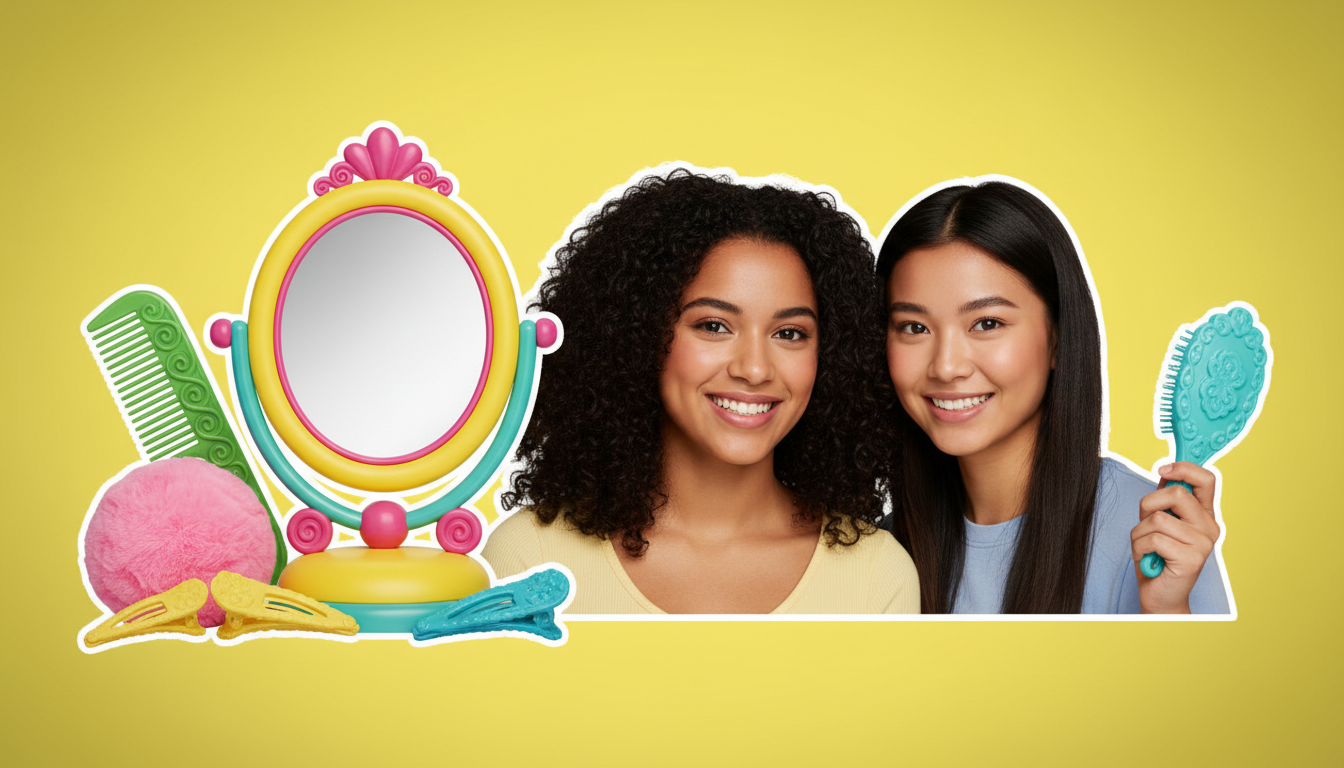
Glamorous close-up thumbnails with bold eye looks, lip colors, and step-by-step transformation layouts.
Professional AI thumbnails for makeup, skincare, hair & nail YouTube channels.
AI-generated thumbnails for beauty and lifestyle content — created in 3-10 seconds, not hours.
Choose a category built for the kind of content you create.
Glamorous close-up thumbnails with bold eye looks, lip colors, and step-by-step transformation layouts.
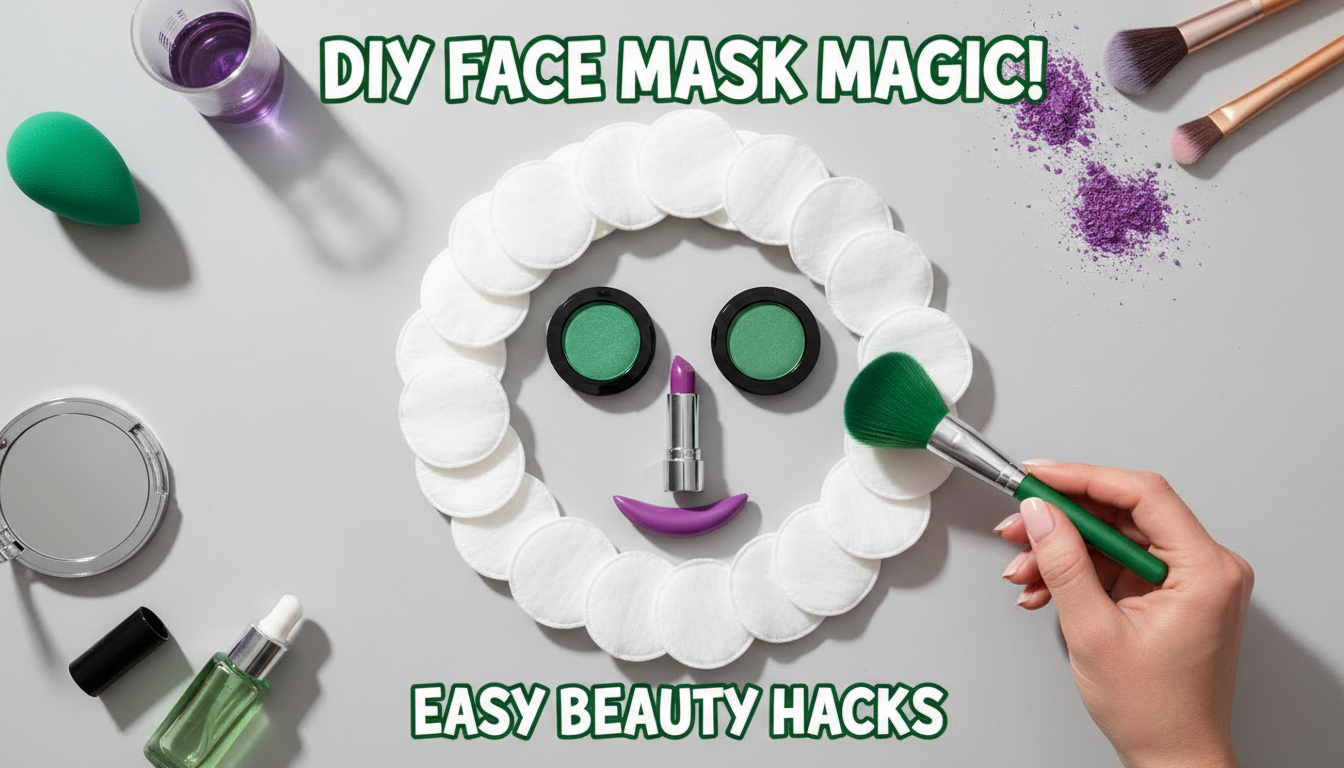
Clean, dewy thumbnails with product flat-lays, glowing skin close-ups, and minimalist aesthetics.
Dynamic thumbnails showcasing before-after hair transformations, color changes, and styling techniques.
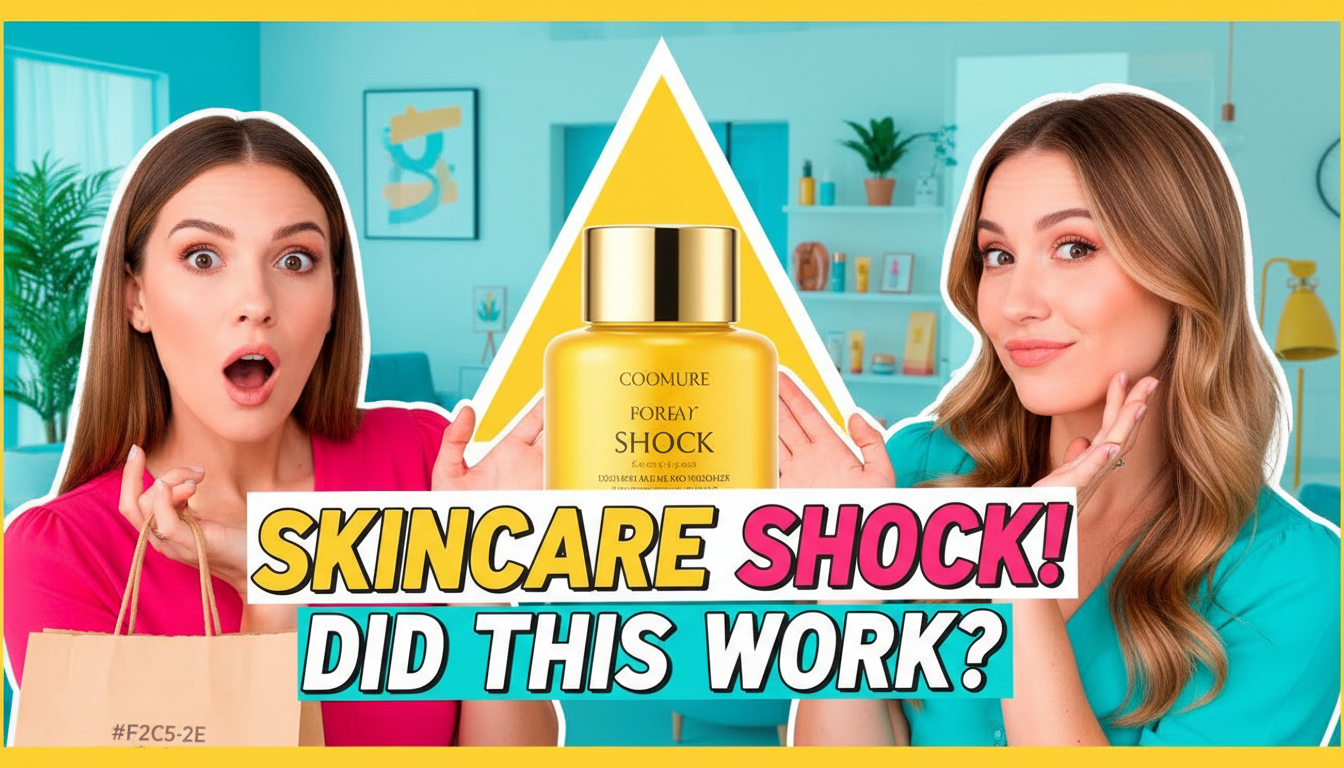
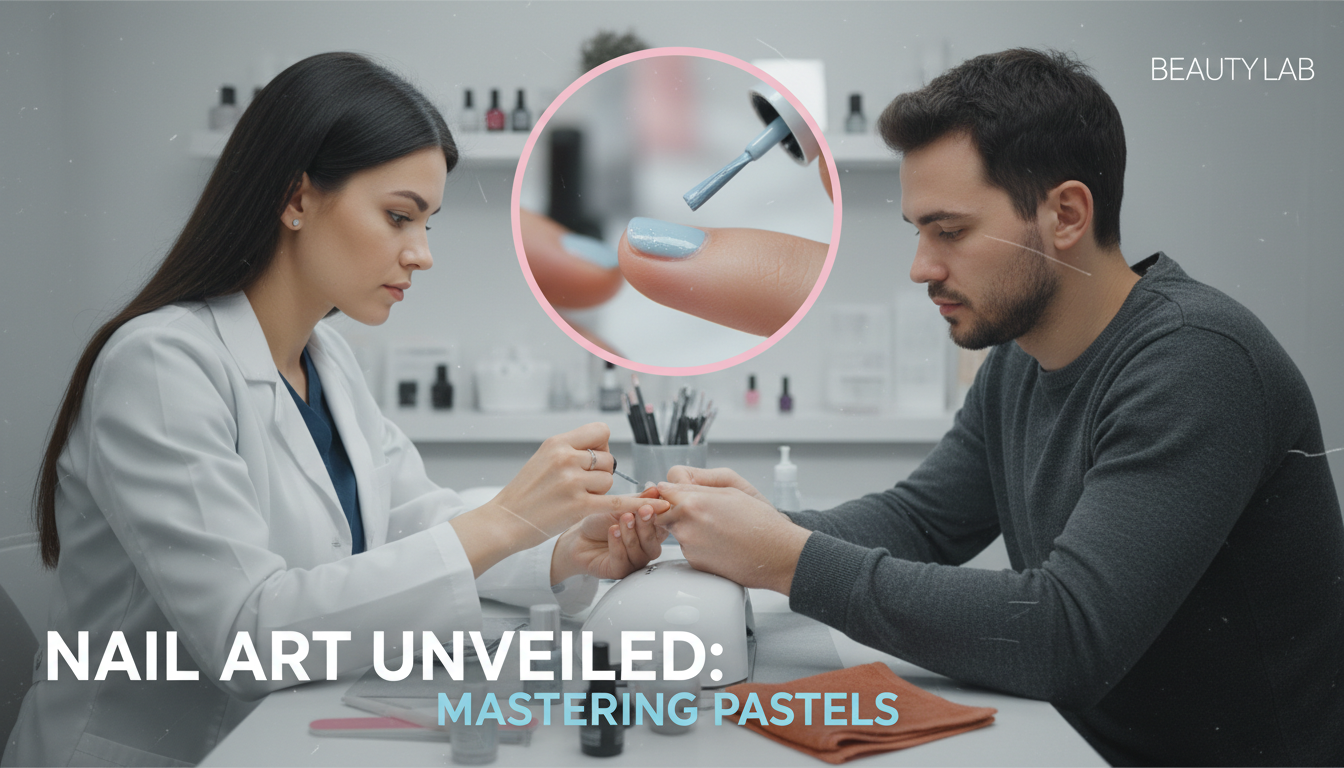
Product-forward thumbnails with swatches, ratings, and side-by-side comparison layouts.
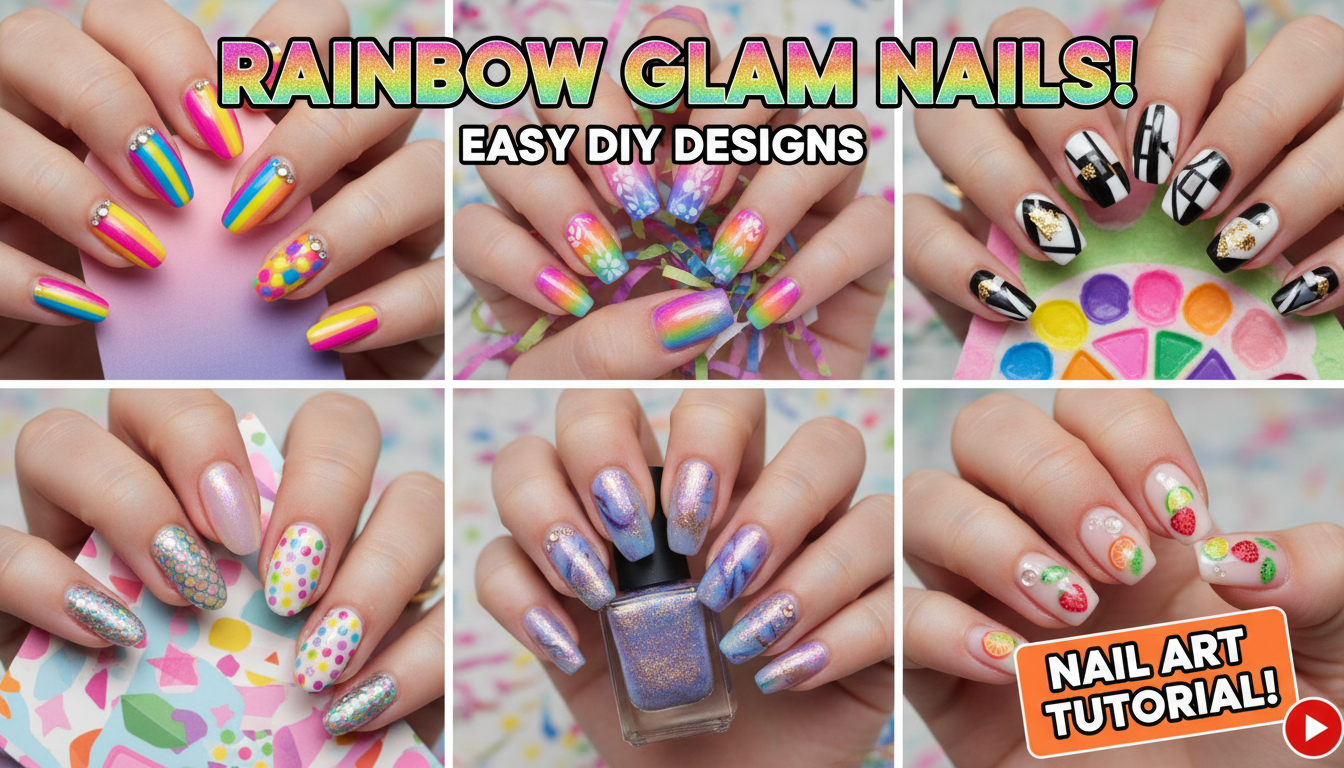
Colorful, detail-focused thumbnails highlighting intricate nail designs and art techniques.
Before-after splits are the #1 format in beauty. Show the bare face vs. the final look to create maximum visual impact.
Ring light or natural window lighting makes skin look beautiful. Avoid harsh shadows that distract from the look.
If the video is about a specific product, make it visible in the thumbnail. Viewers want to see what you're reviewing.
Develop a consistent color scheme for your channel. Pink tones, pastels, or bold glamour — pick a lane and own it.
How AI thumbnail generation compares to traditional design tools.
| Feature | Thumix | Canva | Photoshop |
|---|---|---|---|
| AI generation from prompt | Full | Limited | None |
| Beauty-specific templates | 5 sub-niches | Generic | None built-in |
| Time per thumbnail | 3-10 seconds | 10–20 minutes | 30+ minutes |
| Skill required | None | Low | High |
| Commercial rights | Included | Included (Pro) | Your assets only |
Pick a beauty style that fits your content.
Add your topic, text, and optional reference images.
Generate your image and download it in HD.
Find the perfect AI thumbnail style for your content.
The complete guide to YouTube thumbnail dimensions and best practices.
What resolution should your YouTube thumbnails be? Find out here.
Understanding the ideal aspect ratio for YouTube thumbnails.
Keep your key elements visible with the thumbnail safe zone guide.