Sketch Comedy
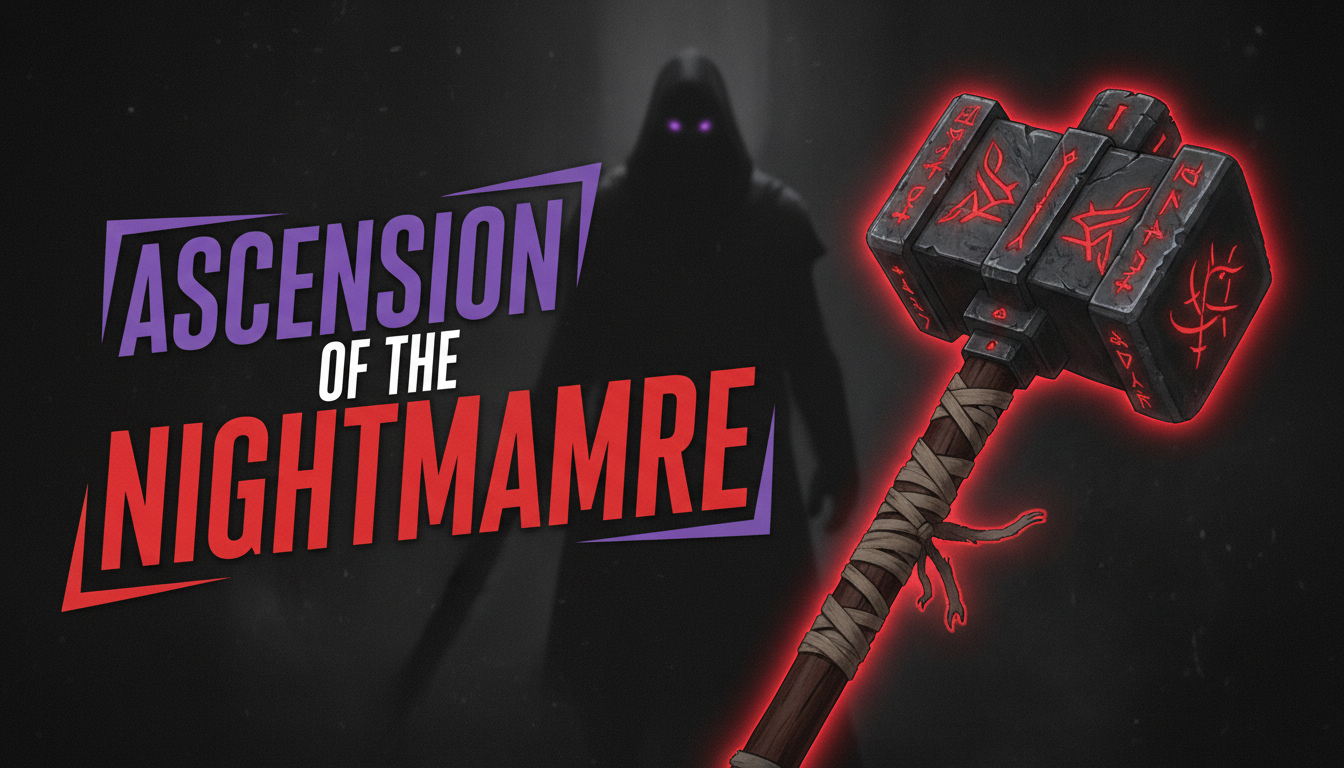
Theatrical, scene-setting thumbnails with costumes, props, and exaggerated character expressions.
Professional AI thumbnails for skits, pranks, reactions & comedy YouTube channels.
AI-generated thumbnails for comedy content — created in seconds, not hours.

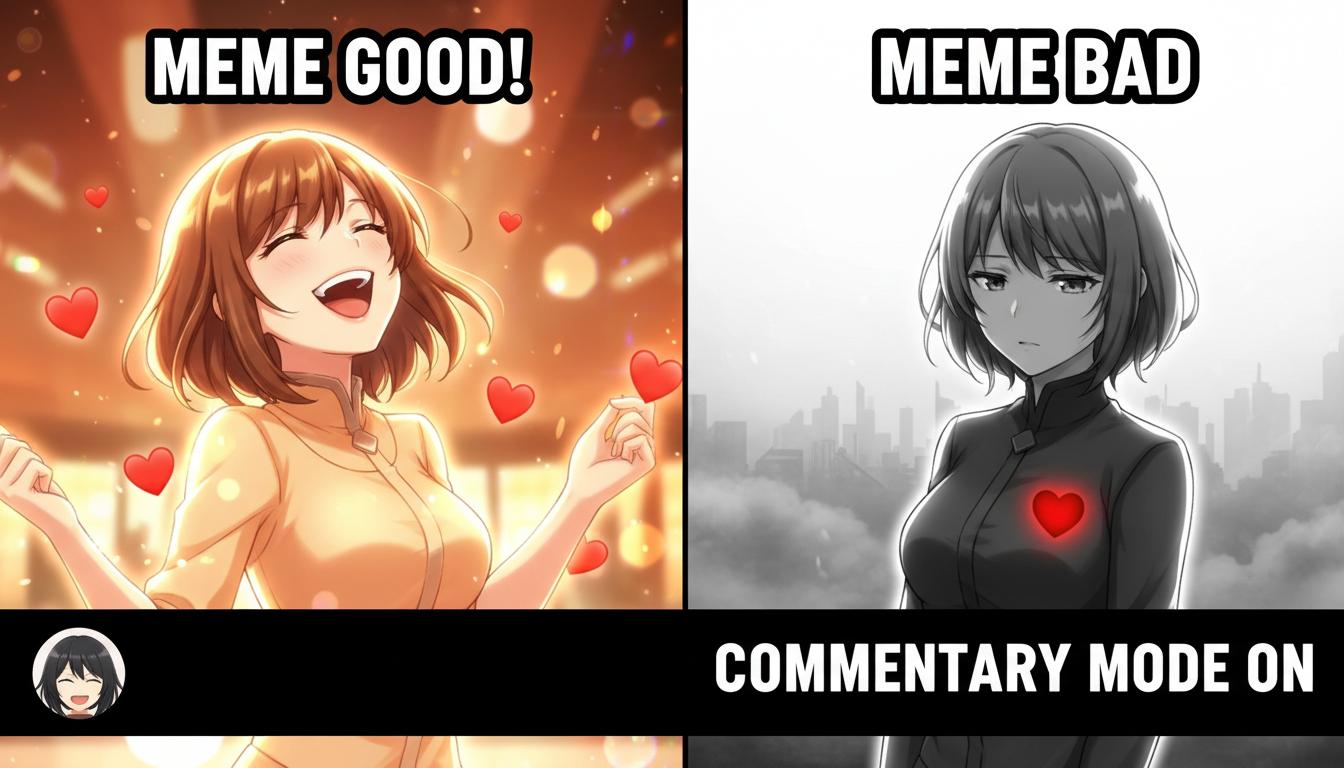
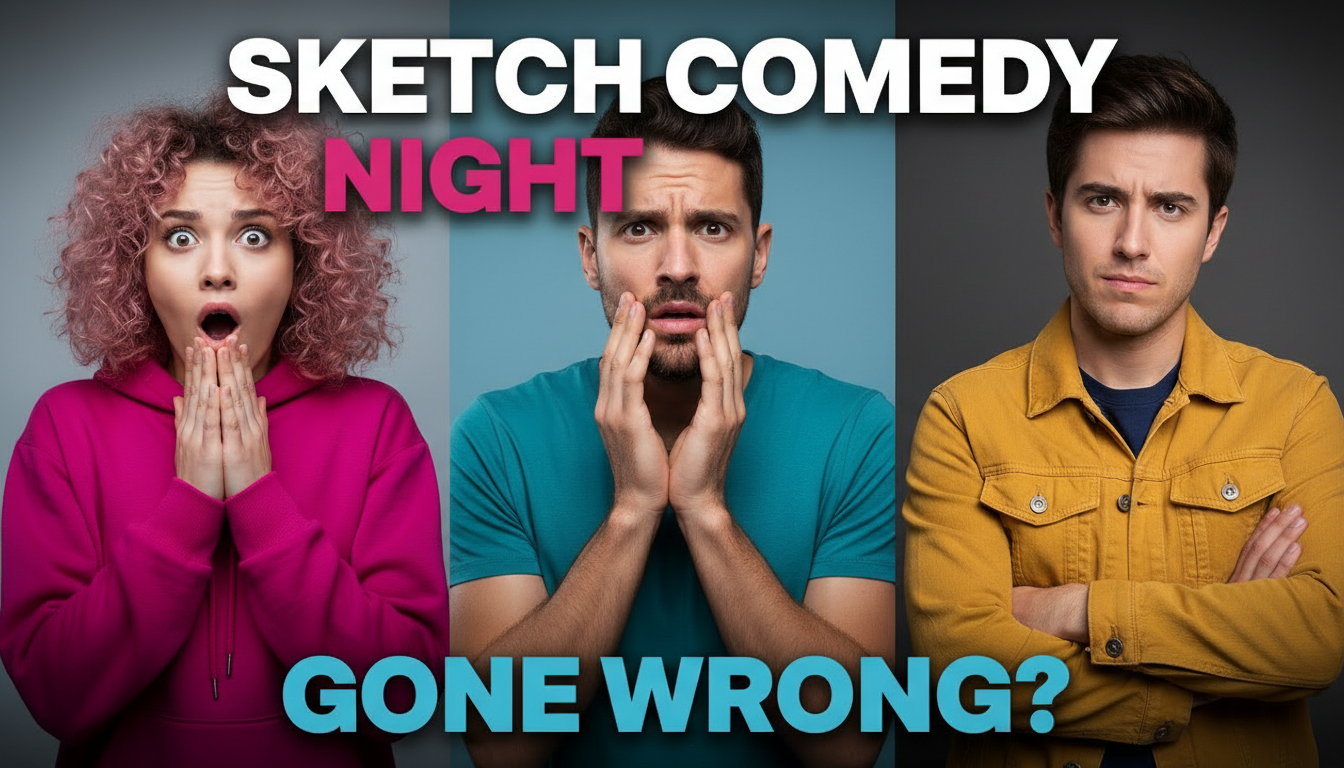

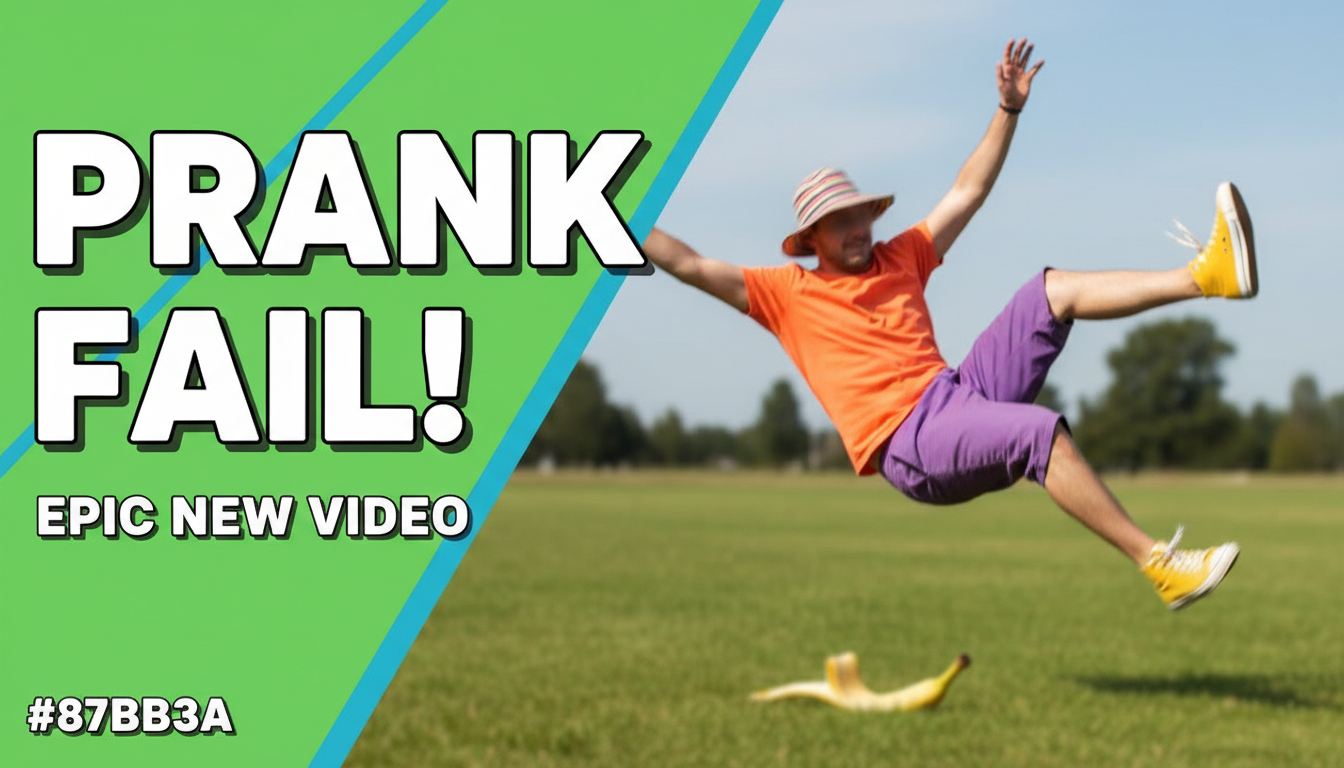
Choose a category built for the kind of content you create.
Theatrical, scene-setting thumbnails with costumes, props, and exaggerated character expressions.
Stage-focused thumbnails with spotlight lighting, microphone shots, and comedian-forward framing.
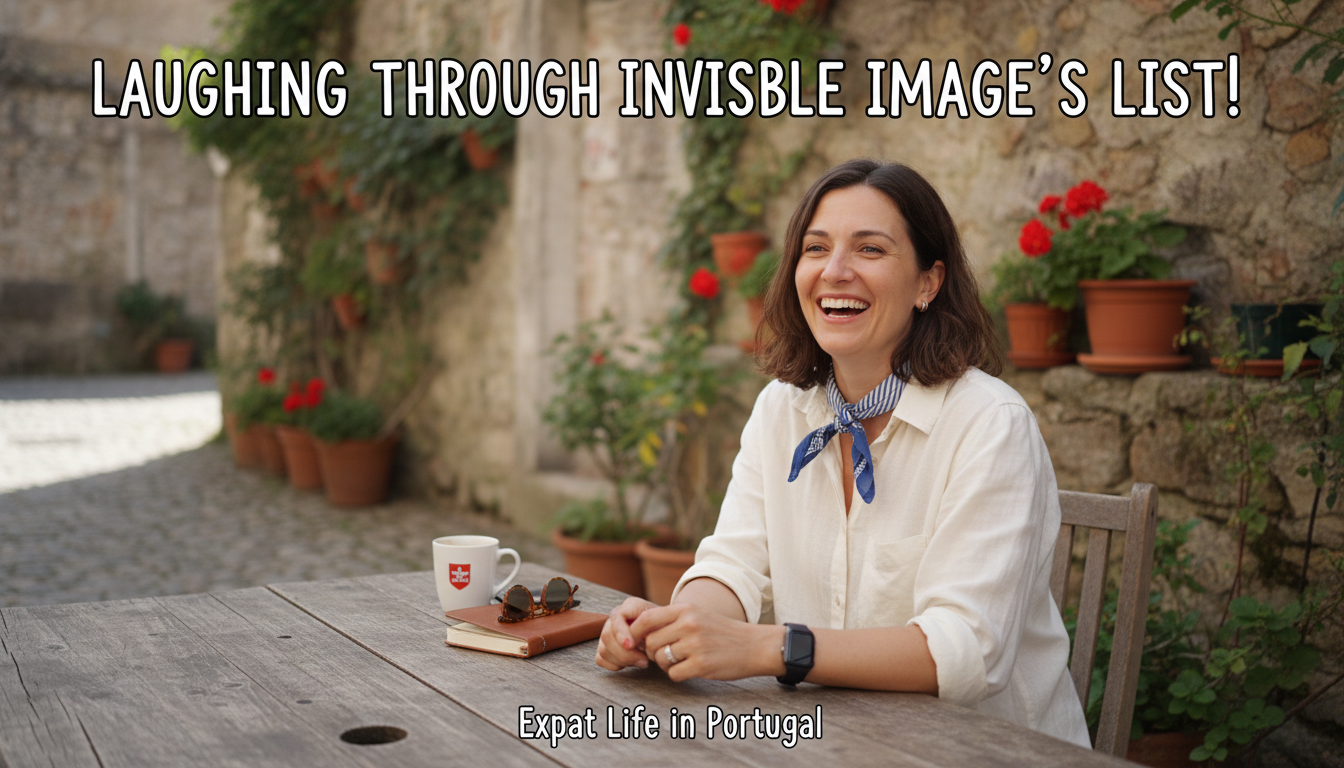
Shocking, reaction-driven thumbnails with hidden camera aesthetics and surprised expressions.
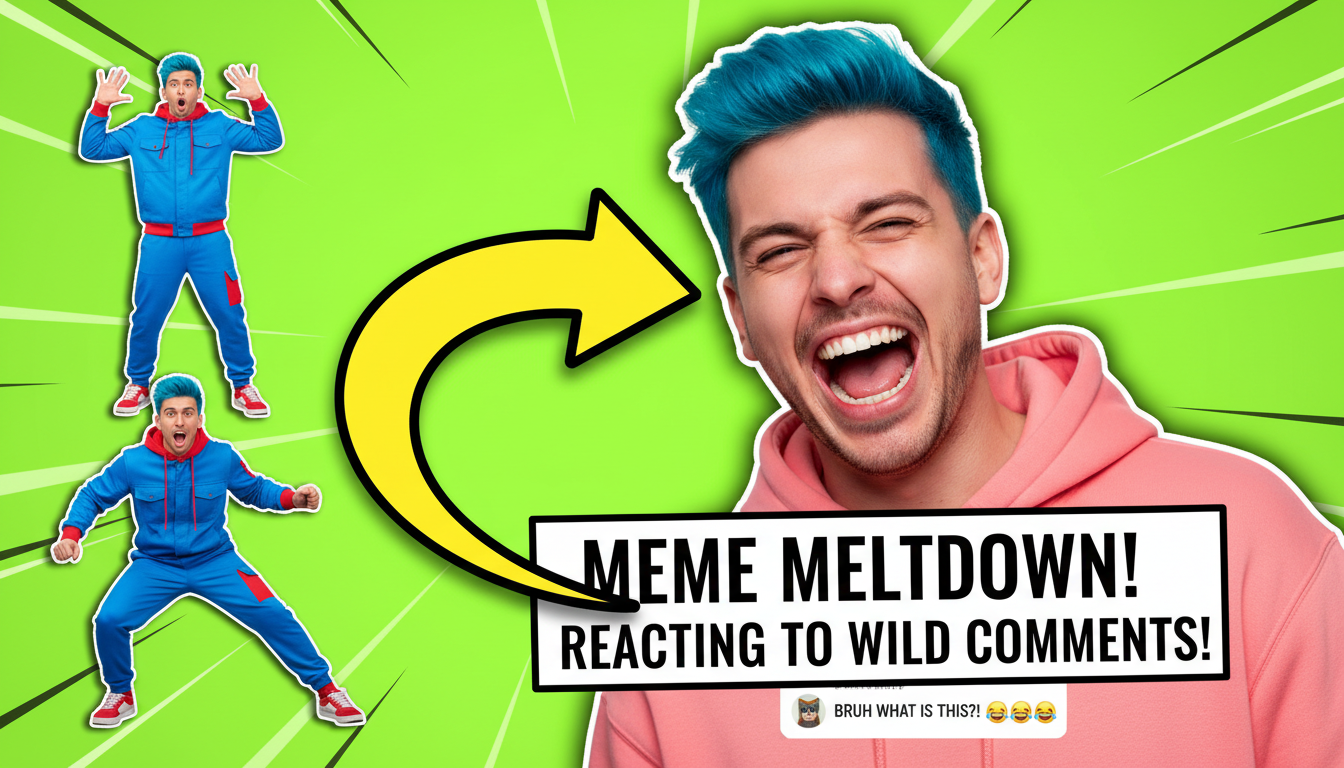
Split-screen thumbnails with exaggerated facial expressions alongside the content being reacted to.
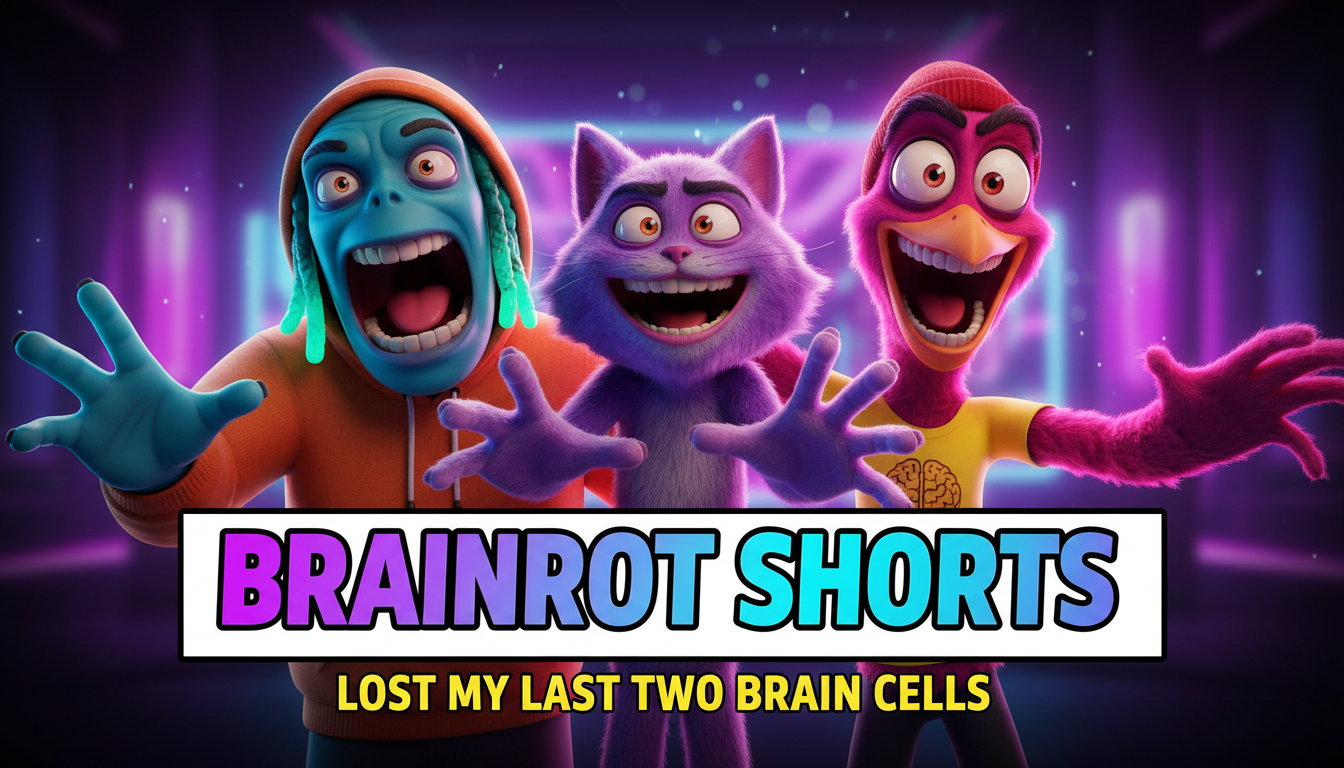
Internet-culture thumbnails with meme aesthetics, bold text, and pop-culture visual references.
Comedy thumbnails live or die on facial expressions. Over-the-top shock, laughter, or confusion signals entertainment value.
Show just enough to make viewers curious but not enough to spoil the joke. The thumbnail is the setup, the video is the punchline.
Comedy feels fun and energetic. Bright yellows, reds, and bold contrasts match the comedic tone better than muted palettes.
Props, costumes, or scene setups that hint at the comedy premise help viewers instantly understand what the video is about.
How AI thumbnail generation compares to traditional design tools.
| Feature | Thumix | Canva | Photoshop |
|---|---|---|---|
| AI generation from prompt | Full | Limited | None |
| Comedy-specific templates | 5 sub-niches | Generic | None built-in |
| Time per thumbnail | 3-10 seconds | 10–20 minutes | 30+ minutes |
| Skill required | None | Low | High |
| Commercial rights | Included | Included (Pro) | Your assets only |
Pick a comedy style that fits your content.
Add your topic, text, and optional reference images.
Generate your image and download it in HD.
Find the perfect AI thumbnail style for your content.
The complete guide to YouTube thumbnail dimensions and best practices.
What resolution should your YouTube thumbnails be? Find out here.
Understanding the ideal aspect ratio for YouTube thumbnails.
Keep your key elements visible with the thumbnail safe zone guide.