Math & Science
Diagram-rich thumbnails with formulas, experiments, and visual explanations of complex concepts.
Professional AI thumbnails for tutorials, courses, study tips & educational YouTube channels.
AI-generated thumbnails for educational content — created in seconds, not hours.
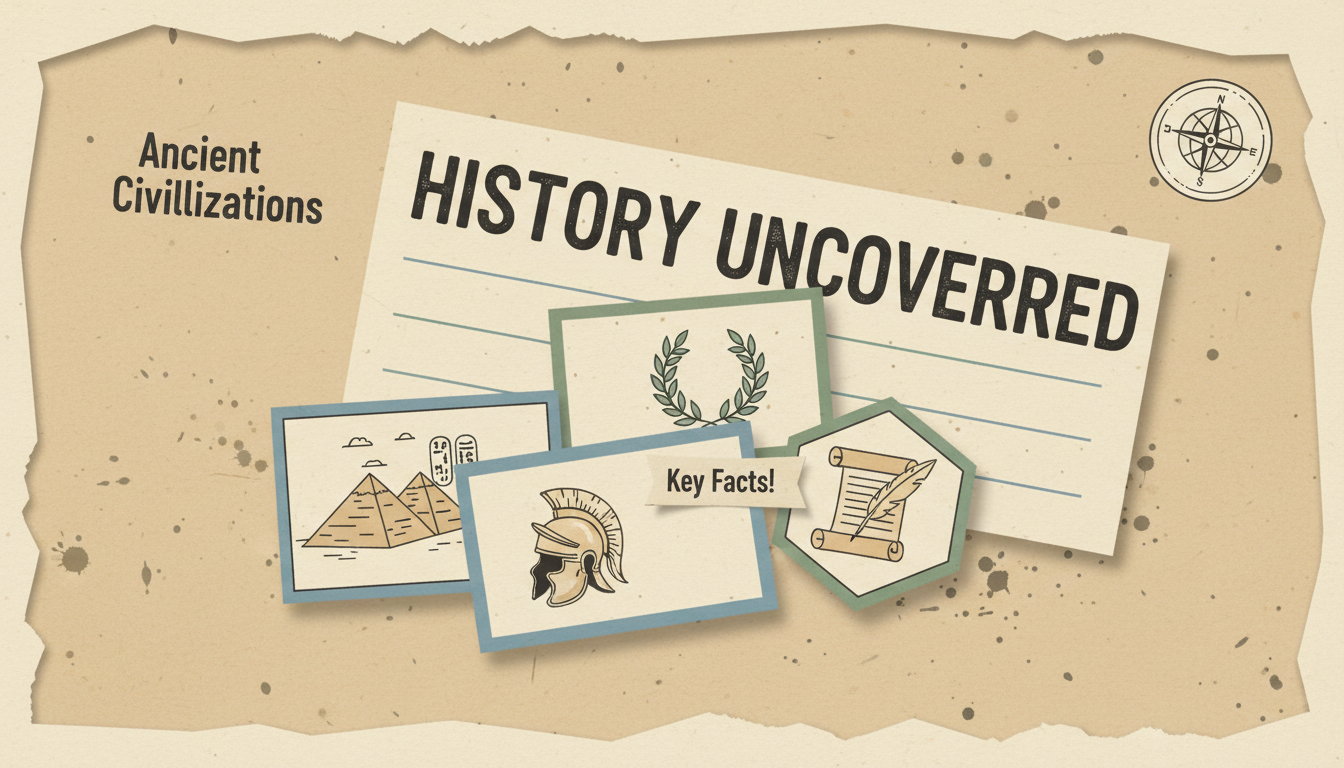
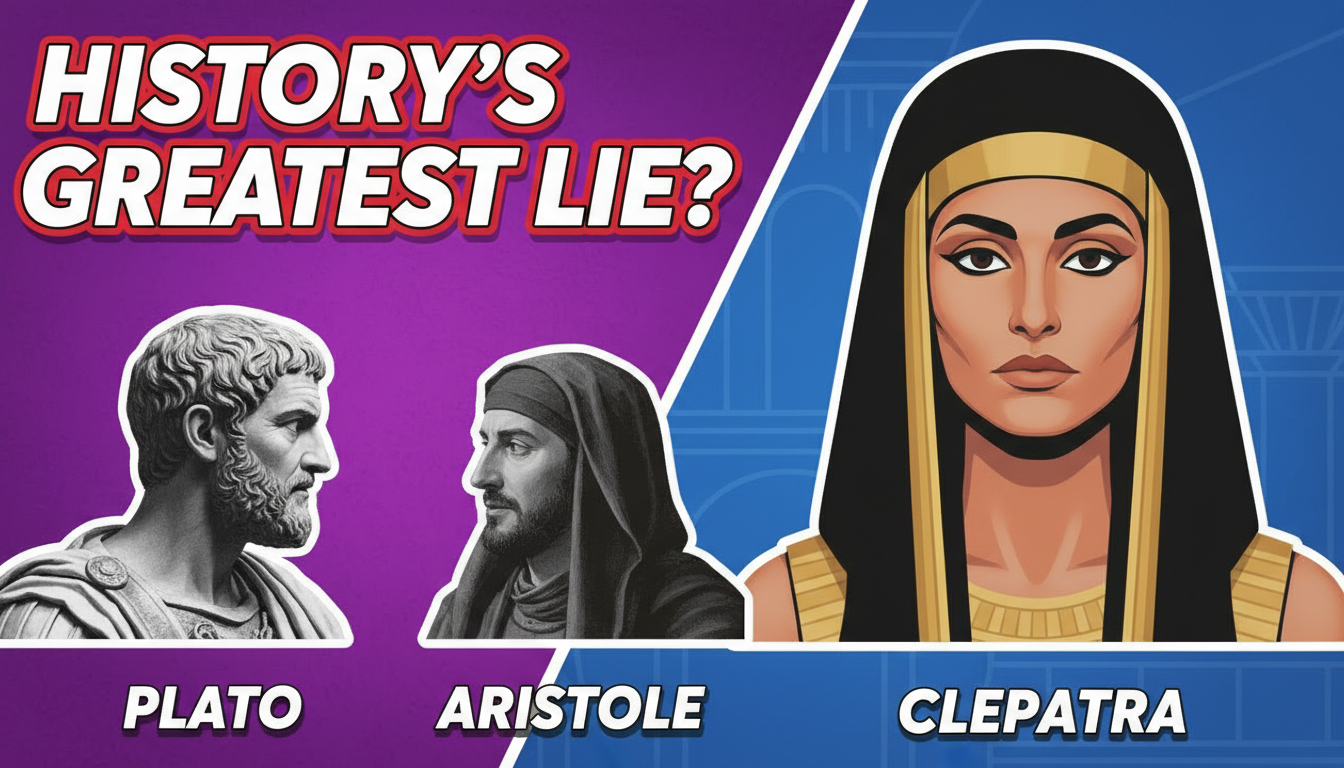




Choose a category built for the kind of content you create.
Diagram-rich thumbnails with formulas, experiments, and visual explanations of complex concepts.
Flag-themed, bilingual thumbnails with text comparisons and cultural visual elements.
Epic, documentary-style thumbnails with historical imagery, timelines, and dramatic compositions.
Clean, motivational thumbnails with planners, notebooks, and organized study setup visuals.
Professional, course-branded thumbnails with module numbers, instructor shots, and learning path visuals.
Turn abstract ideas into visual hooks. A thumbnail about gravity should show something falling. Make the concept immediately visible.
Phrases like 'Most People Get This Wrong' or 'The Truth About...' drive clicks on educational content.
Education audiences value clarity. Use simple layouts, clear fonts, and avoid visual clutter.
Whiteboards, lab coats, bookshelves, or diagrams signal expertise and attract viewers seeking quality education.
How AI thumbnail generation compares to traditional design tools.
| Feature | Thumix | Canva | Photoshop |
|---|---|---|---|
| AI generation from prompt | Full | Limited | None |
| Education-specific templates | 5 sub-niches | Generic | None built-in |
| Time per thumbnail | 3-10 seconds | 10–20 minutes | 30+ minutes |
| Skill required | None | Low | High |
| Commercial rights | Included | Included (Pro) | Your assets only |
Pick a education style that fits your content.
Add your topic, text, and optional reference images.
Generate your image and download it in HD.
Find the perfect AI thumbnail style for your content.
The complete guide to YouTube thumbnail dimensions and best practices.
What resolution should your YouTube thumbnails be? Find out here.
Understanding the ideal aspect ratio for YouTube thumbnails.
Keep your key elements visible with the thumbnail safe zone guide.