Quick Recipes
Fast, clean thumbnails that highlight finished dishes with vibrant colors and simple text overlays.
Professional AI thumbnails for recipes, baking, meal prep & food YouTube channels.
AI-generated thumbnails for cooking and food content — created in 3-10 seconds, not hours.
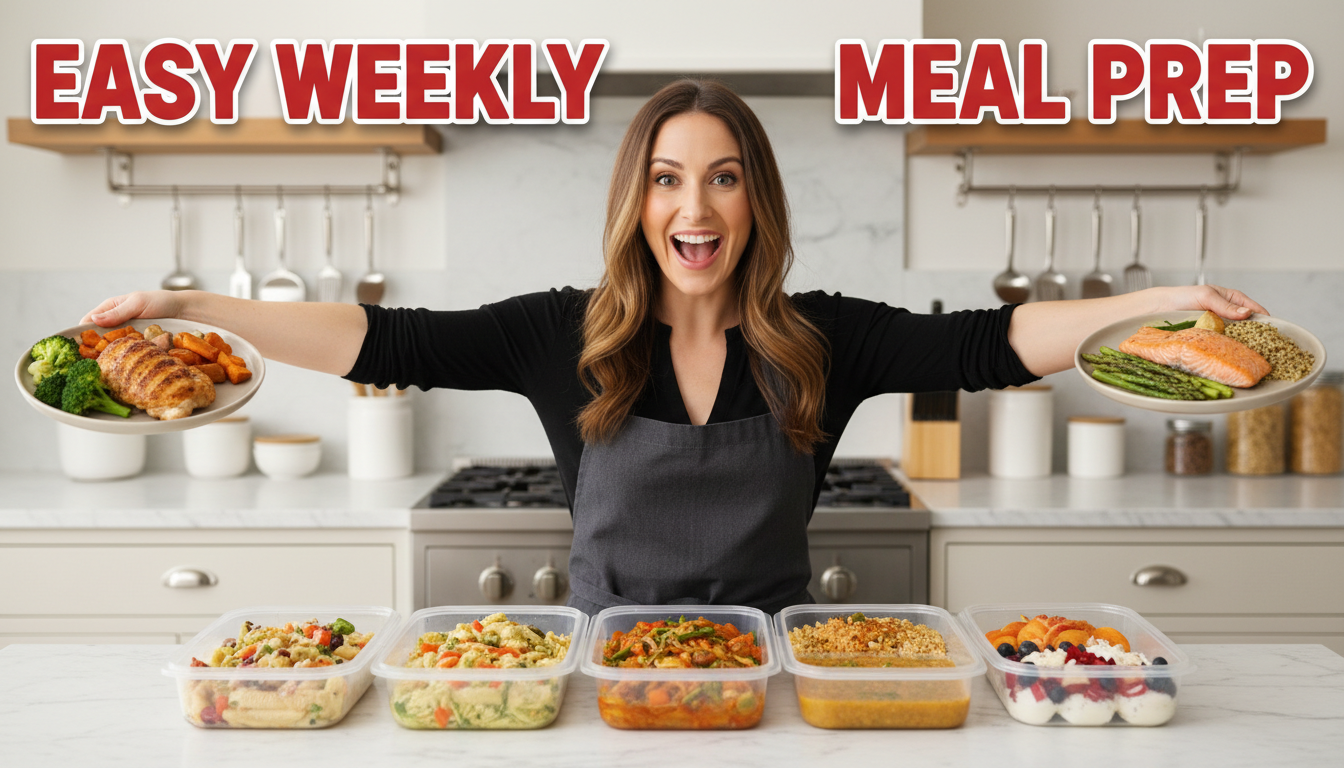
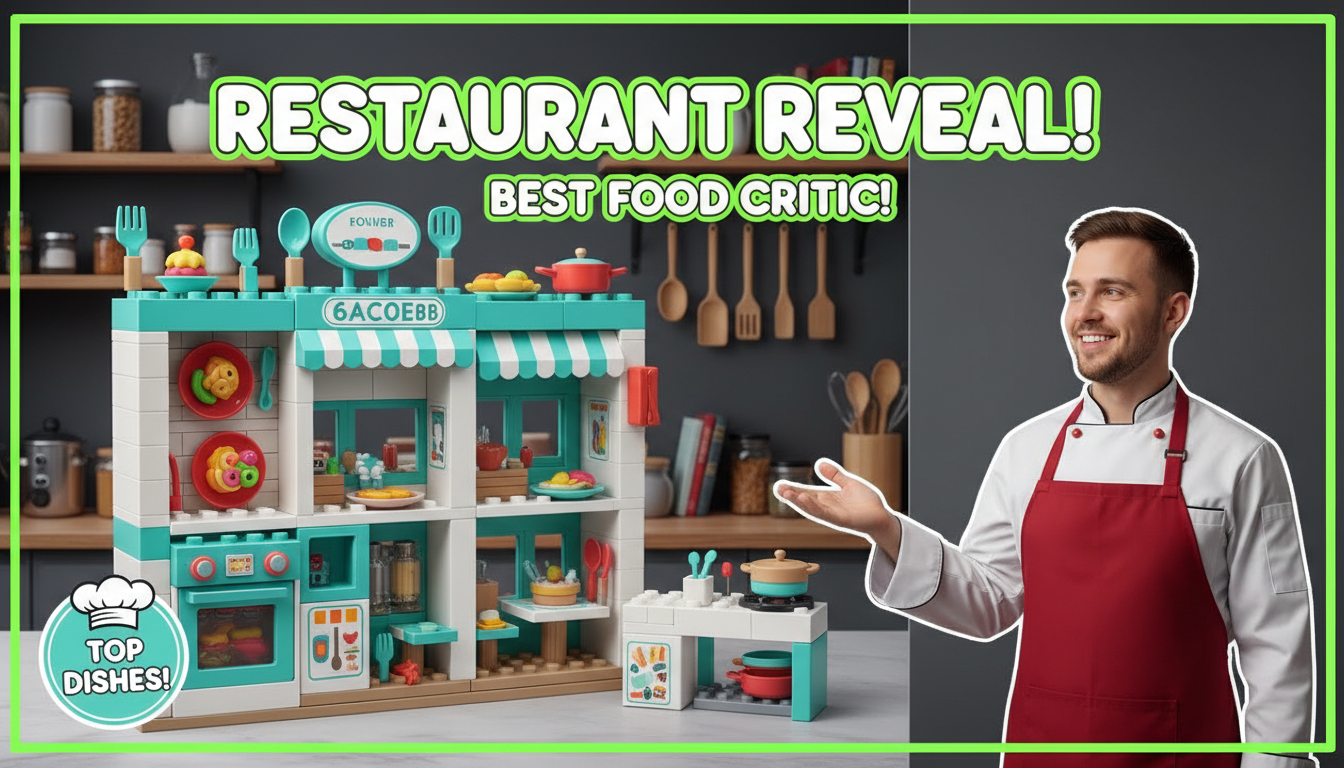
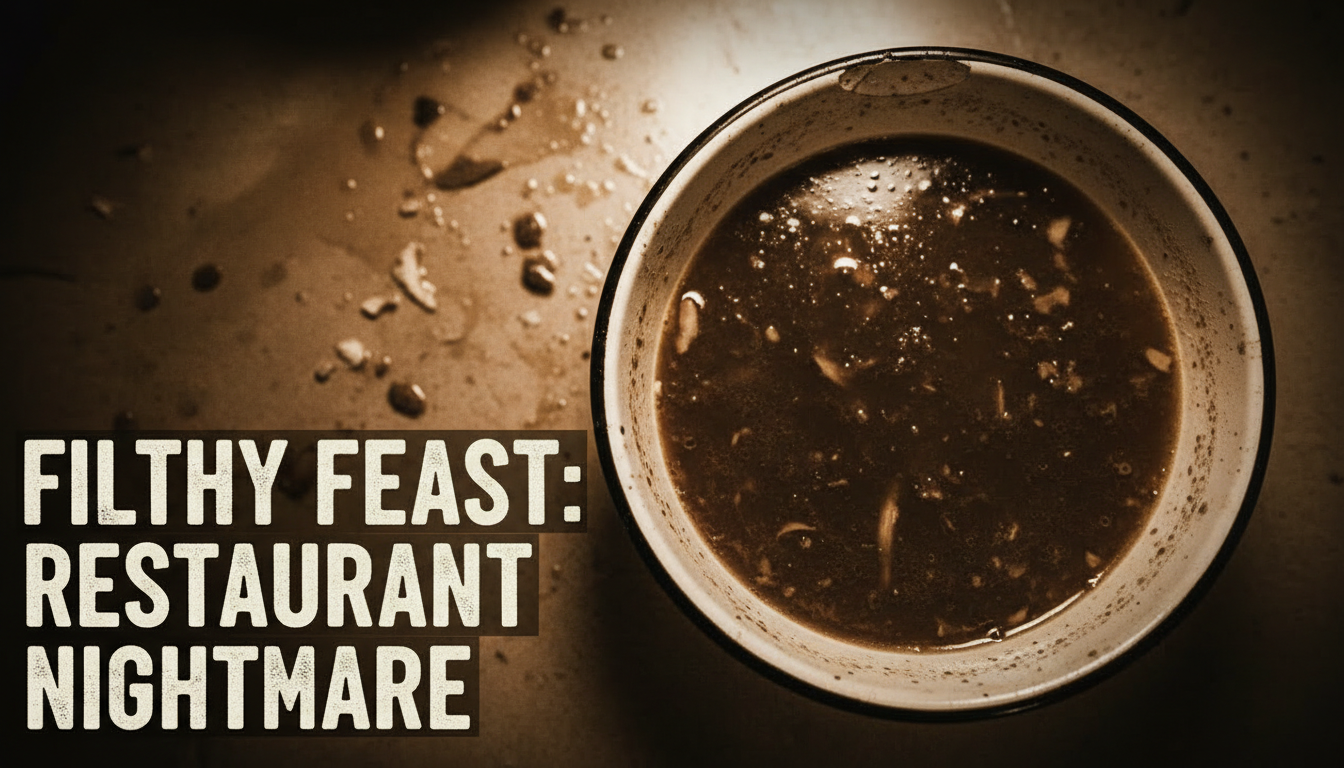
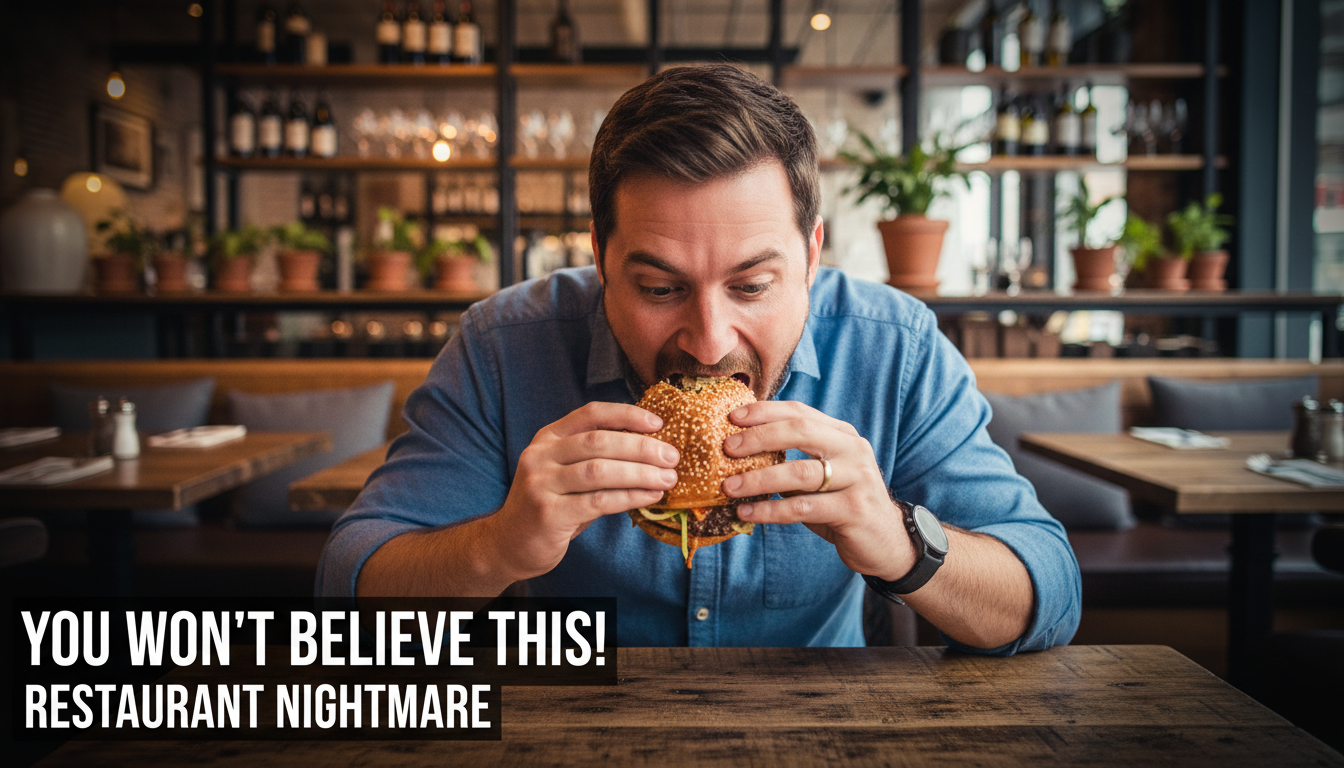
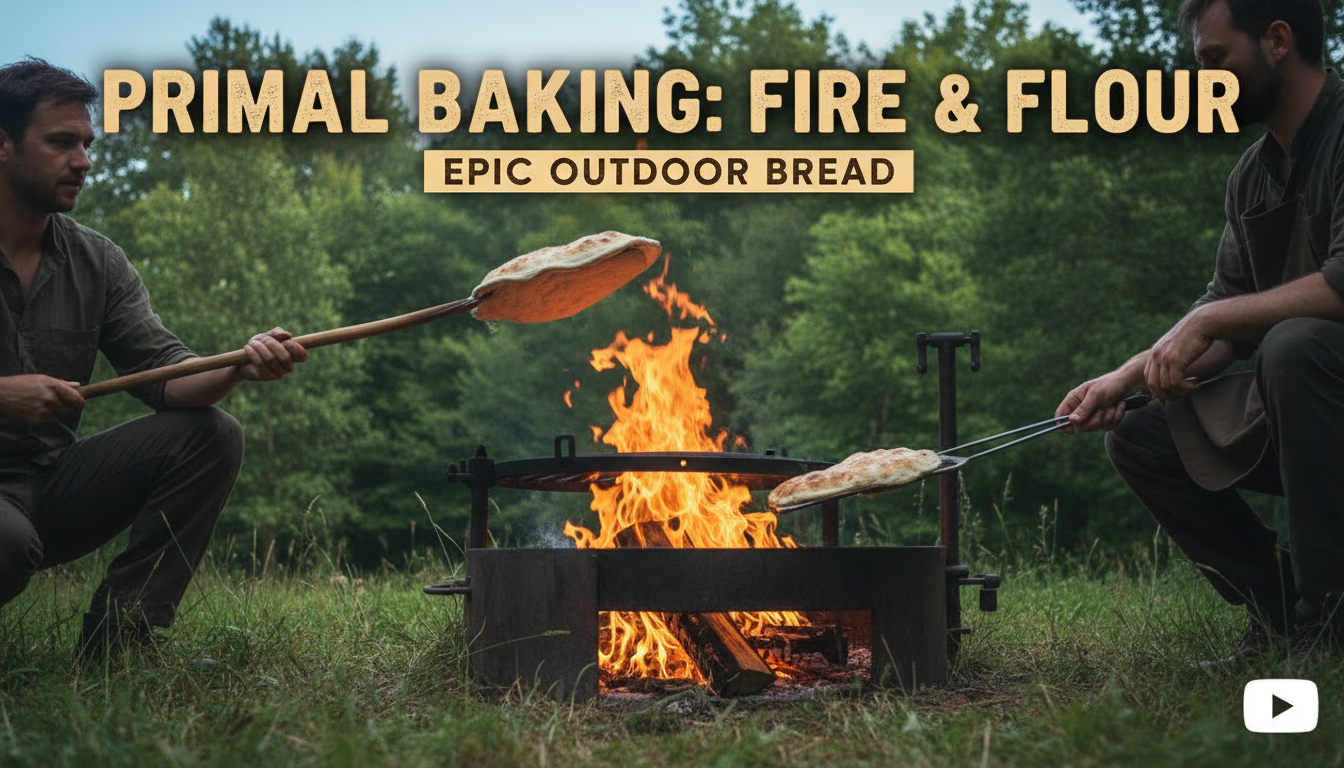
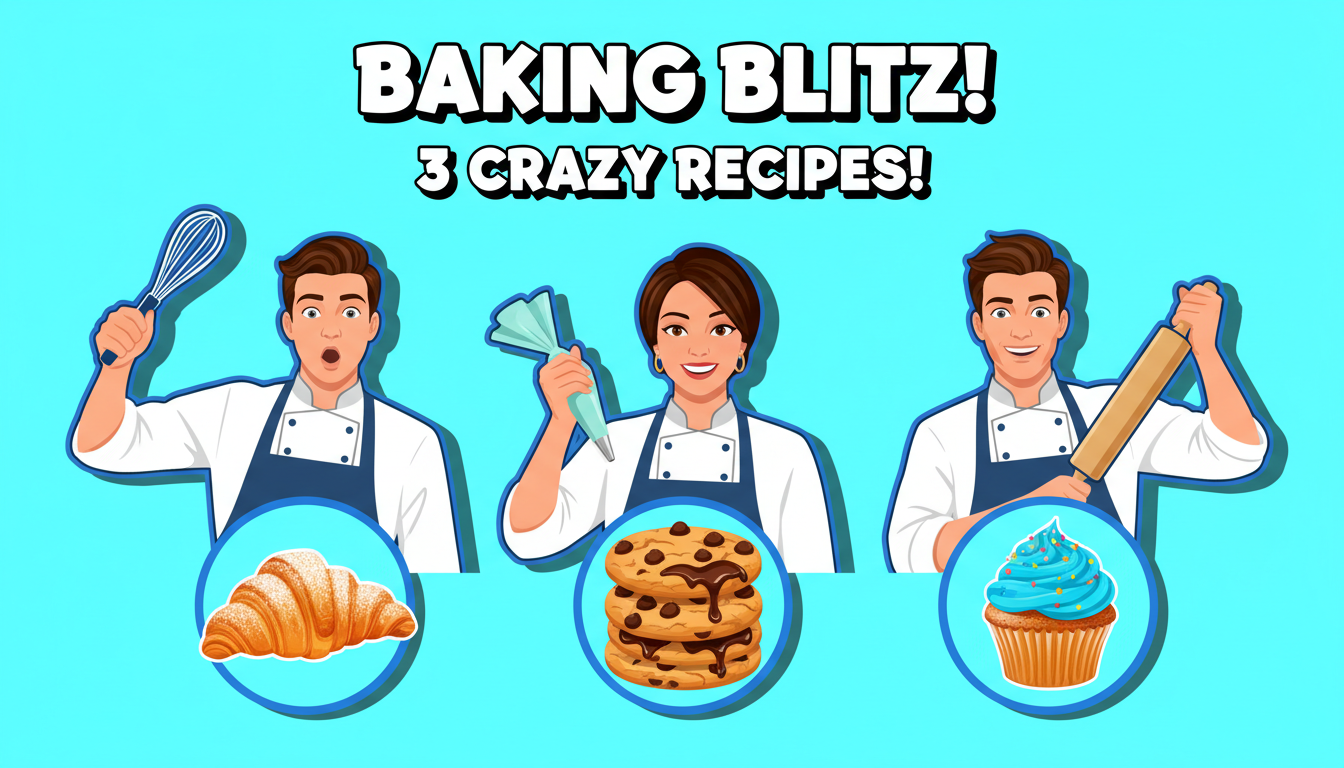
Choose a category built for the kind of content you create.
Fast, clean thumbnails that highlight finished dishes with vibrant colors and simple text overlays.
Warm, inviting thumbnails featuring golden pastries, layered cakes, and step-by-step baking visuals.
Organized, grid-style thumbnails showing containers, ingredients, and weekly prep layouts.
Cinematic food shots with moody lighting, close-ups, and review-style rating overlays.
Colorful, culturally rich thumbnails that capture the visual diversity of world cuisines.
The dish should dominate at least 60% of the thumbnail. Use close-up shots with shallow depth of field to make food look irresistible.
Warm tones (orange, red, golden) trigger appetite. Avoid cool blue tones that make food look unappetizing.
Before-after transformations, a hand pulling cheese, or steam rising from a dish creates movement and interest.
A cluttered background distracts from the food. Use solid colors, wooden boards, or simple tablescapes.
How AI thumbnail generation compares to traditional design tools.
| Feature | Thumix | Canva | Photoshop |
|---|---|---|---|
| AI generation from prompt | Full | Limited | None |
| Cooking-specific templates | 5 sub-niches | Generic | None built-in |
| Time per thumbnail | 3-10 seconds | 10–20 minutes | 30+ minutes |
| Skill required | None | Low | High |
| Commercial rights | Included | Included (Pro) | Your assets only |
Pick a cooking style that fits your content.
Add your topic, text, and optional reference images.
Generate your image and download it in HD.
Find the perfect AI thumbnail style for your content.
The complete guide to YouTube thumbnail dimensions and best practices.
What resolution should your YouTube thumbnails be? Find out here.
Understanding the ideal aspect ratio for YouTube thumbnails.
Keep your key elements visible with the thumbnail safe zone guide.