Resize Images Without Cropping

Exact sizes for Amazon, Etsy, and Instagram — nothing cropped, free, no signup.

Runs on your device — the photo is never uploaded. The full image stays in the export, with no cropping.

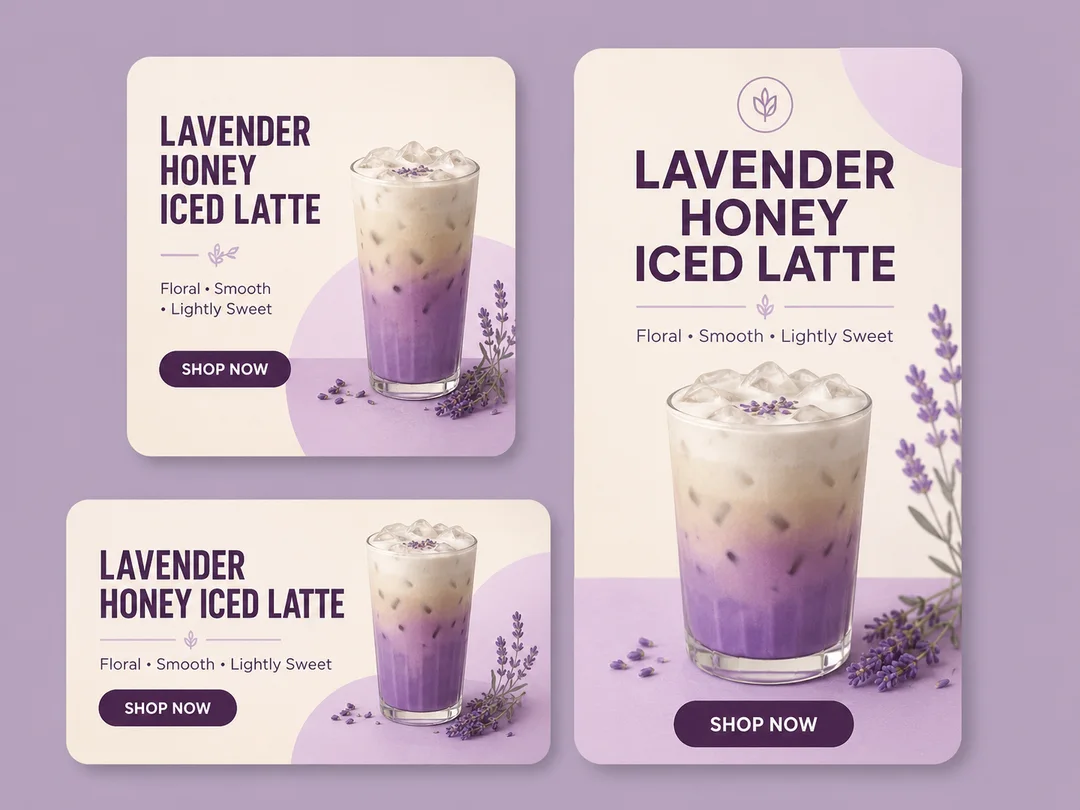
One lavender latte ad design exported at three sizes — a square post, a landscape banner, and a vertical story

One design, every size you need

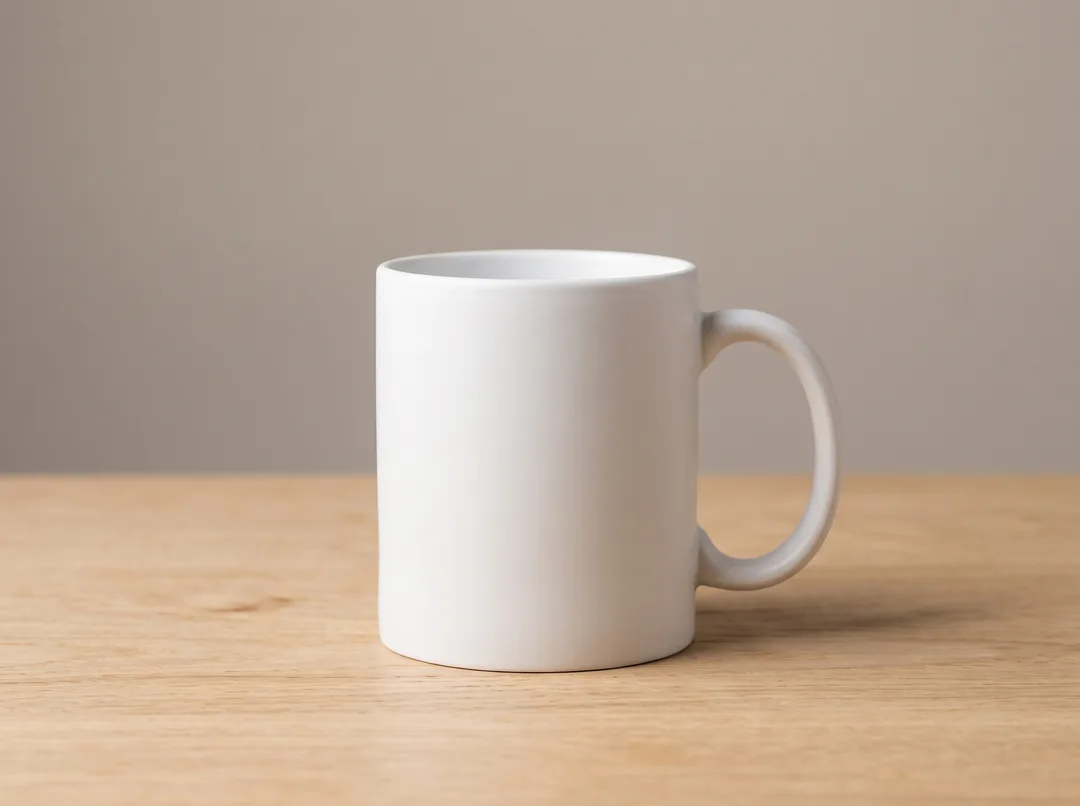
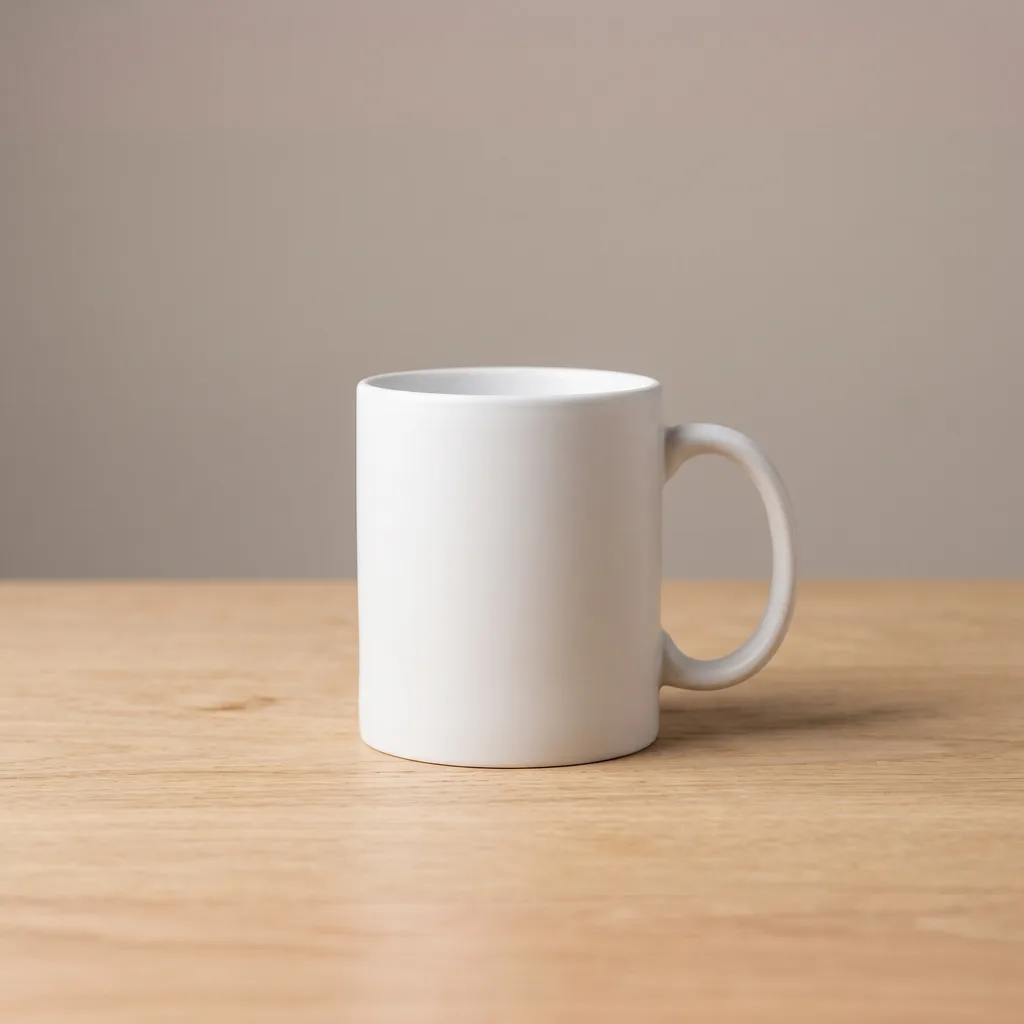
A wide 4:3 studio photo of a white mug on a wooden table
Original, 4:3
The same mug photo expanded to a square 2000 × 2000 Amazon main image, with the wall and table continued above and below instead of the handle being cropped
Amazon, 2000 × 2000

Turn a wide product shot into a square Amazon main image

Amazon rejects a main image that is not square, and wants at least 1600px on the longest side so hover-zoom works. Cropping a 4:3 studio shot down to 1:1 takes the handle off the mug. Expanding it instead keeps every original pixel and generates the missing wall and table above and below, so the listing gets a compliant 2000 × 2000 file without booking the shoot again.

Try it for free
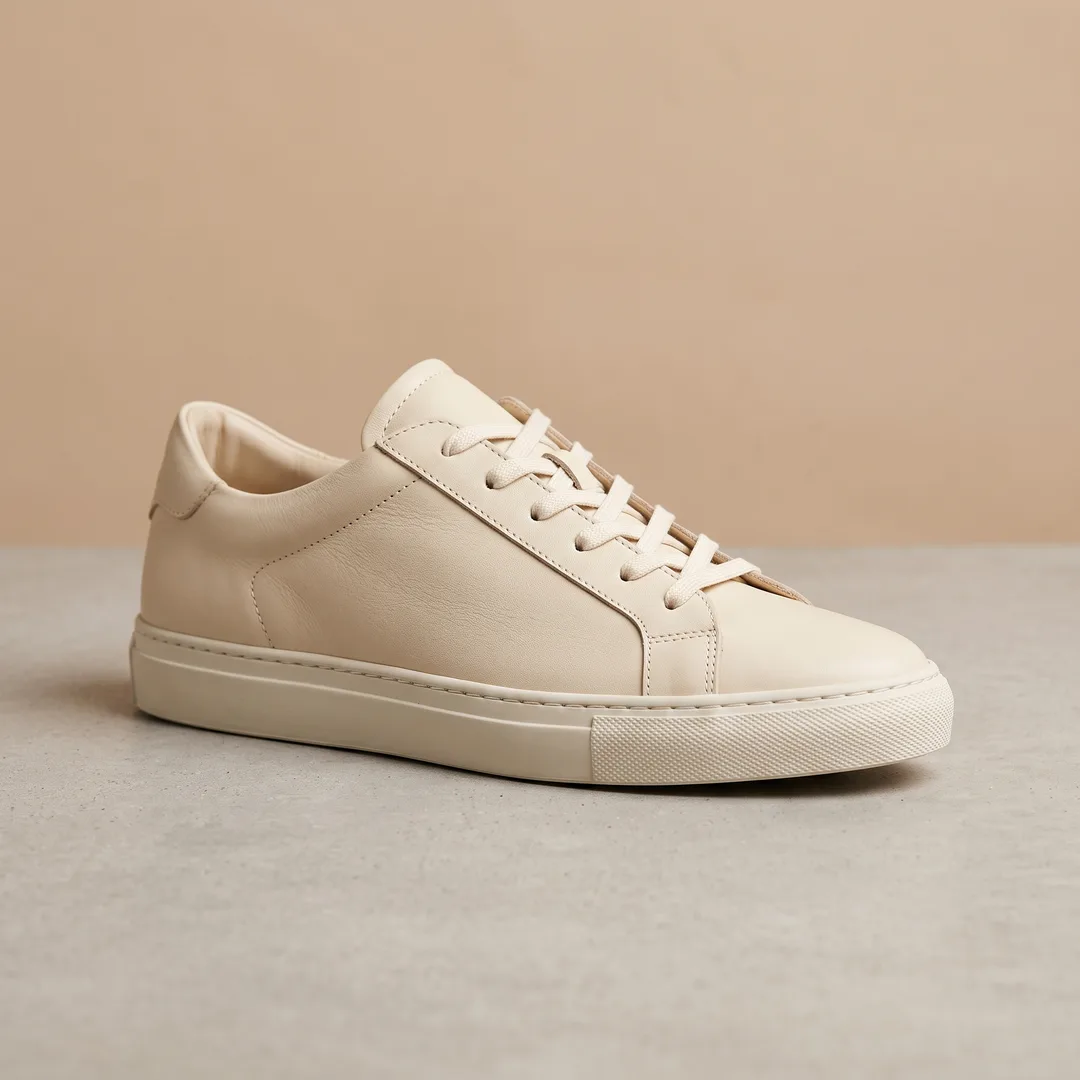
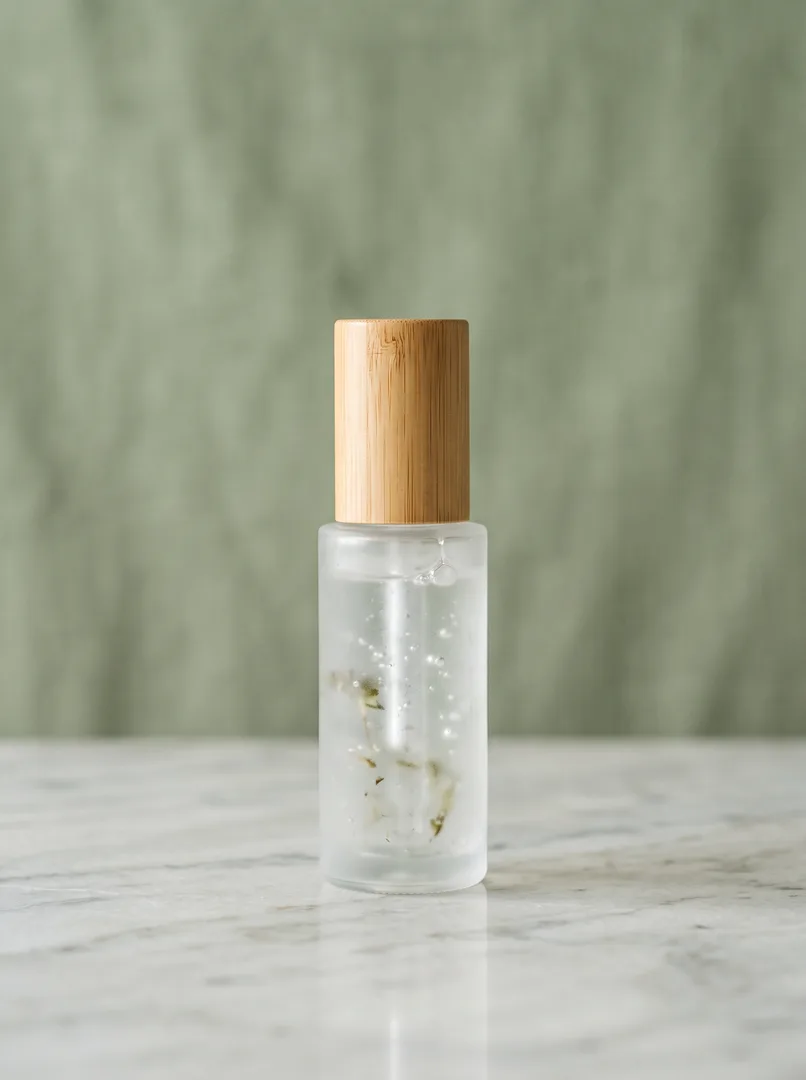
A square catalogue product photo
Original, 1:1
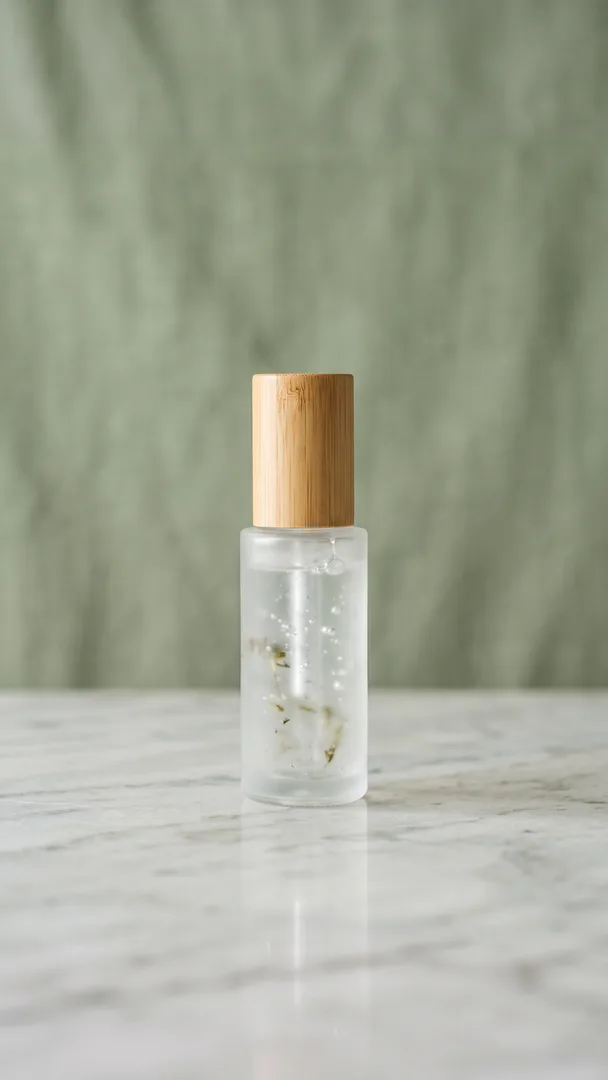
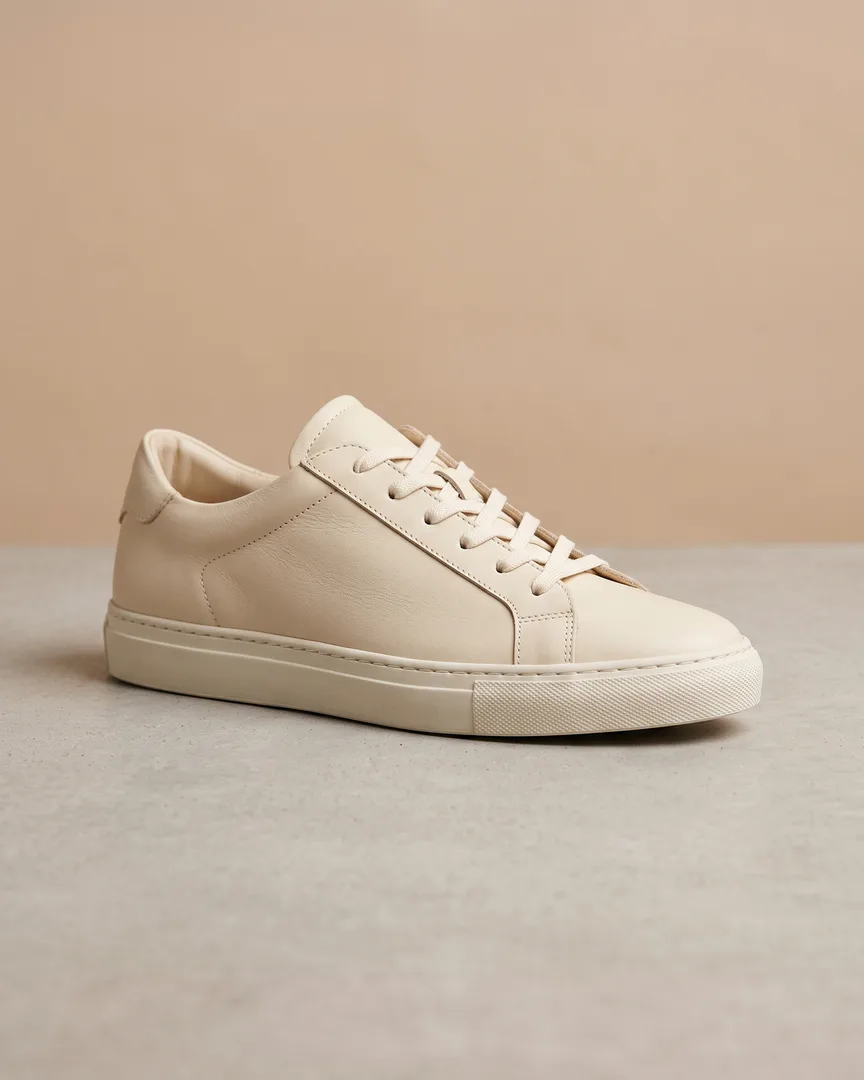
The same product photo expanded into a 1080 × 1350 Instagram portrait post, with the surface and shadow continued above and below
Instagram, 1080 × 1350

Grow a square catalogue shot into Instagram's 4:5 crop

The 4:5 portrait crop occupies about a quarter more feed height than a square, which is why it out-performs 1:1 for reach. Stretching a catalogue image to fit distorts the product and cropping loses its edges. Here the surface and its shadow are continued above and below the original frame, so a single 1:1 shot fills the taller slot and still reads as one photograph.

Try it for free
A 3:4 portrait product photo of a candle
Original, 3:4
The same candle photo expanded to a full-screen 1080 × 1920 vertical image for TikTok and Reels, with no letterboxing and no cropped label
TikTok, 1080 × 1920

Take a product photo full screen for TikTok and Reels

A 9:16 screen is far taller than anything a normal product session produces, so the usual outcome is black letterbox bars or a label cropped in half. Expanding a 3:4 shot to 1080 × 1920 continues the scene to the very top and bottom of the phone — no bars, no cropped label, and the product itself exactly as it was photographed.

Try it for free

Frequently asked questions

Is this image resizer free?+

Yes. Free mode runs entirely in your browser with no signup, upload, watermark, or usage limit. AI HD is an optional paid mode.

What is the difference between Free and AI HD?+

Free changes pixel dimensions locally and never crops. AI HD targets aspect ratios instead: it reworks the image so it genuinely fills each shape — 1:1 for Amazon and eBay, 9:16 for Reels — and exports every ratio at 2K resolution.

How do I resize without cropping?+

Leave Keep original aspect ratio turned on. The complete image is fitted inside the requested canvas, and any extra space remains transparent.

Will resizing make my image blurry?+

Making an image smaller stays sharp. Making it larger in Free mode stretches the pixels you already have and can look soft, so AI HD regenerates real detail instead and keeps the enlarged result crisp.

Does AI HD change my product?+

For modest shape changes, no — the AI paints only the new margin and your original pixels are drawn back on top. When the new shape needs a much larger scene, the AI recomposes the whole image to fill it, keeping the subject, style, and any text intact.

Does my photo get uploaded to a server?+

Not in Free mode. The image never leaves your device. AI HD only uploads the image when its AI processing is needed.

What resolution are the AI HD results?+

Every ratio is generated at 2K and exports as a PNG with 2048px on its long edge. That clears Amazon’s 1600px zoom requirement and every major platform’s minimum, so one export works everywhere.

What size should an Amazon product image be?+

Amazon's main image must be square, and they recommend at least 1600px on the longest side so zoom works. The 1:1 ratio exports 2048 × 2048, which clears that comfortably.

What file types can I use?+

Anything your browser can open, including JPG, PNG, WebP, GIF, and AVIF. Every result downloads as a PNG so padding can stay transparent and nothing is re-compressed.