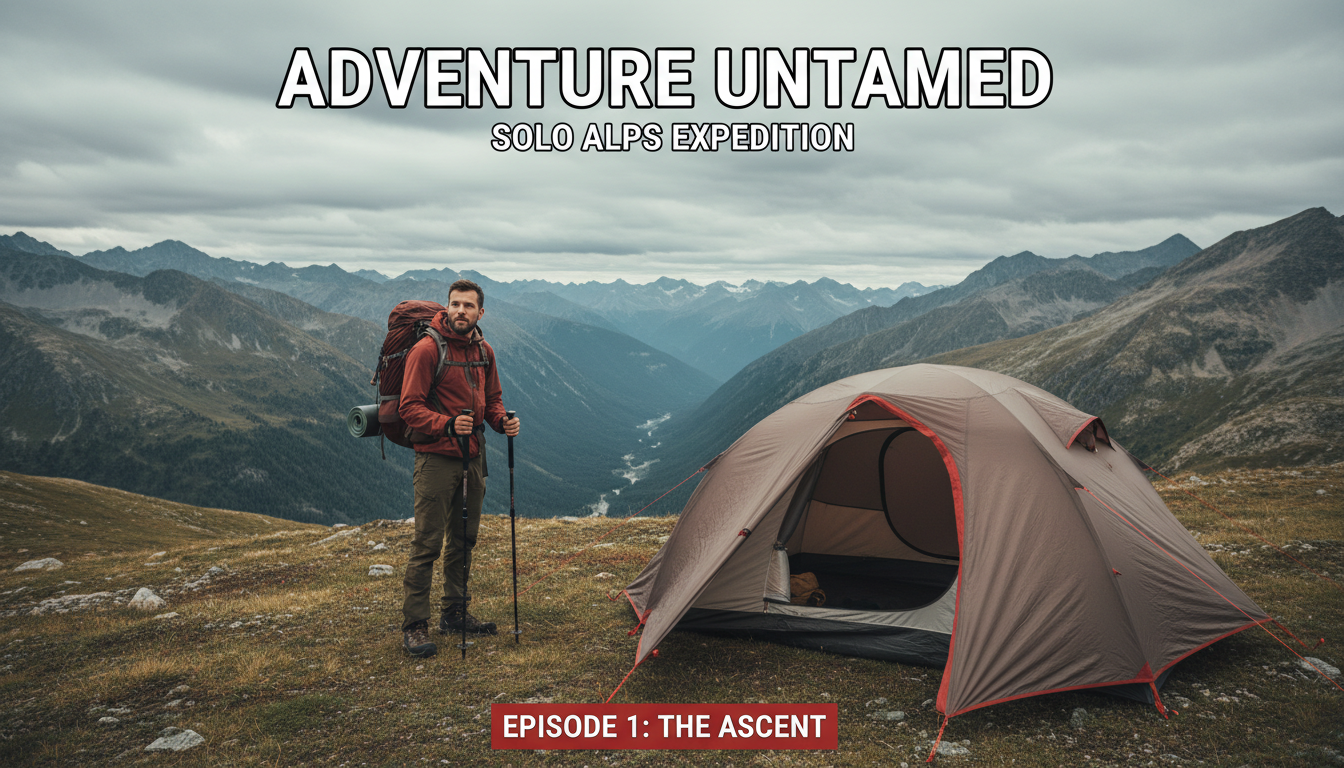
Landscape Photography
Breathtaking wide-angle thumbnails with dramatic skies, golden hour lighting, and sweeping vistas.
Professional AI thumbnails for photography tutorials, gear reviews & editing YouTube channels.
AI-generated thumbnails for photography content — created in seconds, not hours.
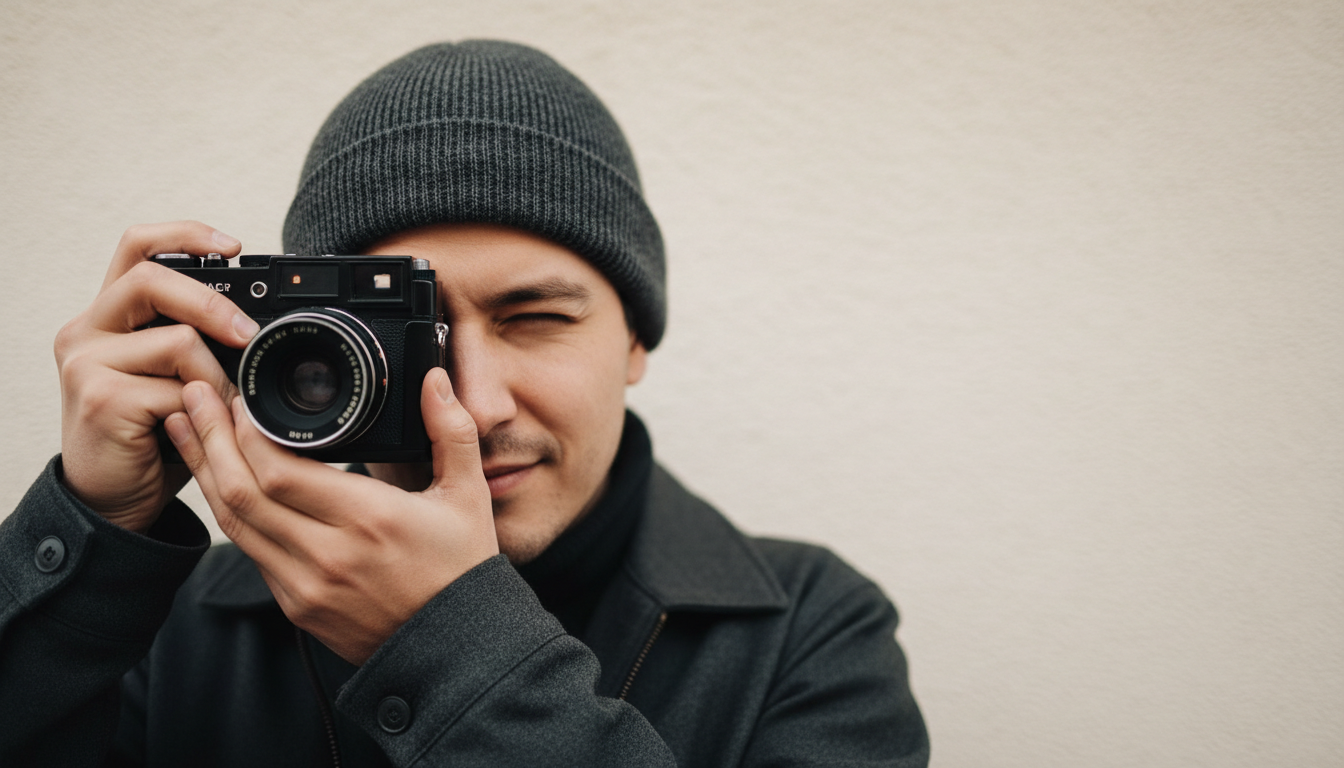
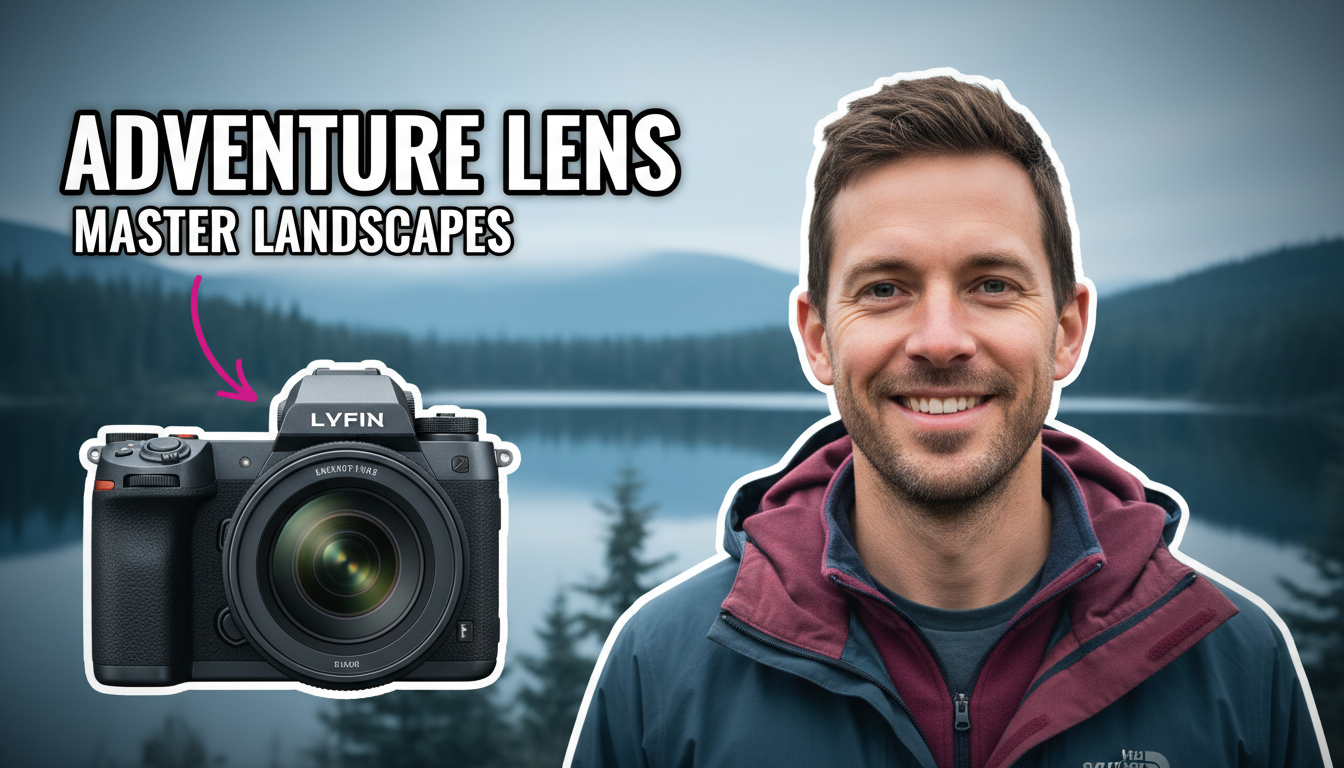
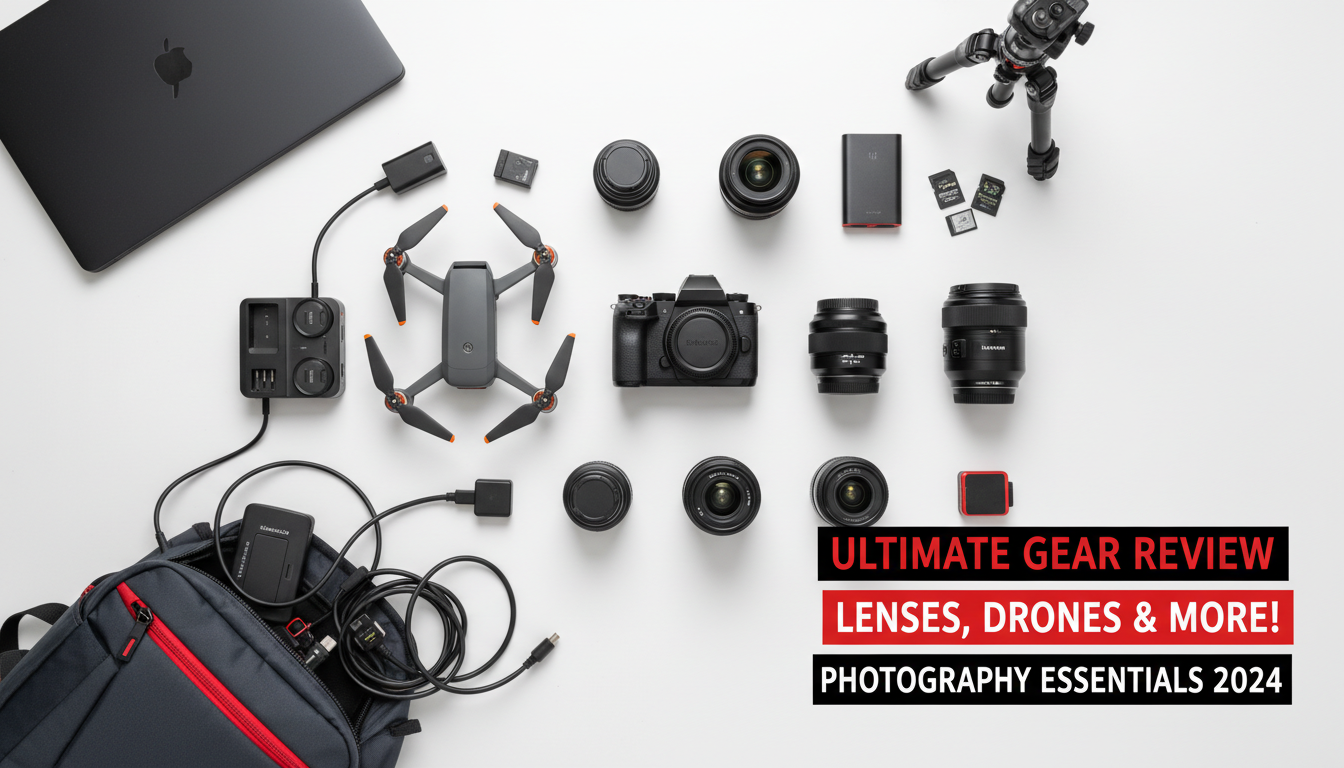
Choose a category built for the kind of content you create.
Breathtaking wide-angle thumbnails with dramatic skies, golden hour lighting, and sweeping vistas.
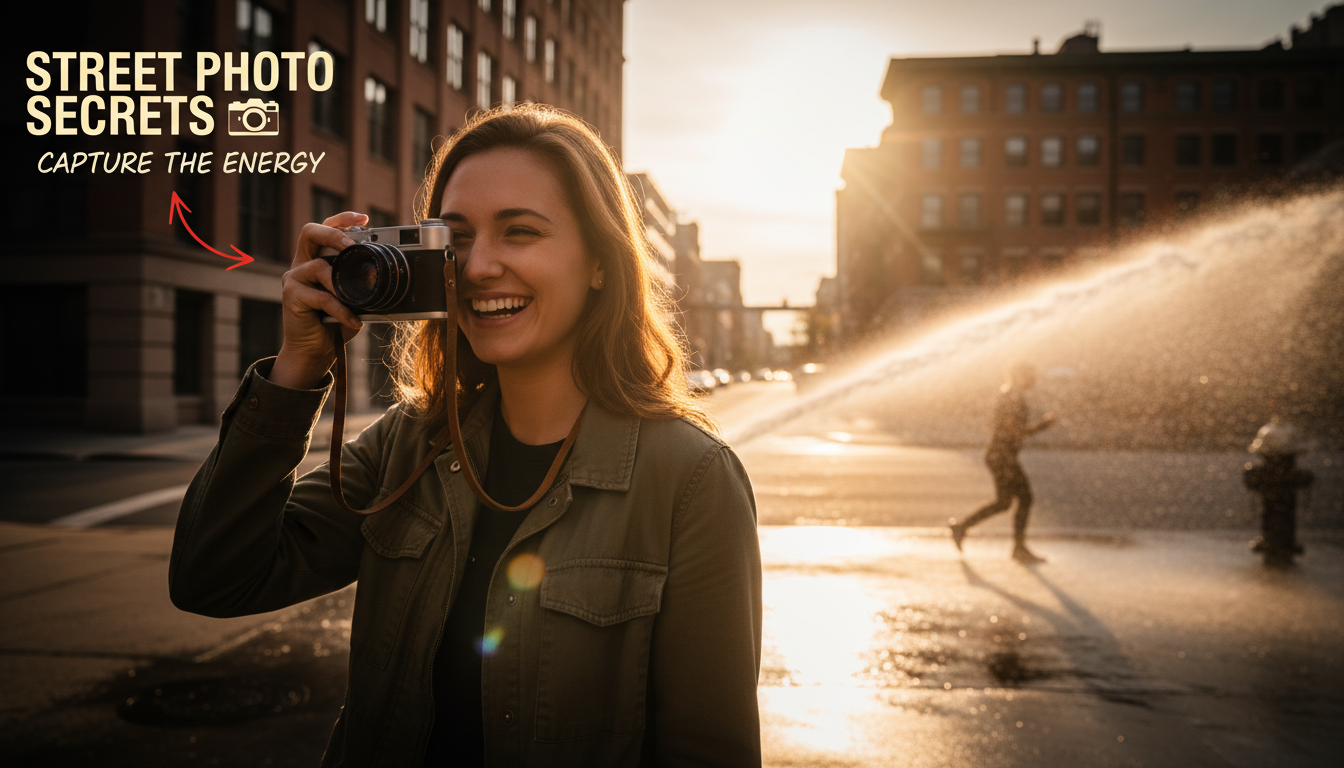
Intimate, beautifully lit thumbnails with shallow depth of field and compelling subject expressions.
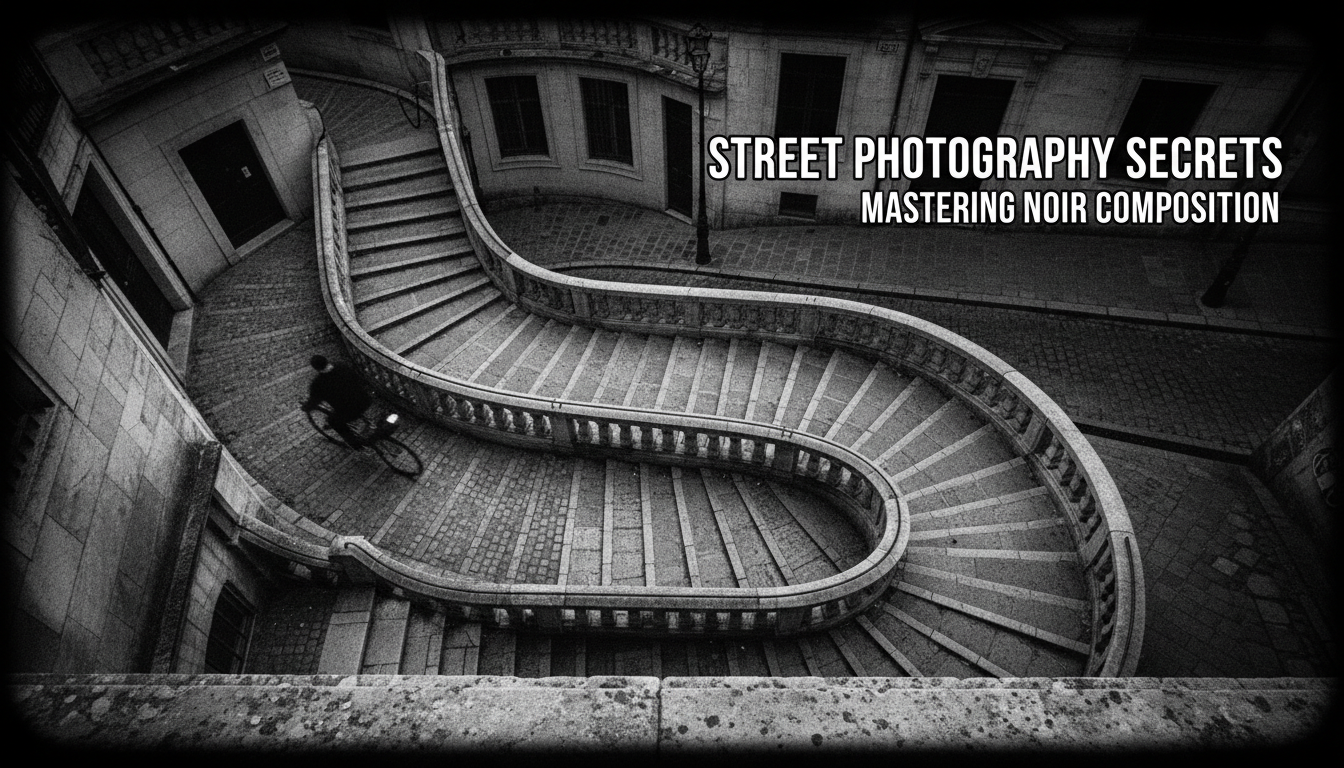
Gritty, candid thumbnails with urban environments, decisive moments, and documentary aesthetics.
Before-after thumbnails with editing interface elements, color grading previews, and transformation reveals.
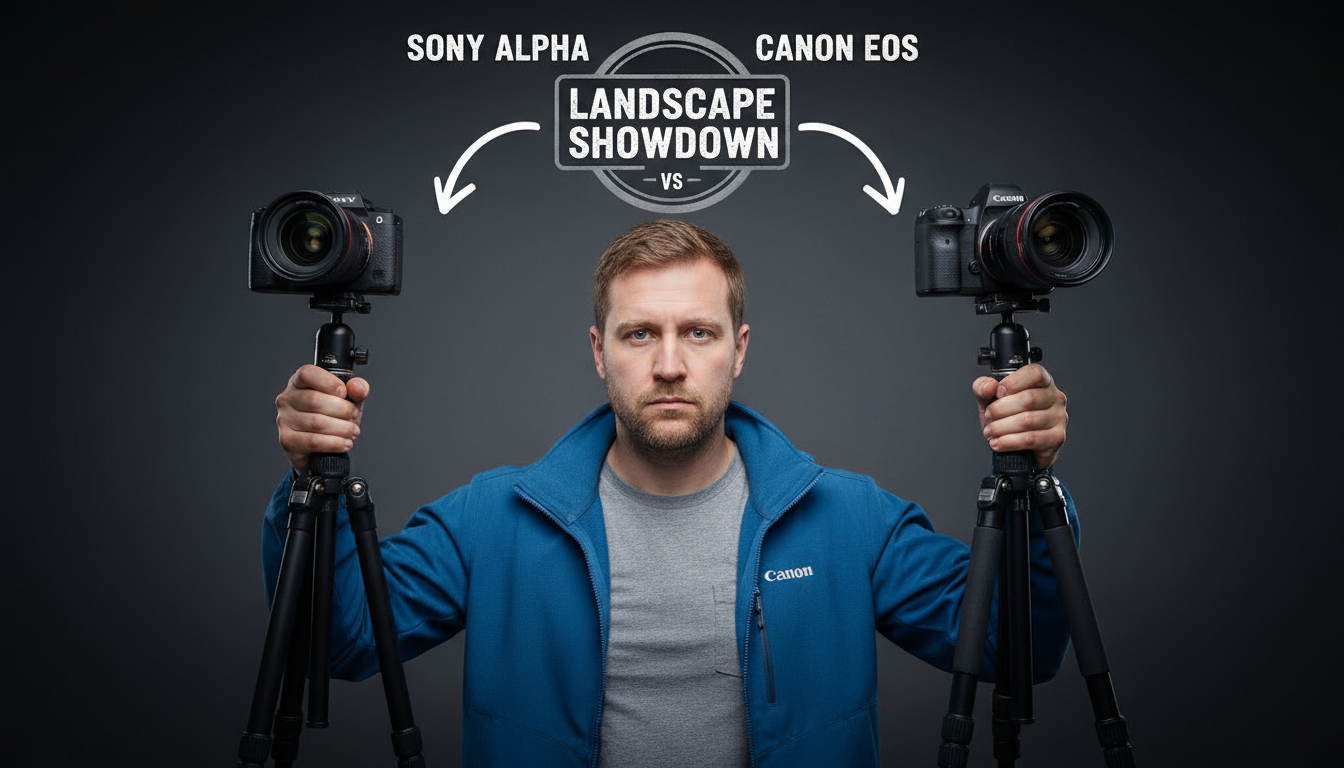
Product-focused thumbnails with camera bodies, lens comparisons, and spec-highlighted layouts.
Photography audiences judge visual quality instantly. Use your strongest image as the thumbnail — it proves your skill before they click.
Editing tutorials perform best with dramatic before-after splits. The transformation is the hook.
For reviews, make the camera or lens the hero. Photography audiences want to see the equipment up close.
Apply the same composition rules you use in photography — rule of thirds, leading lines, and intentional negative space.
How AI thumbnail generation compares to traditional design tools.
| Feature | Thumix | Canva | Photoshop |
|---|---|---|---|
| AI generation from prompt | Full | Limited | None |
| Photography-specific templates | 5 sub-niches | Generic | None built-in |
| Time per thumbnail | 3-10 seconds | 10–20 minutes | 30+ minutes |
| Skill required | None | Low | High |
| Commercial rights | Included | Included (Pro) | Your assets only |
Pick a photography style that fits your content.
Add your topic, text, and optional reference images.
Generate your image and download it in HD.
Find the perfect AI thumbnail style for your content.
The complete guide to YouTube thumbnail dimensions and best practices.
What resolution should your YouTube thumbnails be? Find out here.
Understanding the ideal aspect ratio for YouTube thumbnails.
Keep your key elements visible with the thumbnail safe zone guide.