Daily Vlogs
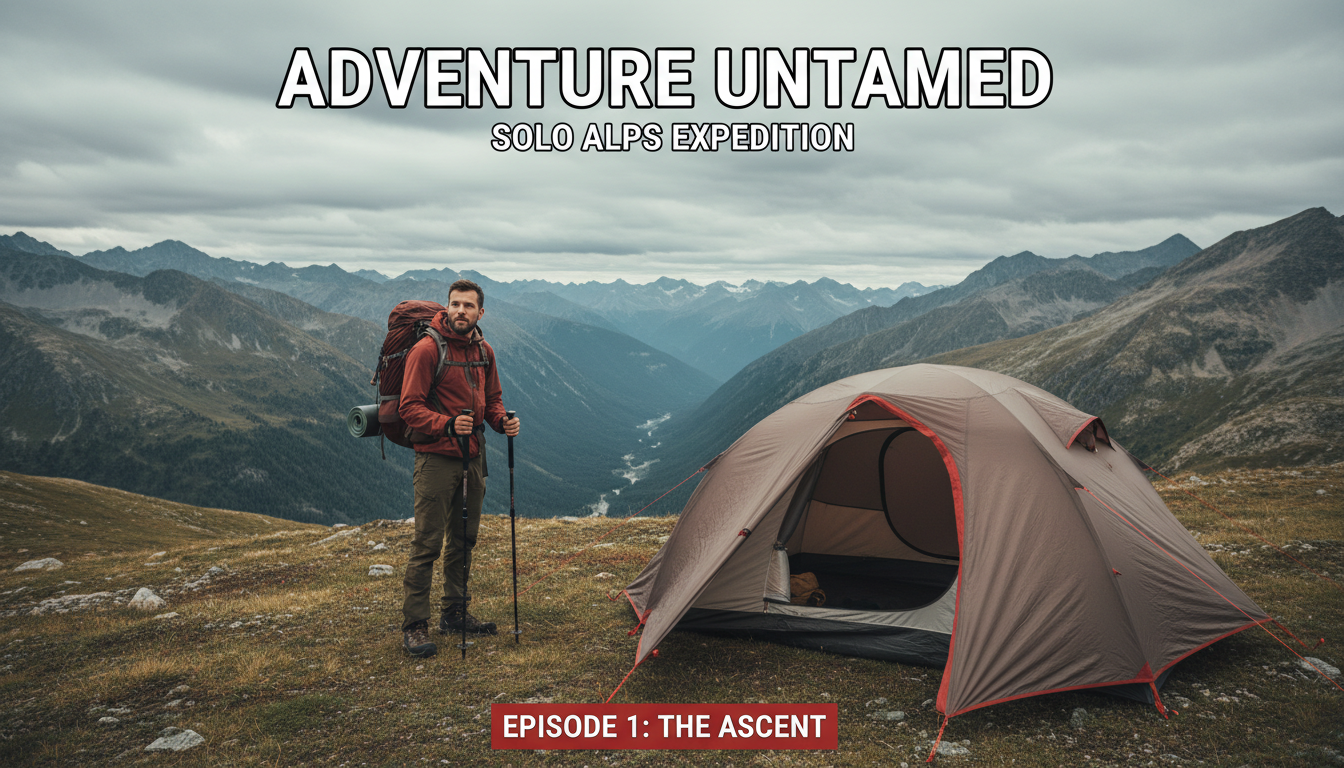
Personal, authentic thumbnails with candid moments, location context, and vlogger-forward framing.
Professional AI thumbnails for daily vlogs, lifestyle & storytelling YouTube channels.
AI-generated thumbnails for vlog content — created in seconds, not hours.



Choose a category built for the kind of content you create.
Personal, authentic thumbnails with candid moments, location context, and vlogger-forward framing.
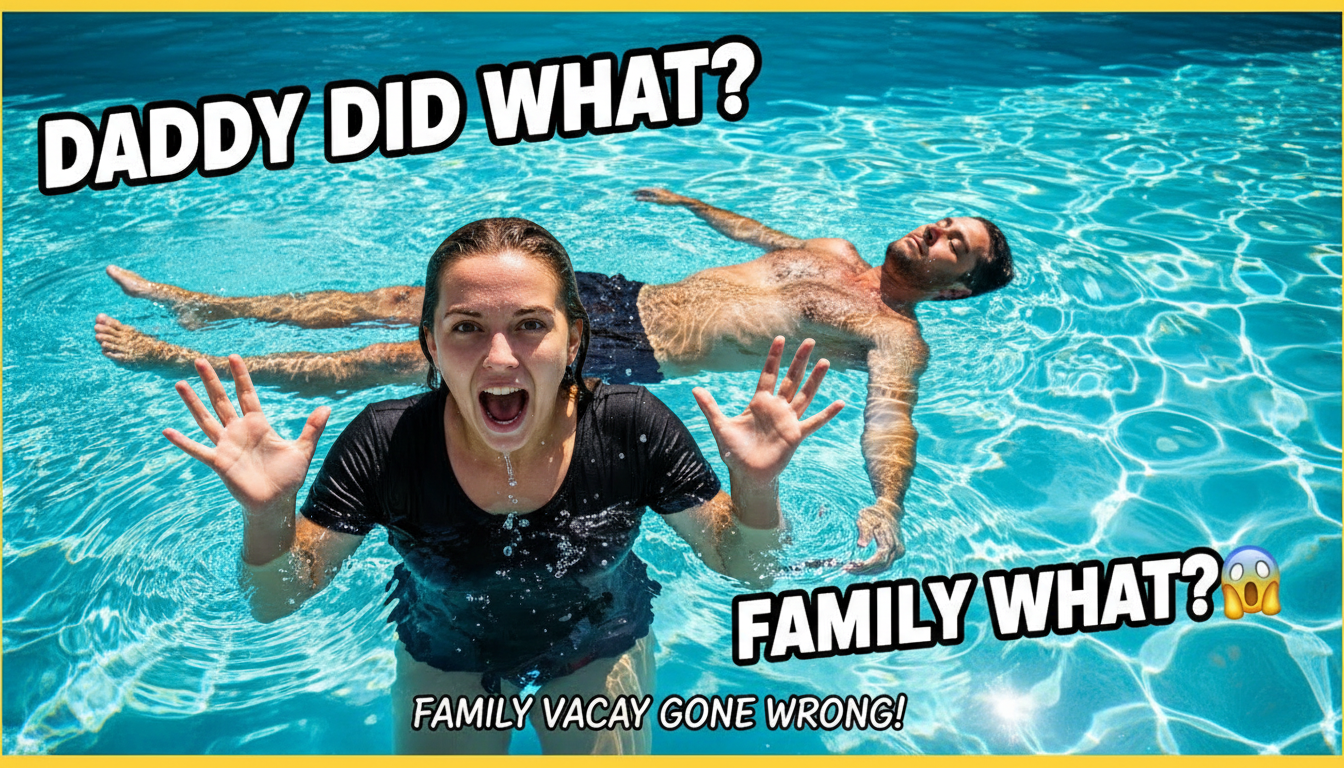
Warm, joyful thumbnails featuring family moments, kid-friendly aesthetics, and emotional connections.
Romantic or playful thumbnails with couple dynamics, relationship moments, and dual-personality layouts.
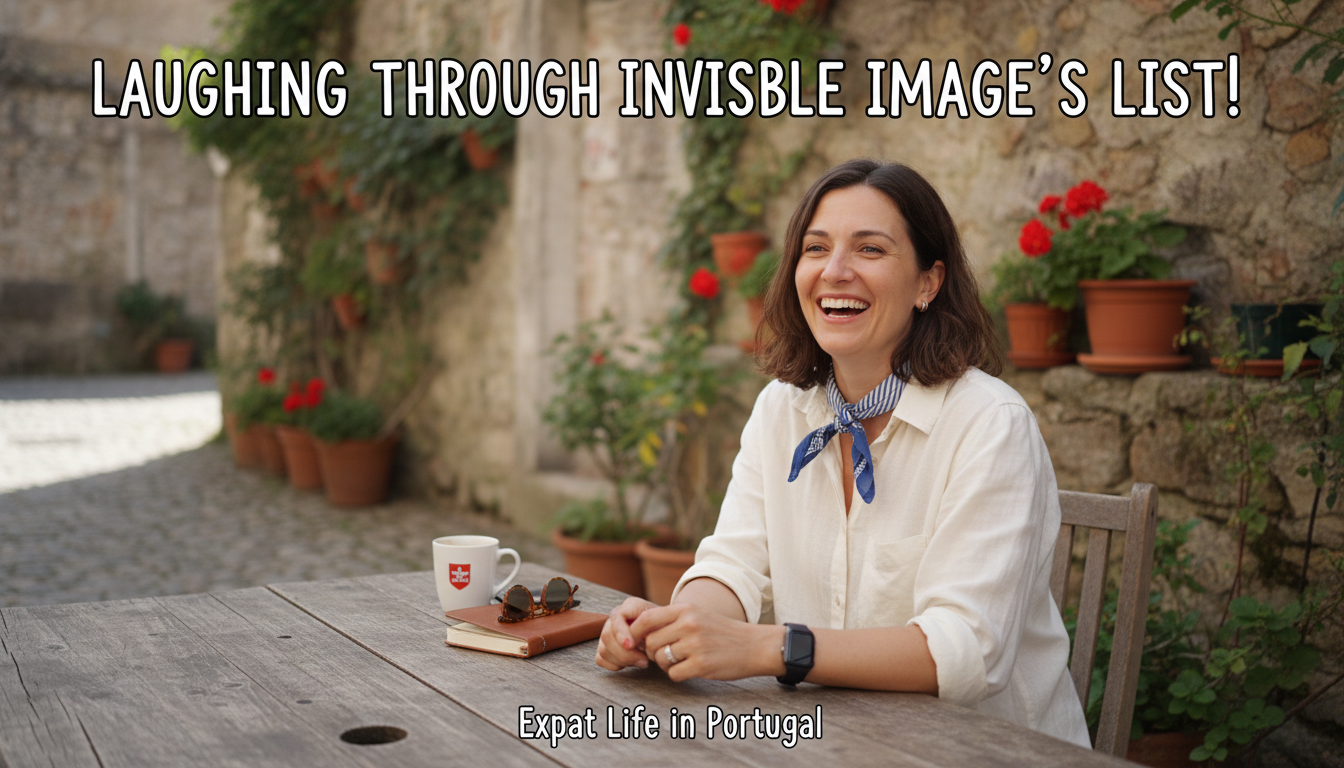
Location-rich thumbnails with cultural elements, new experiences, and adventurous daily-life visuals.
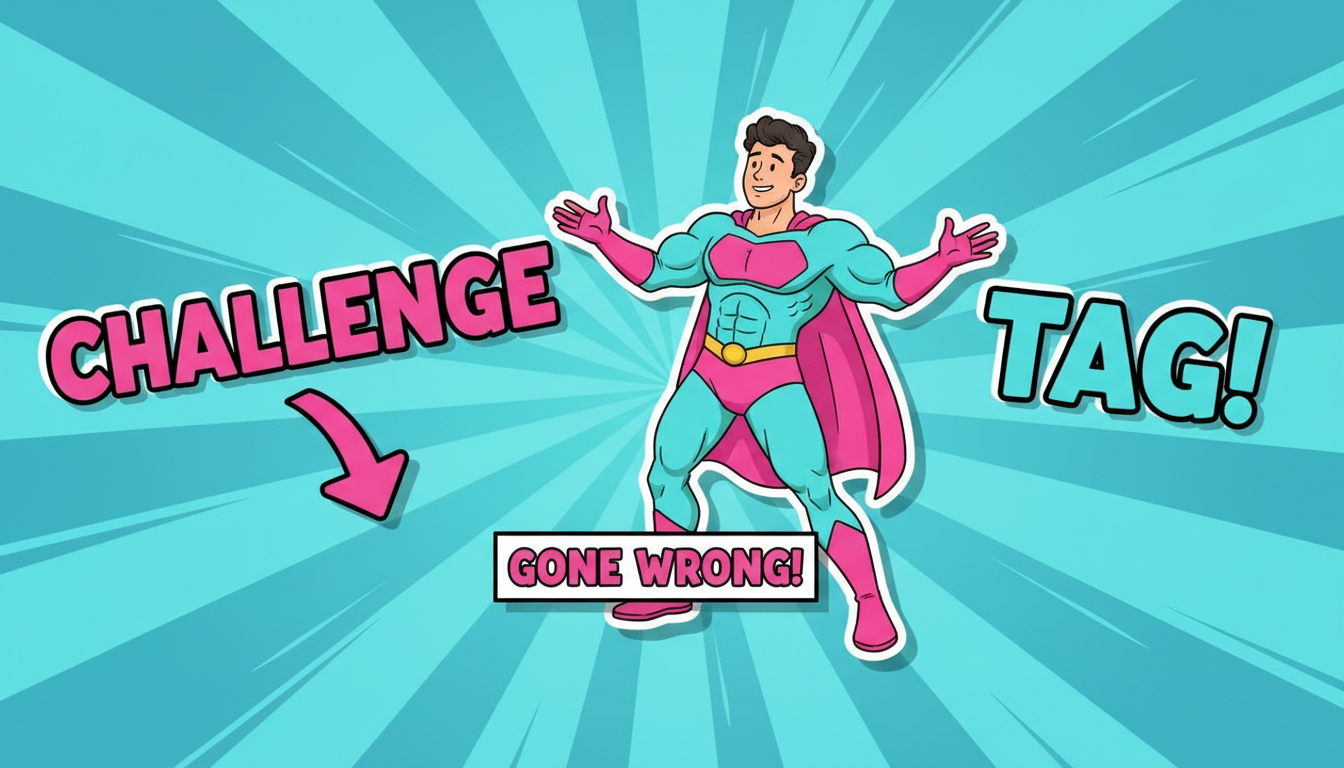
High-energy, fun thumbnails with bold reactions, colorful props, and game-show styled layouts.
Authentic reactions — surprise, joy, shock, laughter — perform far better than posed smiles. Capture a real moment.
Include enough background context so viewers know what the vlog is about at a glance. A kitchen, a beach, a moving box — context drives clicks.
Vlog audiences connect with the creator. Your face should be prominent and expressive in most thumbnails.
If you have recurring series (Day in My Life, Moving Abroad), use consistent visual branding so subscribers recognize the format.
How AI thumbnail generation compares to traditional design tools.
| Feature | Thumix | Canva | Photoshop |
|---|---|---|---|
| AI generation from prompt | Full | Limited | None |
| Vlog-specific templates | 5 sub-niches | Generic | None built-in |
| Time per thumbnail | 3-10 seconds | 10–20 minutes | 30+ minutes |
| Skill required | None | Low | High |
| Commercial rights | Included | Included (Pro) | Your assets only |
Pick a vlog style that fits your content.
Add your topic, text, and optional reference images.
Generate your image and download it in HD.
Find the perfect AI thumbnail style for your content.
The complete guide to YouTube thumbnail dimensions and best practices.
What resolution should your YouTube thumbnails be? Find out here.
Understanding the ideal aspect ratio for YouTube thumbnails.
Keep your key elements visible with the thumbnail safe zone guide.