AI thumbnail editing with plain text
Everything you'd open Photoshop for — done by describing it.
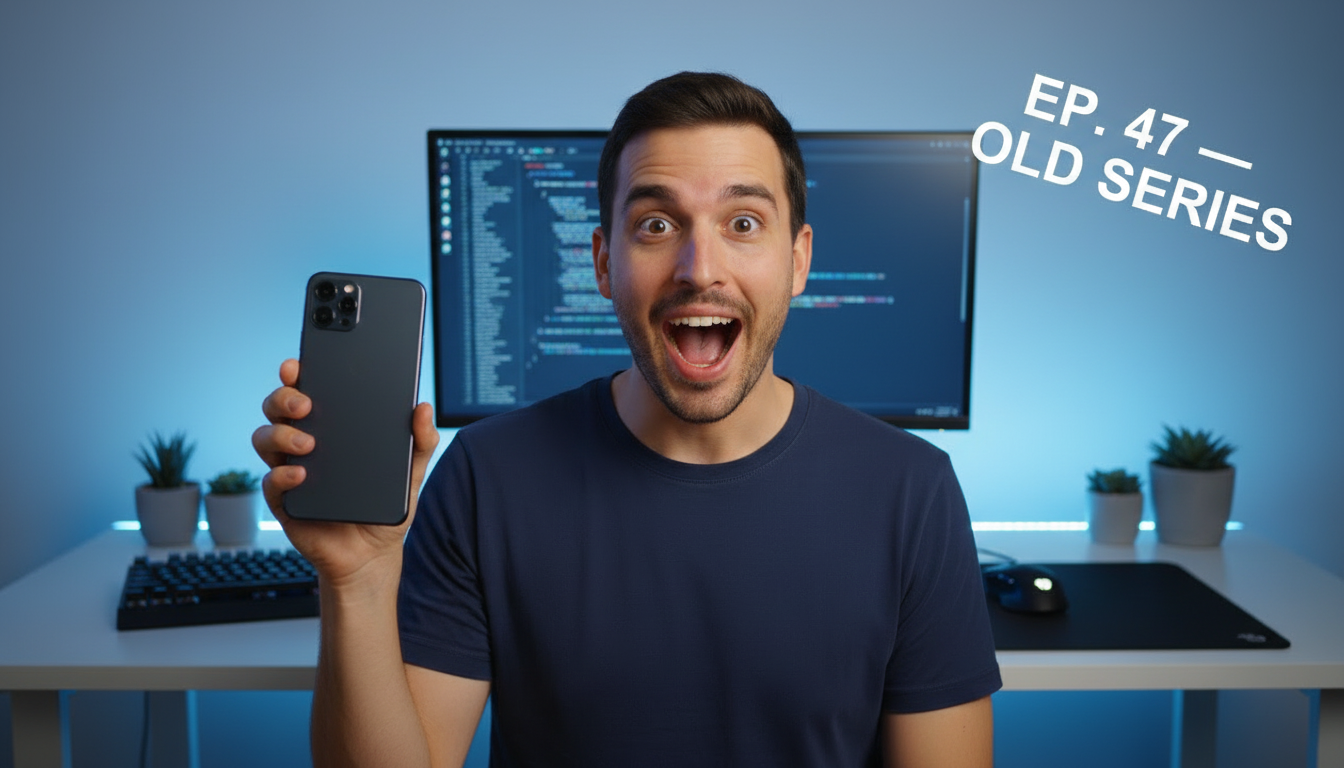
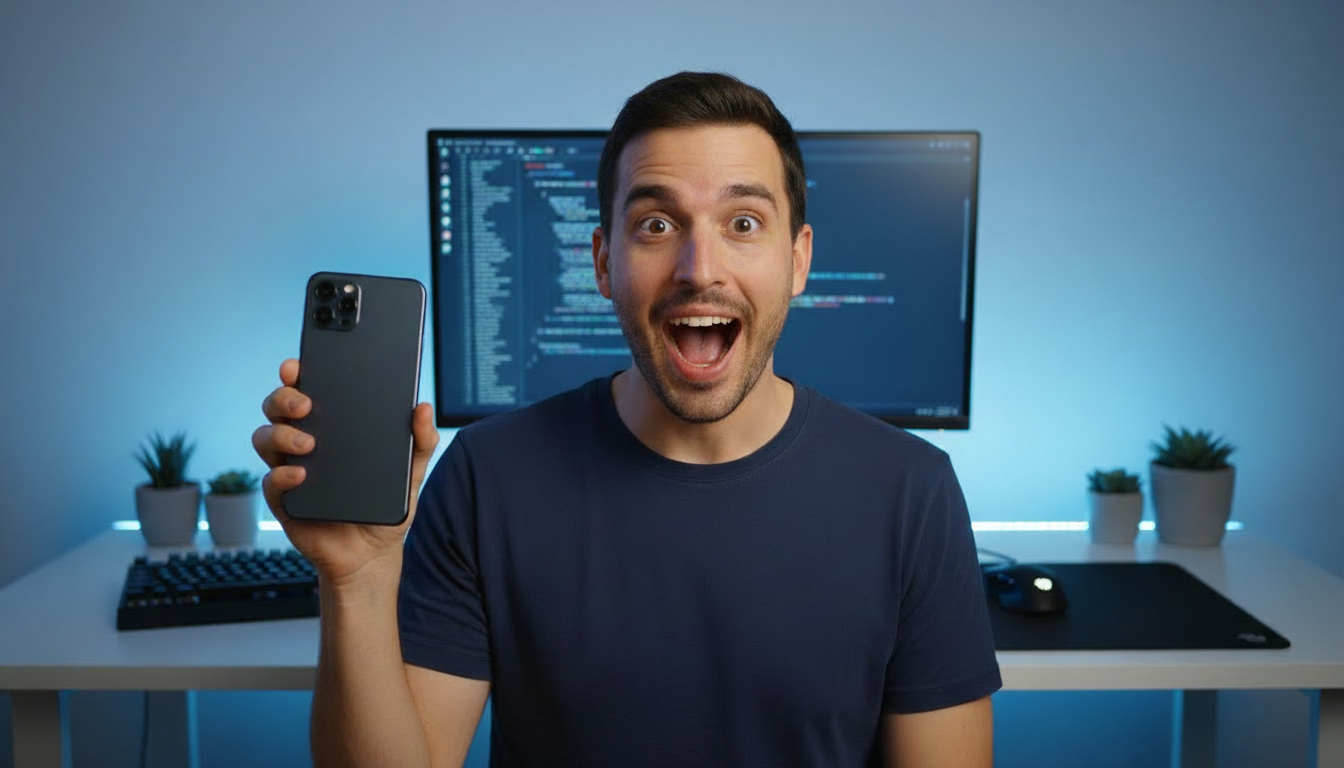
Inpaint any area with a text prompt
Brush over the area you want to change, describe it in a text prompt, and the AI repaints only that region. The rest of your thumbnail stays pixel-for-pixel the same.
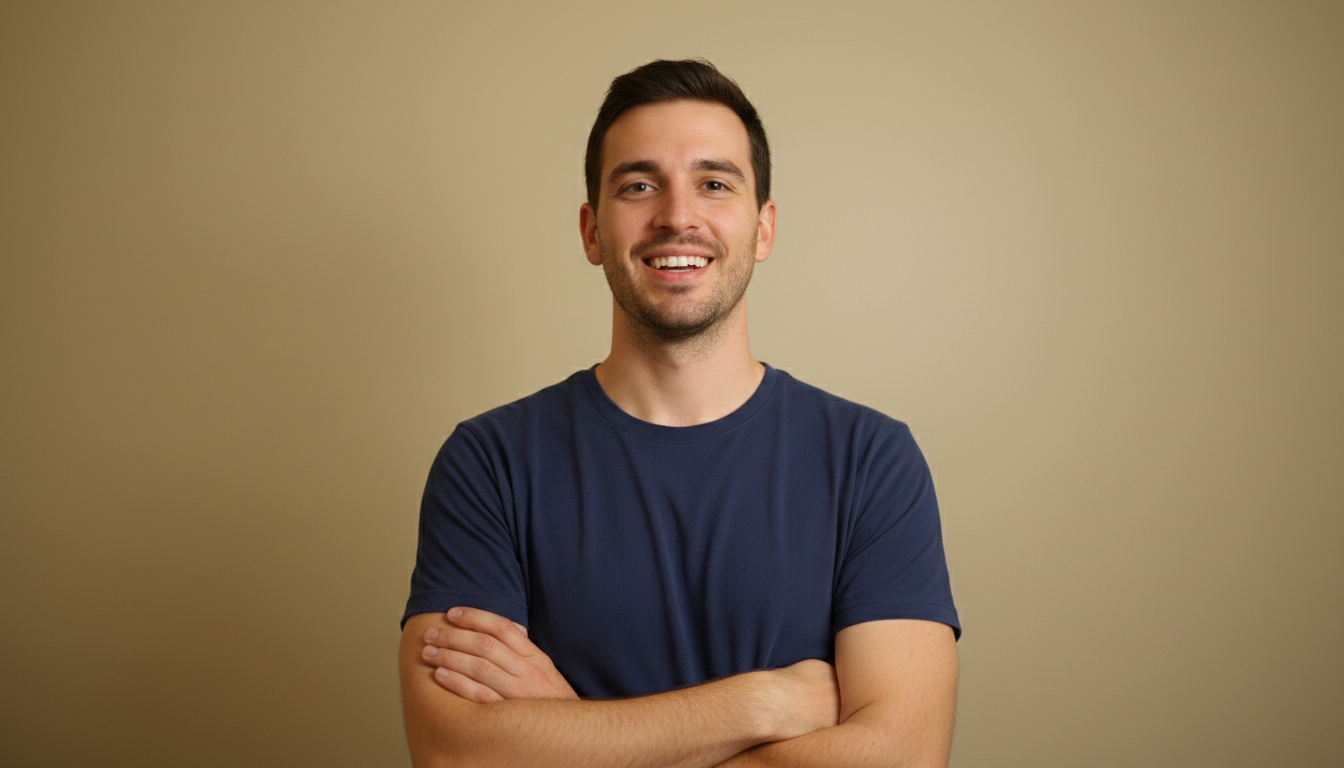
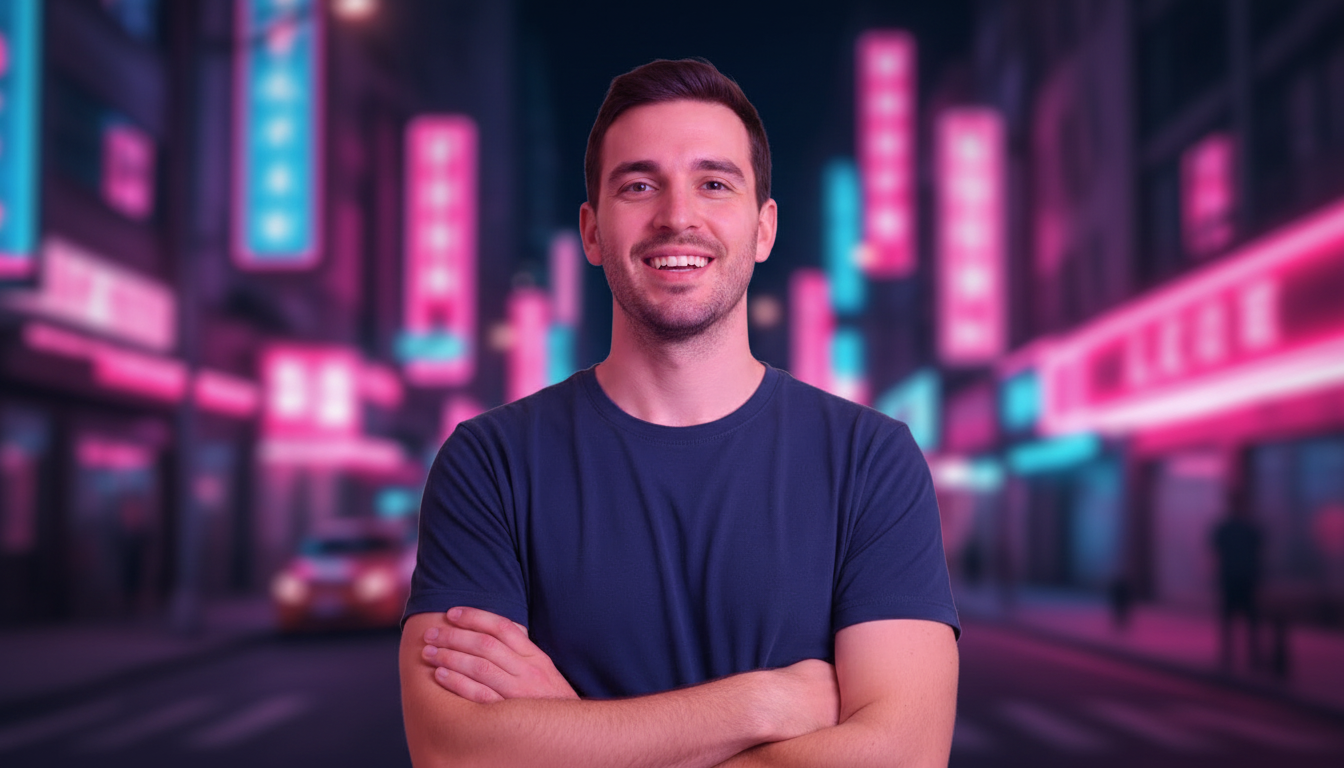
Swap the background in seconds
Drop your subject into a gaming setup, a neon city, or a clean studio backdrop. The AI matches lighting and edges so it looks like you were shot right there.
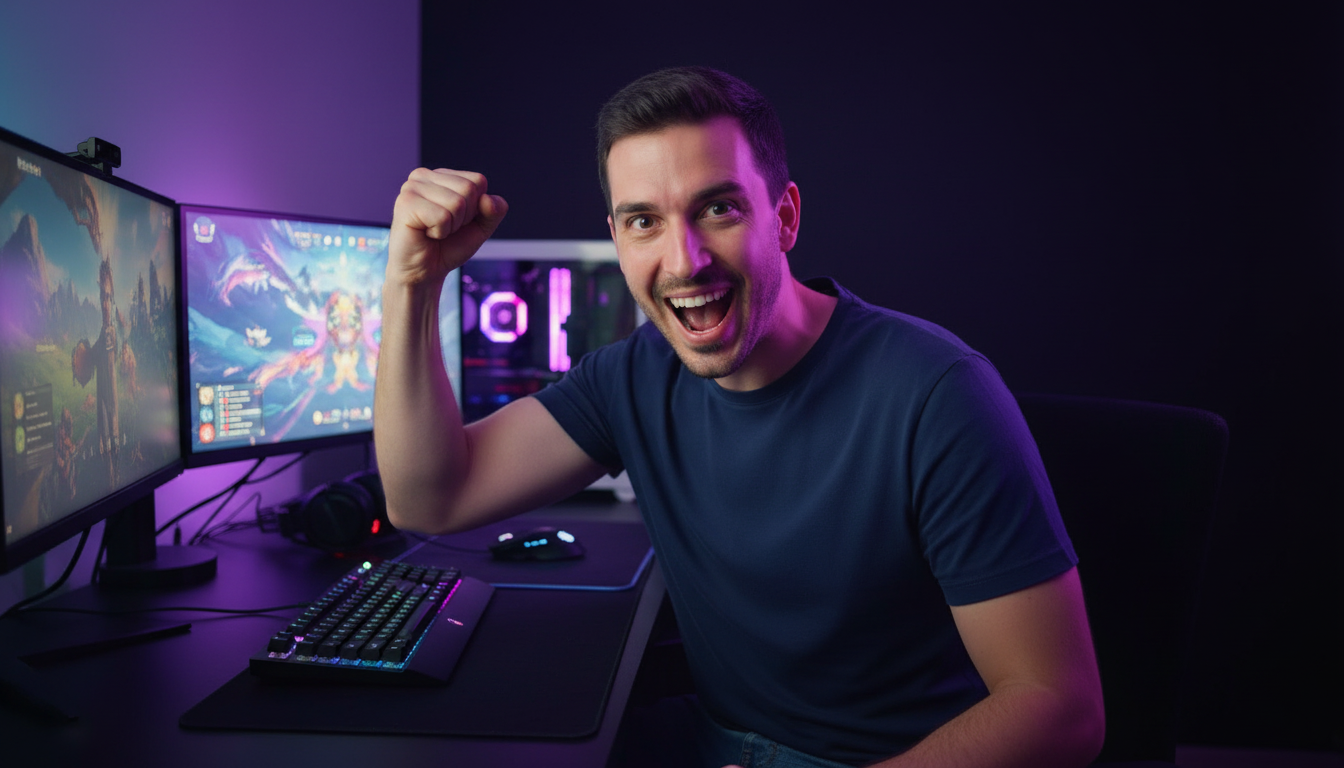

Remove or add anything
Delete distracting clutter, stray text, or watermarks — or add props, effects, and objects that earn the click. No selections to trace, no layers to manage.

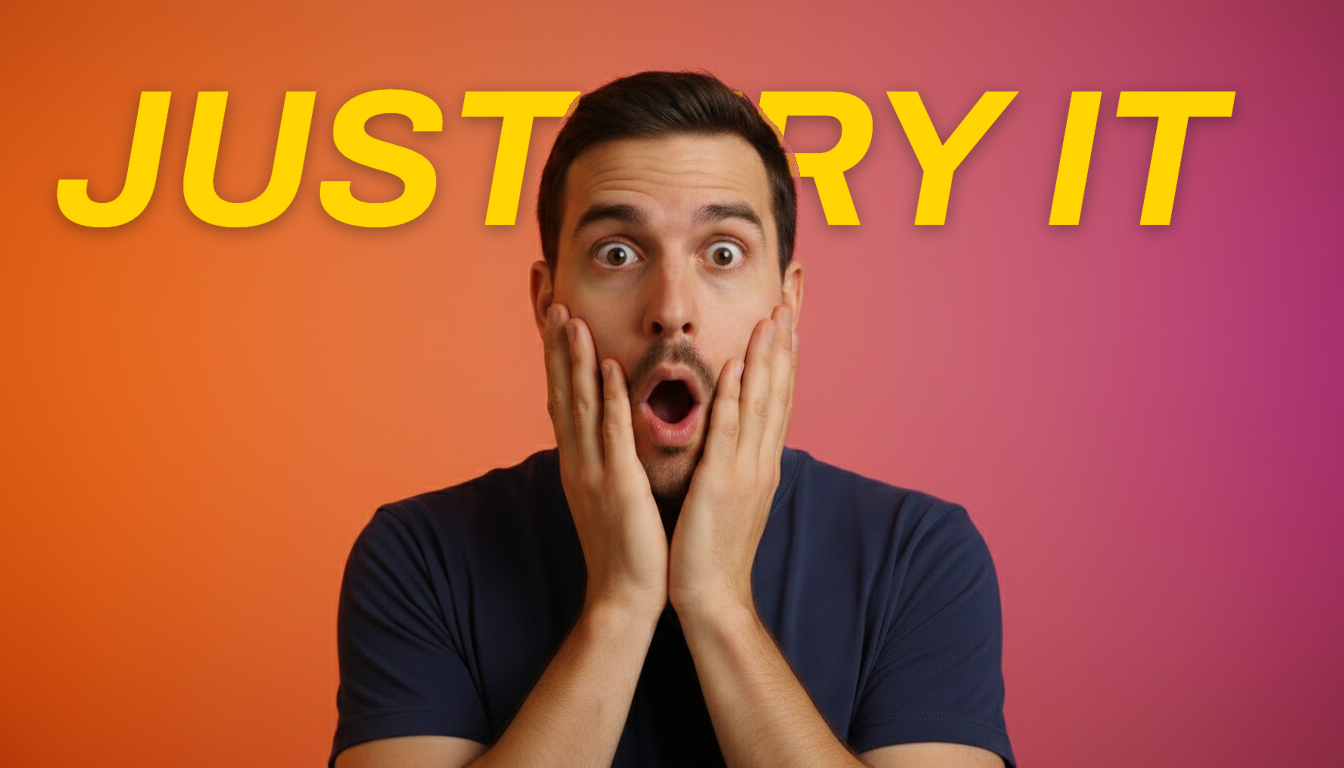
Add bold, click-worthy text
Add headline text right on the canvas with one-tap outline, shadow, and color presets. Drag it anywhere — or tuck it behind your subject for a layered, professional look.
How the thumbnail editor works
Three steps from "this needs fixing" to a YouTube-ready thumbnail.
Upload your thumbnail
Bring in a finished thumbnail, a screenshot, or any base image — JPG, PNG, or WebP.
Brush over it and describe the change
Roughly brush over the area to fix and tell the AI what you want in a text prompt — no pixel-perfect selections, no tools to learn.
Generate and export
Get a fresh version in seconds. Compare, refine, then download in HD.
Built for people who ship thumbnails every week
Whether it's one channel or a hundred client revisions, the editor keeps you out of Photoshop.
YouTubers
Refresh a thumbnail that's underperforming without re-shooting or rebuilding it from scratch.
Faceless & short-form creators
Build scroll-stopping covers for Shorts, Reels, and TikToks from a single base image.
Editors & agencies
Turn around client thumbnail revisions in minutes instead of bouncing files through Photoshop.
Course & brand creators
Keep a consistent look across a whole series by editing, not rebuilding, every cover.
Frequently Asked Questions
What can the thumbnail editor actually do?
Do I need any design or Photoshop skills?
Can I add and edit text on my thumbnail?
What if I don't like the result?
How much does it cost?
More AI Tools
Explore more of Thumix's free and premium creator tools.
YouTube Inspiration
Browse viral YouTube thumbnails and remix the styles you love.
Style Reference
Upload any image as a style reference and generate new visuals with the same look.
Photo Fusion
Blend multiple photos into one cohesive AI-generated image.
AI Headshot
Generate professional headshots from a single photo — LinkedIn, executive, outdoor, and more.