Budget Travel
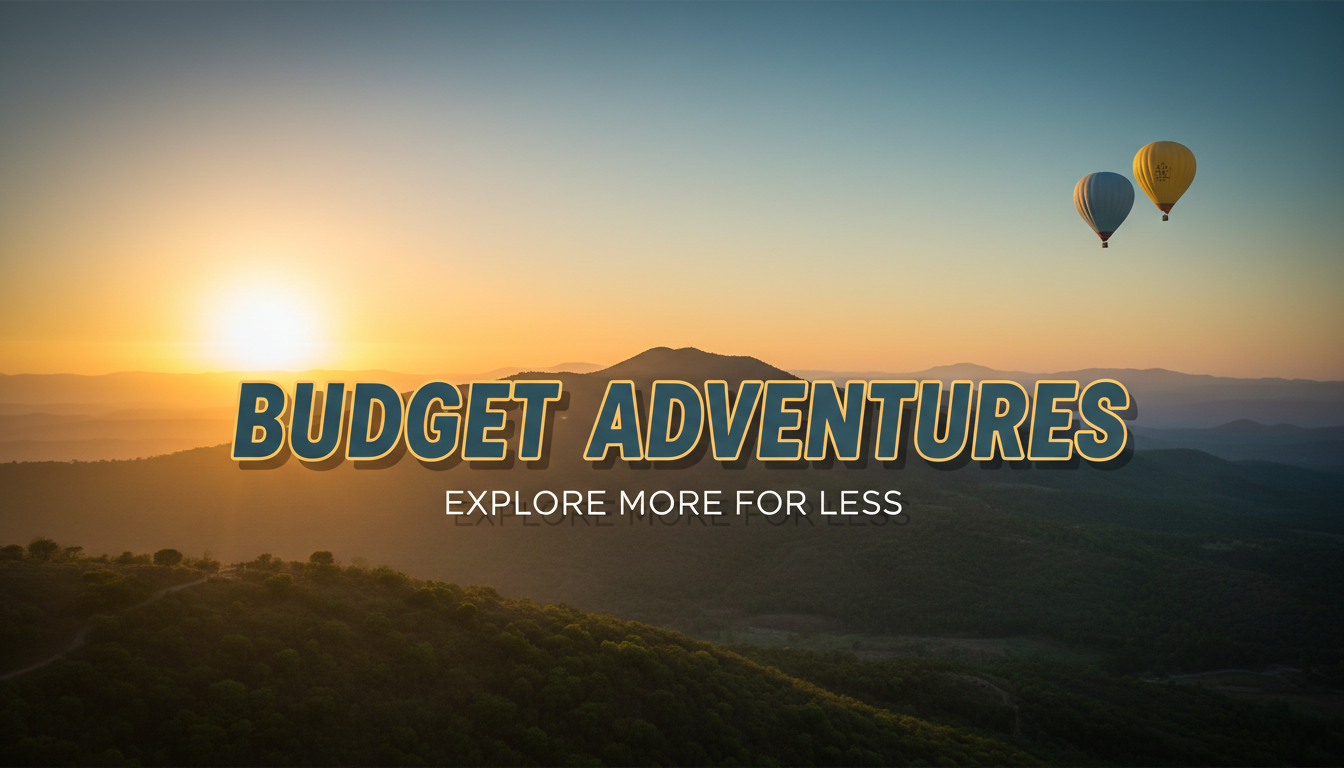
Bright, accessible thumbnails with price tags, backpacker aesthetics, and money-saving visual cues.
Professional AI thumbnails for travel vlogs, destination guides & adventure YouTube channels.
AI-generated thumbnails for travel content — created in seconds, not hours.


Choose a category built for the kind of content you create.
Bright, accessible thumbnails with price tags, backpacker aesthetics, and money-saving visual cues.
Premium, cinematic thumbnails with golden tones, resort imagery, and elegant typography.
Landmark-focused thumbnails with city skylines, map elements, and location-branded layouts.
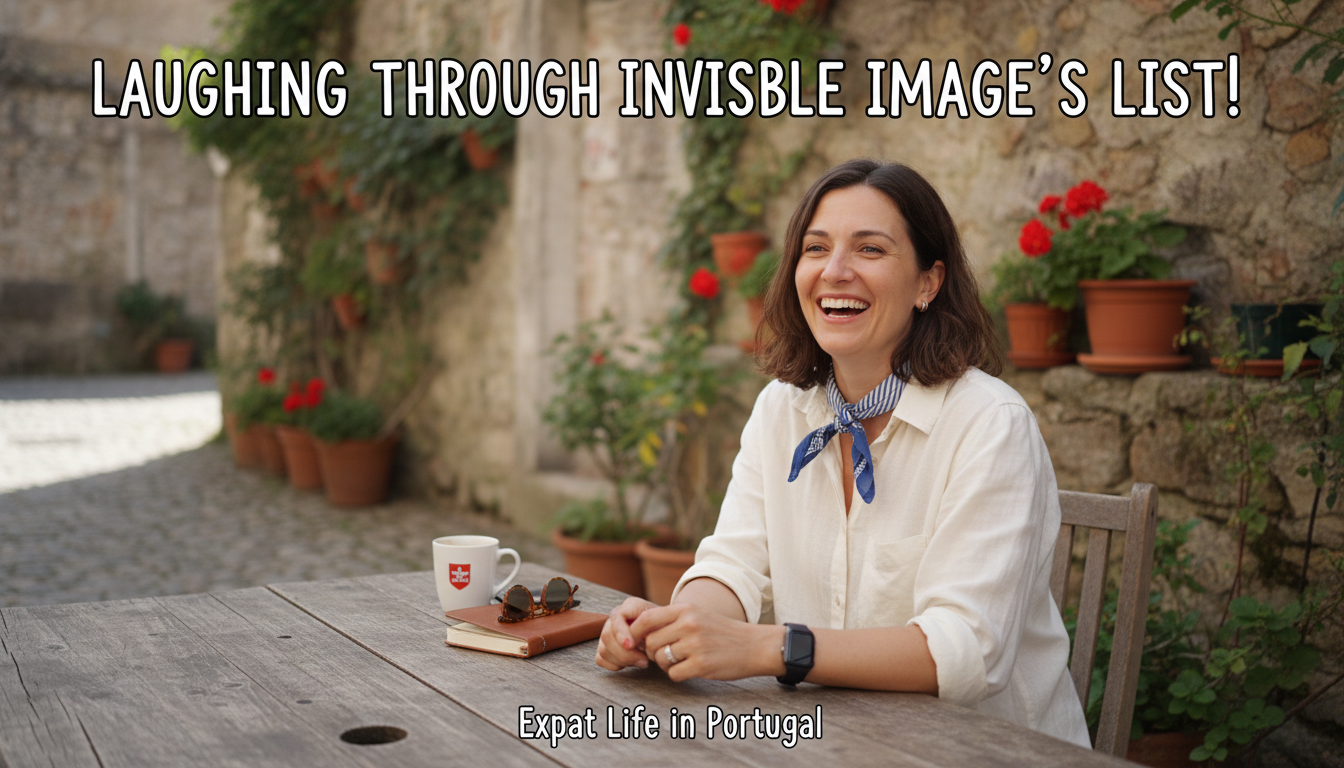
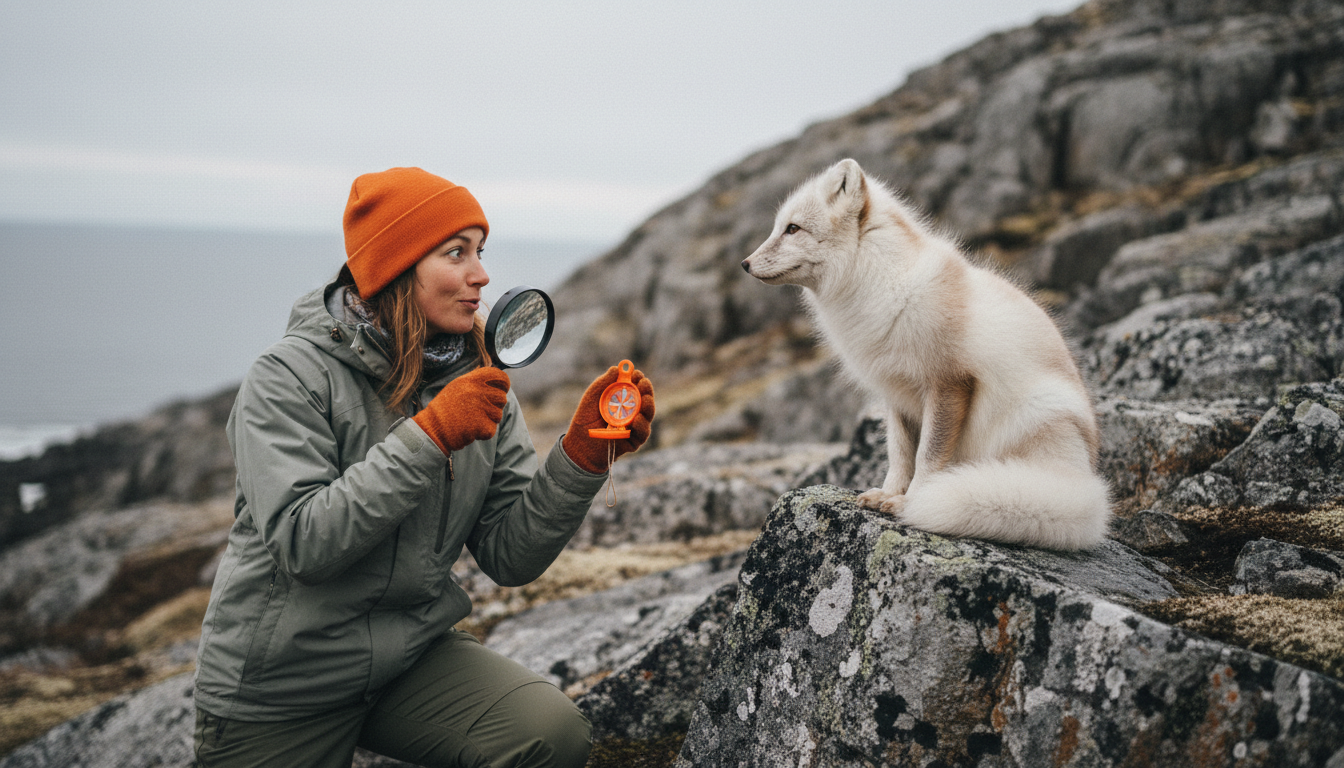
Personal, authentic thumbnails with candid moments, scenic backgrounds, and vlogger-forward framing.
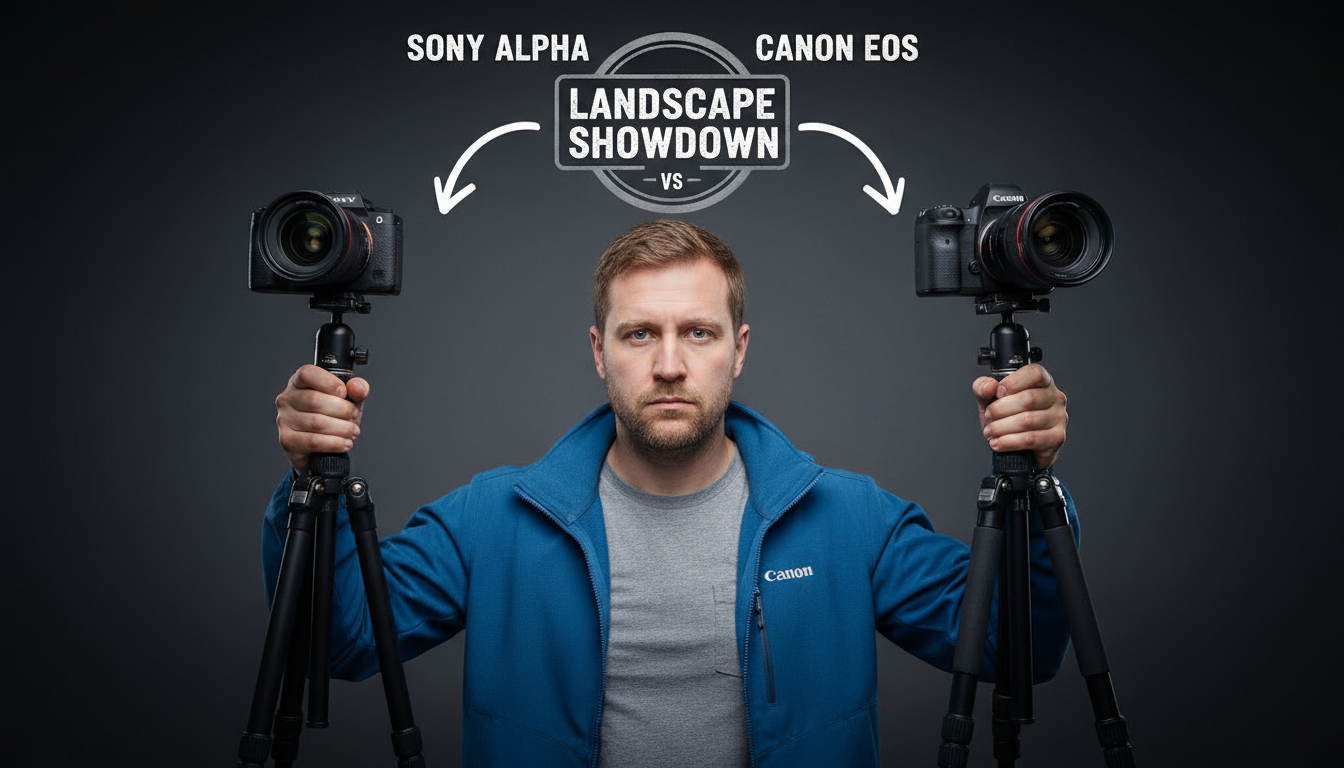
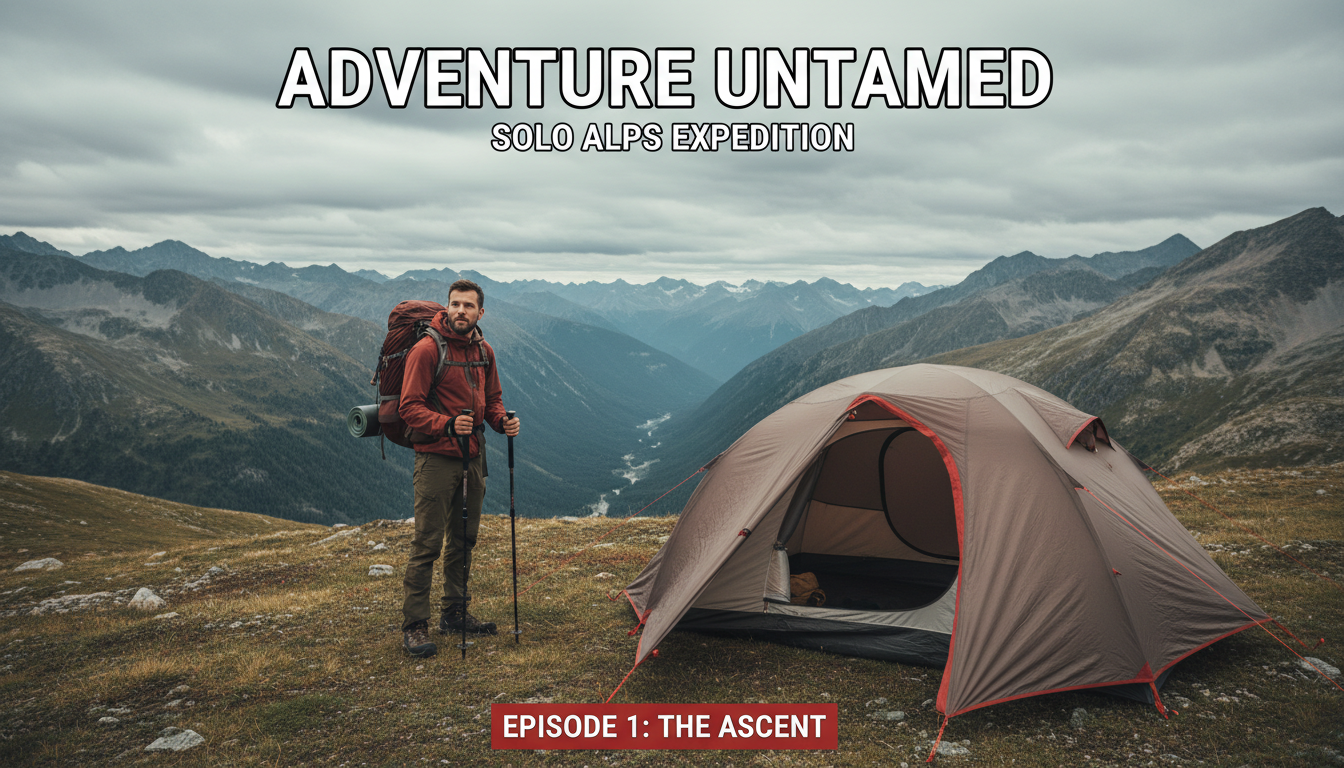
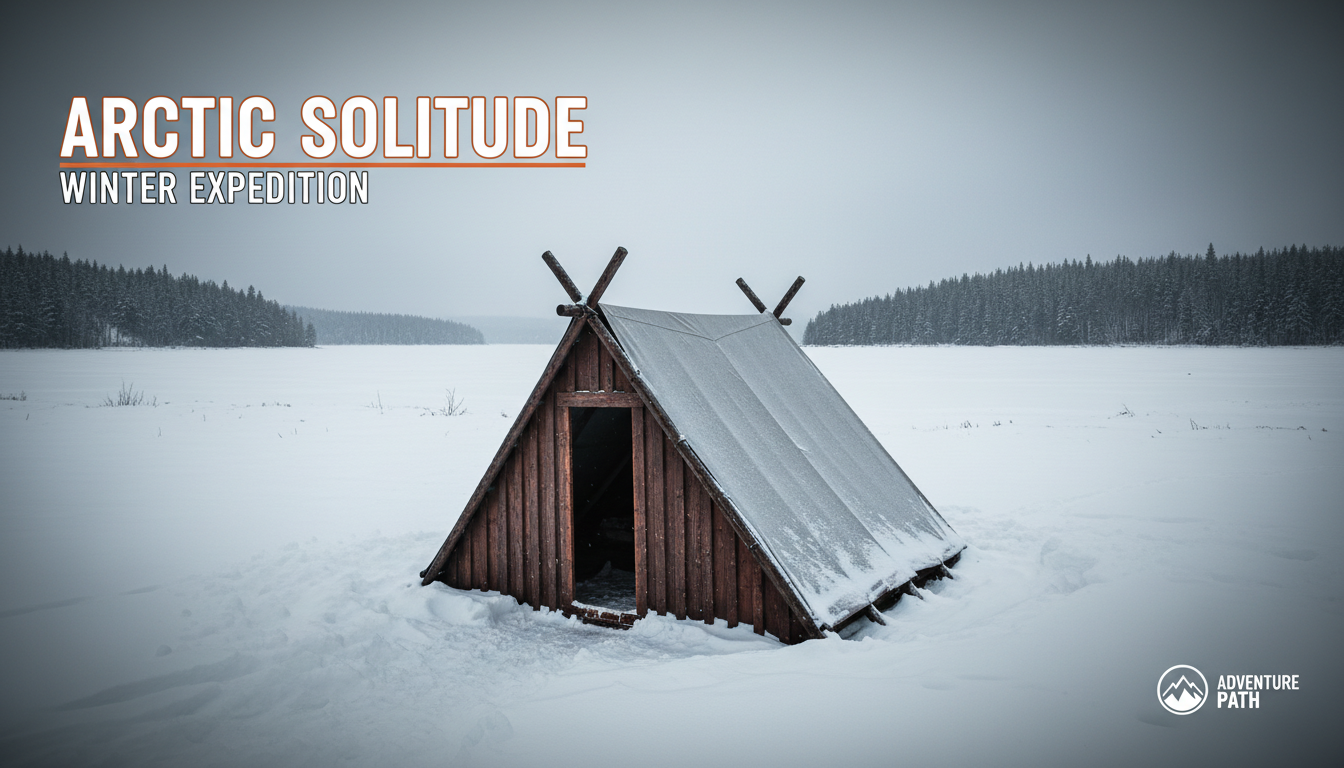
Epic wide-angle thumbnails with dramatic landscapes, extreme activities, and nature-forward compositions.
Iconic landmarks, stunning landscapes, or recognizable cityscapes instantly tell viewers where you went. Make the location unmistakable.
Travel thumbnails thrive on vivid blues, greens, and sunset oranges. Boost saturation slightly to make landscapes pop.
A person in a stunning location creates scale and makes the thumbnail relatable. Viewers imagine themselves there.
Text like 'Hidden Gem' or 'Don't Visit Without This' creates urgency. Pair with an intriguing location shot.
How AI thumbnail generation compares to traditional design tools.
| Feature | Thumix | Canva | Photoshop |
|---|---|---|---|
| AI generation from prompt | Full | Limited | None |
| Travel-specific templates | 5 sub-niches | Generic | None built-in |
| Time per thumbnail | 3-10 seconds | 10–20 minutes | 30+ minutes |
| Skill required | None | Low | High |
| Commercial rights | Included | Included (Pro) | Your assets only |
Pick a travel style that fits your content.
Add your topic, text, and optional reference images.
Generate your image and download it in HD.
Find the perfect AI thumbnail style for your content.
The complete guide to YouTube thumbnail dimensions and best practices.
What resolution should your YouTube thumbnails be? Find out here.
Understanding the ideal aspect ratio for YouTube thumbnails.
Keep your key elements visible with the thumbnail safe zone guide.