Reaction Memes
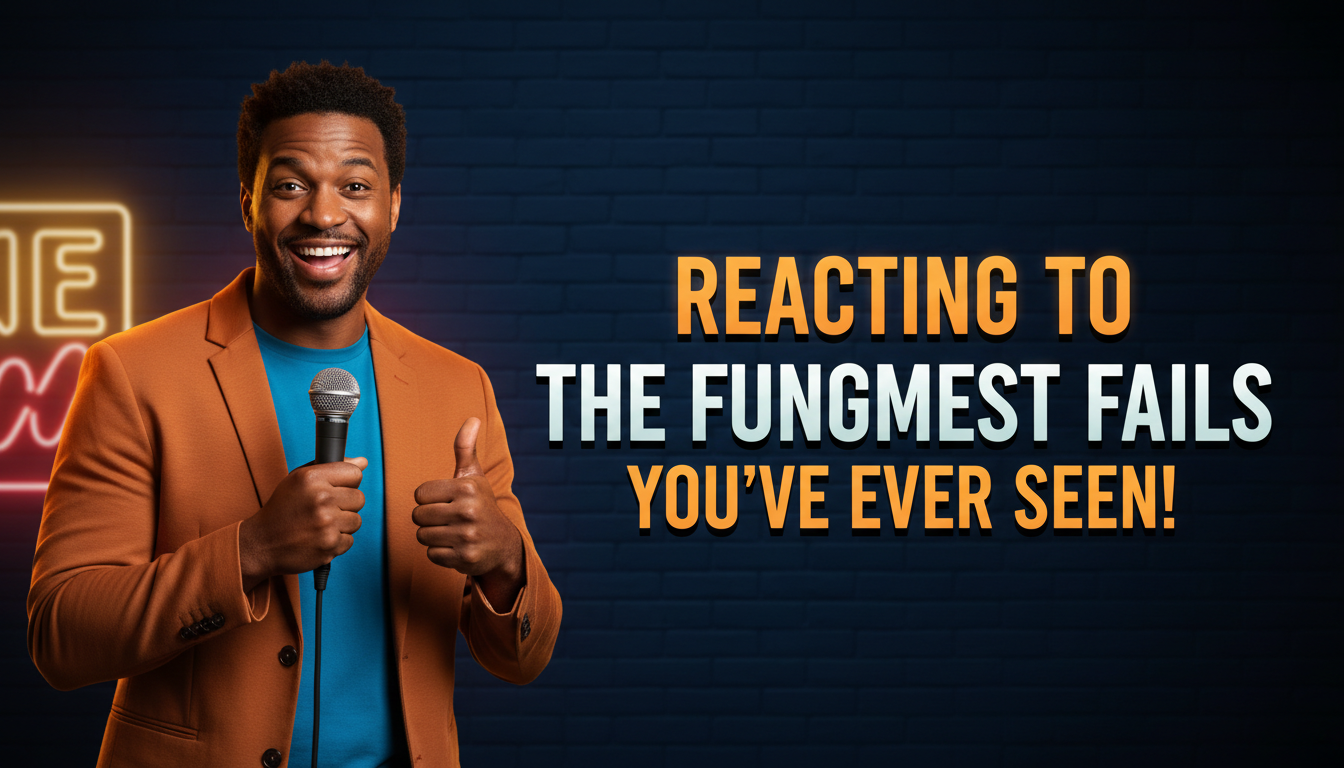
Exaggerated reaction faces — shocked, crying, side-eye — composited over the subject being reacted to.
AI thumbnails for meme channels — reaction faces, impact text, deep-fried & clip formats.
AI-generated meme thumbnails — intentionally unserious, created in seconds.
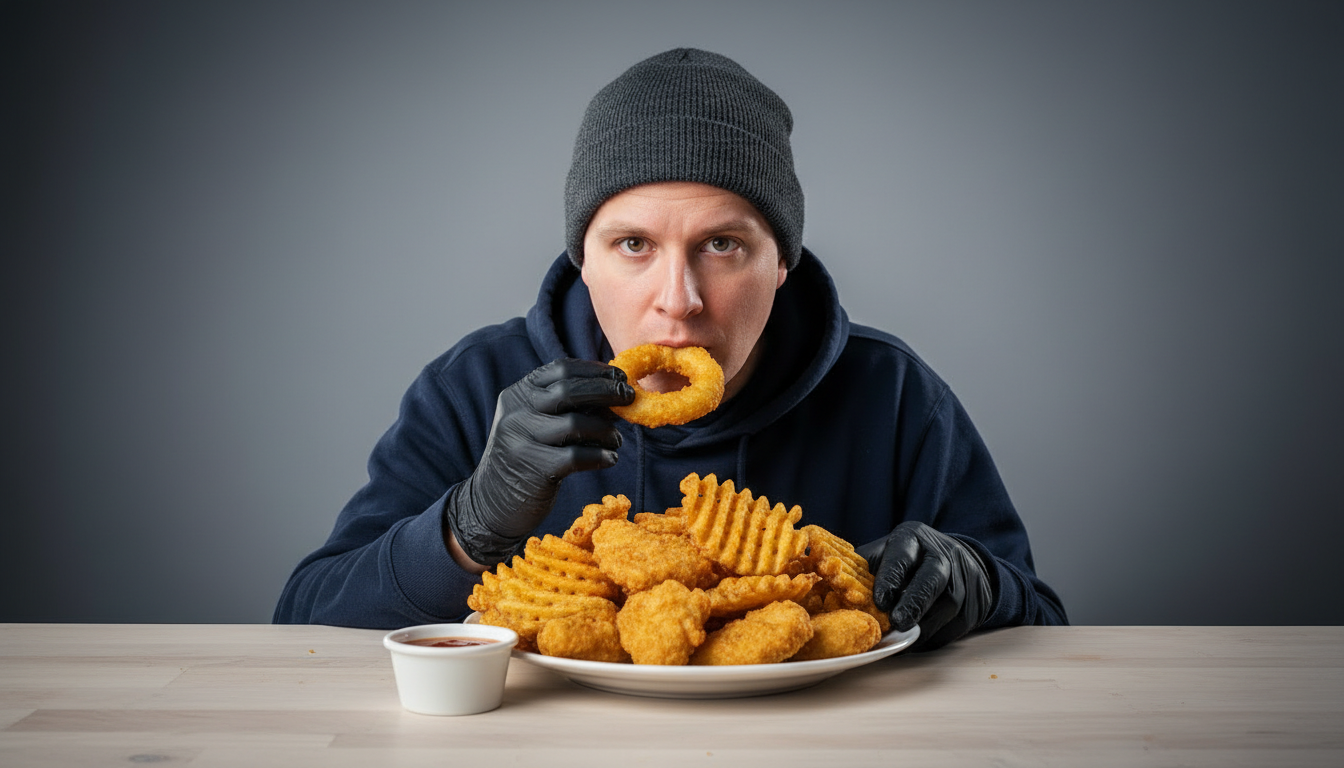
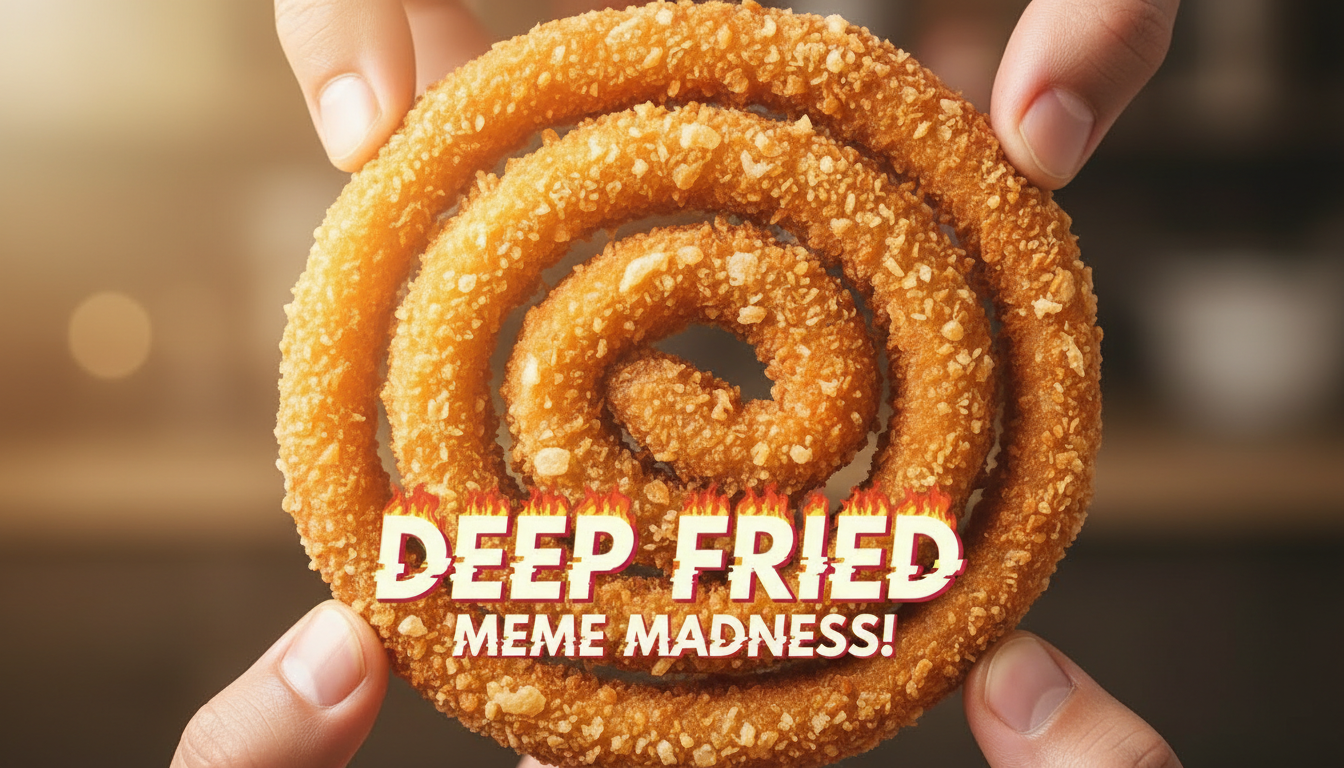
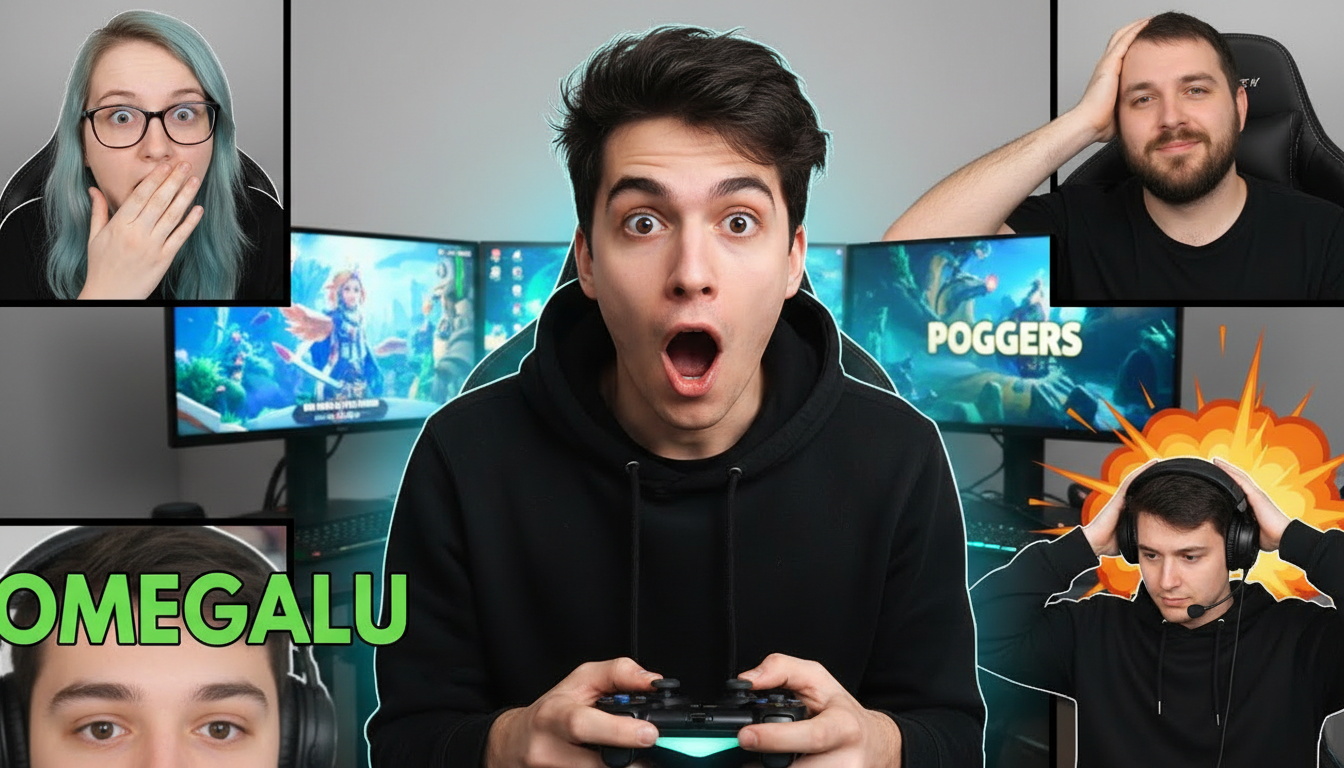
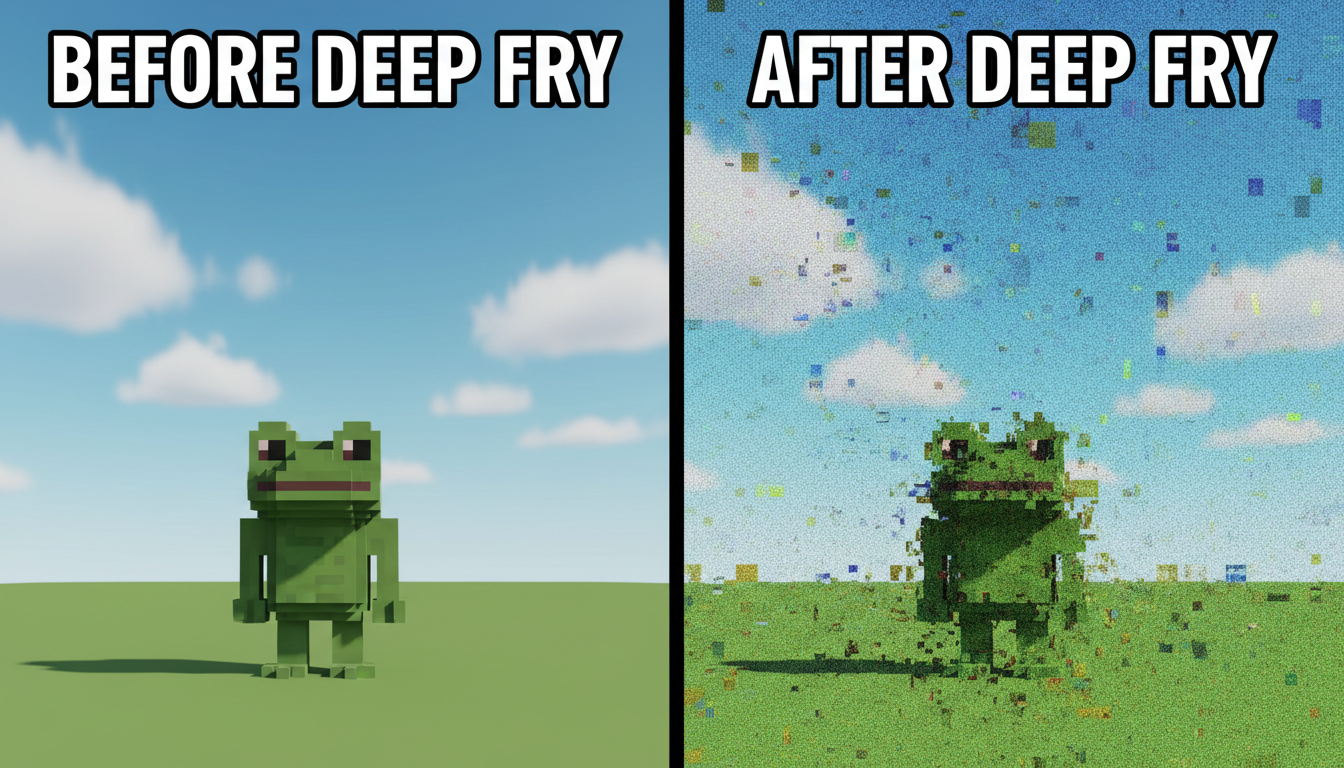
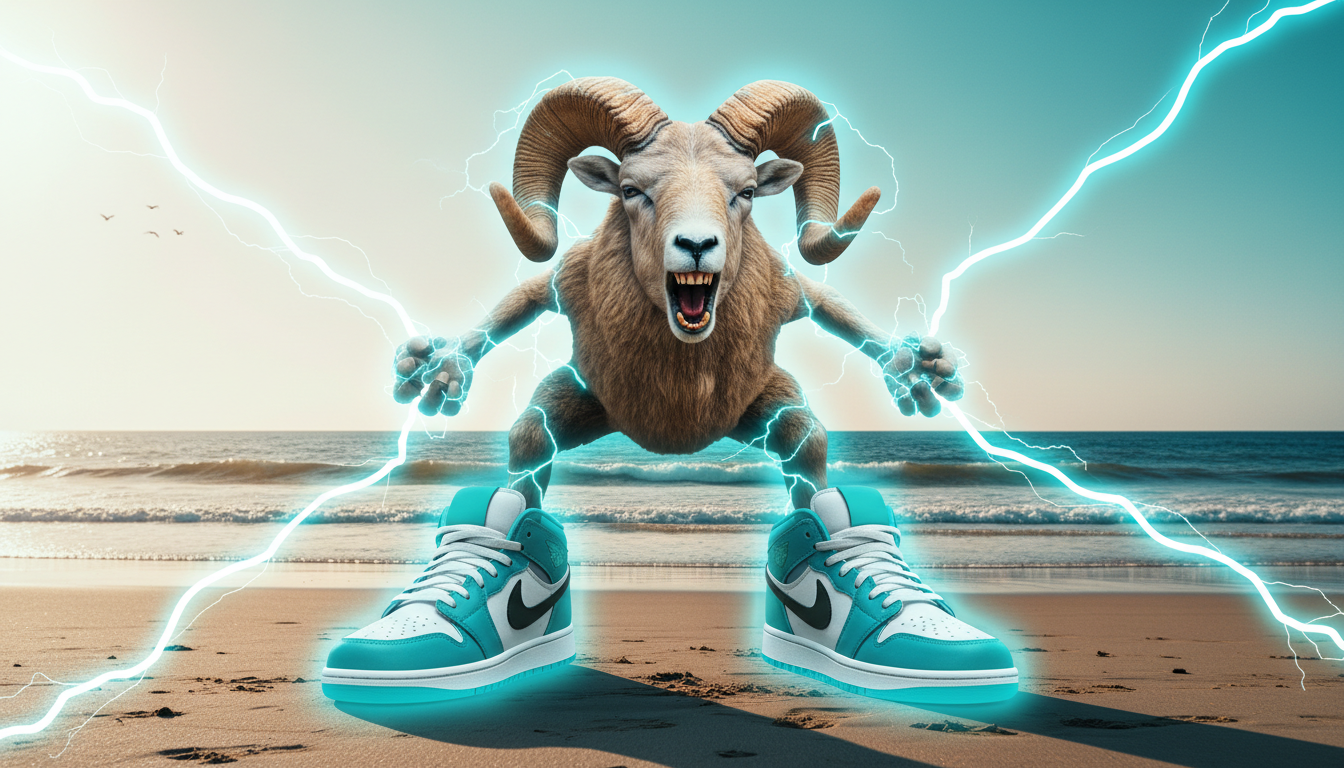
Choose a category built for the kind of content you create.
Exaggerated reaction faces — shocked, crying, side-eye — composited over the subject being reacted to.
The original meme format: bold white impact text with black outline over a single strong image.
Oversaturated, grainy, lens-flared chaos for ironic and absurdist meme content.
Grid and collage layouts that preview multiple memes with a host reaction in the corner.
Freeze-frame reaction thumbnails with arrows, circles, and caption bars for clip channels.
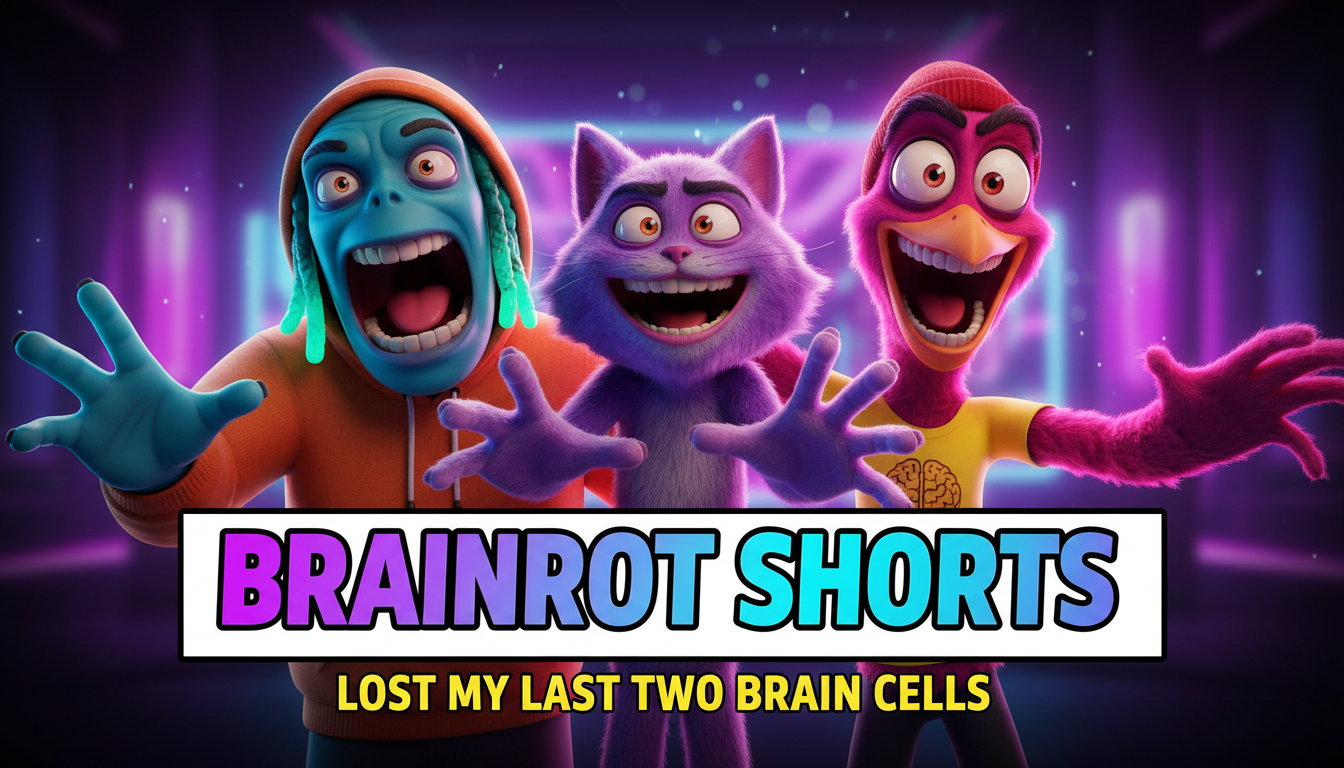
Loud, fast-reading vertical-friendly thumbnails for meme Shorts and compilation teasers.
A half-serious meme thumbnail dies. Exaggerate the expression, blow out the text, embrace the chaos — the unseriousness is the signal that it's meme content.
The thumbnail sells one laugh: a face, a caption, or an absurd juxtaposition. Stacking three jokes makes all of them unreadable at feed size.
Impact text, red circles, crying emojis, and deep-fried filters are visual shorthand viewers decode instantly. Familiarity is the point.
Meme captions work at feed size only when they're short and thick. If the punchline needs a sentence, put the setup in the thumbnail and the payoff in the video.
How AI meme thumbnail generation compares to traditional design tools.
| Feature | Thumix | Canva | Photoshop |
|---|---|---|---|
| Meme formats built in | Yes — reaction, impact, deep-fried | Generic templates | None built-in |
| Meme-specific formats | 6 sub-niches | Generic | None built-in |
| Time per thumbnail | 3-10 seconds | 10–20 minutes | 30+ minutes |
| Skill required | None | Low | High |
| Commercial rights | Included | Included (Pro) | Your assets only |
Pick a meme style that fits your content.
Add your topic, text, and optional reference images.
Generate your image and download it in HD.
Find the perfect AI thumbnail style for your content.
The complete guide to YouTube thumbnail dimensions and best practices.
What resolution should your YouTube thumbnails be? Find out here.
Understanding the ideal aspect ratio for YouTube thumbnails.
Keep your key elements visible with the thumbnail safe zone guide.