Red Arrow & Circle Thumbnail Generator
Pick a sample, customize the subject, and generate a fresh YouTube thumbnail in the same visual style.
Choose a style sample
Hover or tap to explore. Select a sample to use it.
Product reveal
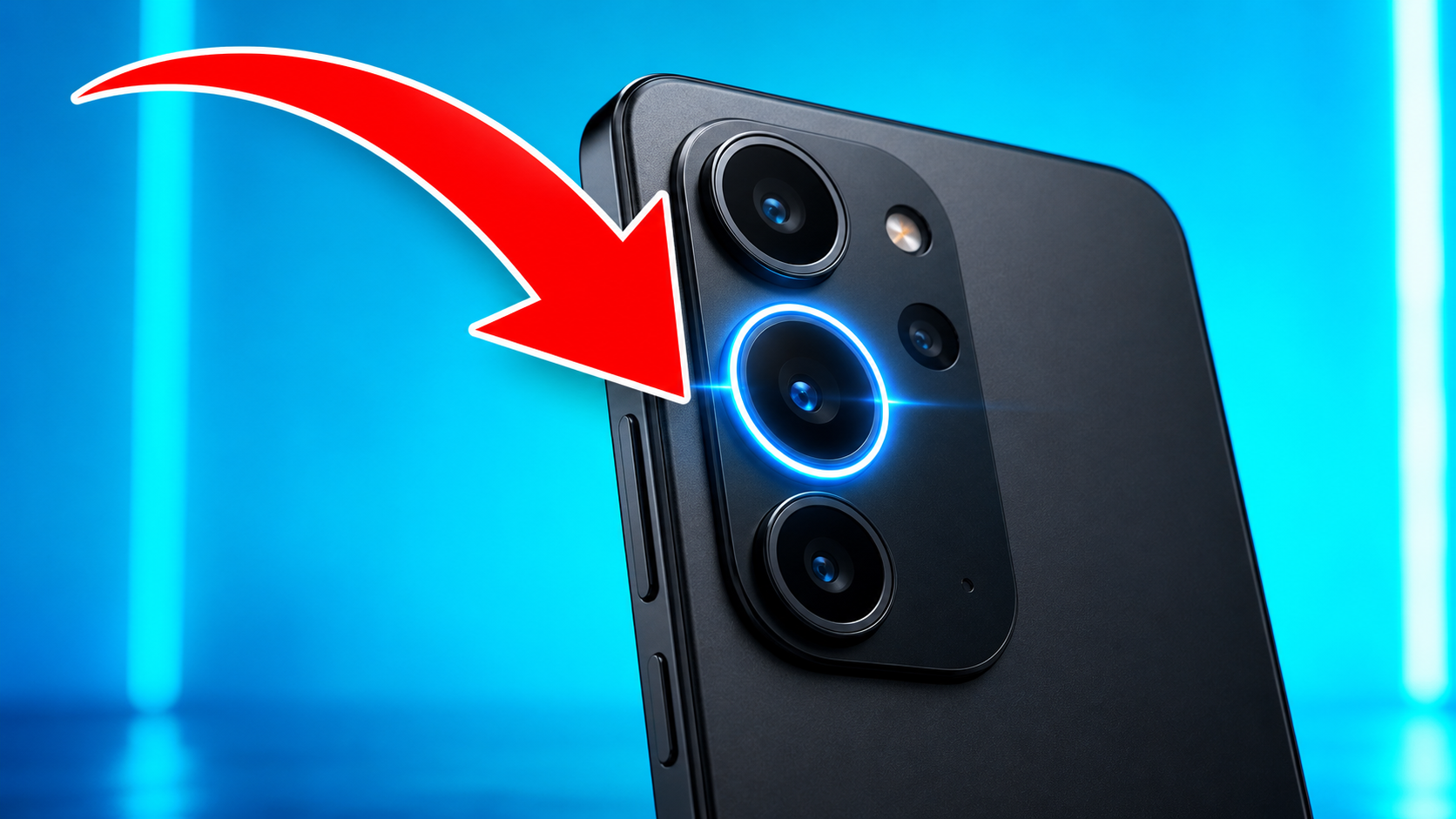
A sweeping arrow that lands on one product detail.
Customize
Change the story while keeping the selected visual style.
What you get with Red Arrow & Circle
Red arrows and circles help viewers find the important detail before they read the title.
- Outputs at 1280×720 (YouTube spec) by default
- Arrow auto-positioned to point at the main subject
- Four original visual references with distinct compositions
- Works for gaming, tutorials, product reveals, and mystery videos
- Multiple variants per batch
- Optional subject uploads for a more personal result
What makes this style work
The arrow should point at a face or hand, not into empty space. Empty-target arrows feel like clickbait and underperform.
Use a single arrow, never multiple. Two arrows split attention and cancel each other out.
Keep the arrow size between 15-25% of the thumbnail width. Smaller is invisible on mobile, larger competes with the subject.
Use a vivid red that separates clearly from the background. Muted reds can disappear when the thumbnail is shown at mobile size.
Add a thin black outline to the arrow. Without it, the arrow can blend into red elements in the background.
Frequently asked questions
Why does the red arrow trick work?
Isn't the red arrow style overdone?
What color should the arrow be?
Can the arrow point at text instead of a face?
Does this work on Shorts and TikTok thumbnails?
Can I generate a circle highlight instead of an arrow?
More AI styles
Browse all
MrBeast Style
Generate MrBeast-style YouTube thumbnails in seconds. Saturated colors, exaggerated facial reactions, and giant high-stakes text overlays — the formula that powers the highest CTR on YouTube.

Before / After Split
Generate before-and-after split thumbnails that telegraph transformation in one glance. The proven format for makeovers, tutorials, fitness, restoration, and any content about visible change.

Breaking News
Breaking-news-style thumbnails in seconds — the red banner, the lower-third ticker, the urgent headline. The cable-news visual grammar that signals 'this is happening right now' and pulls clicks from anyone who scrolls past.