How to Restore Old Photos with AI (Free, Online)
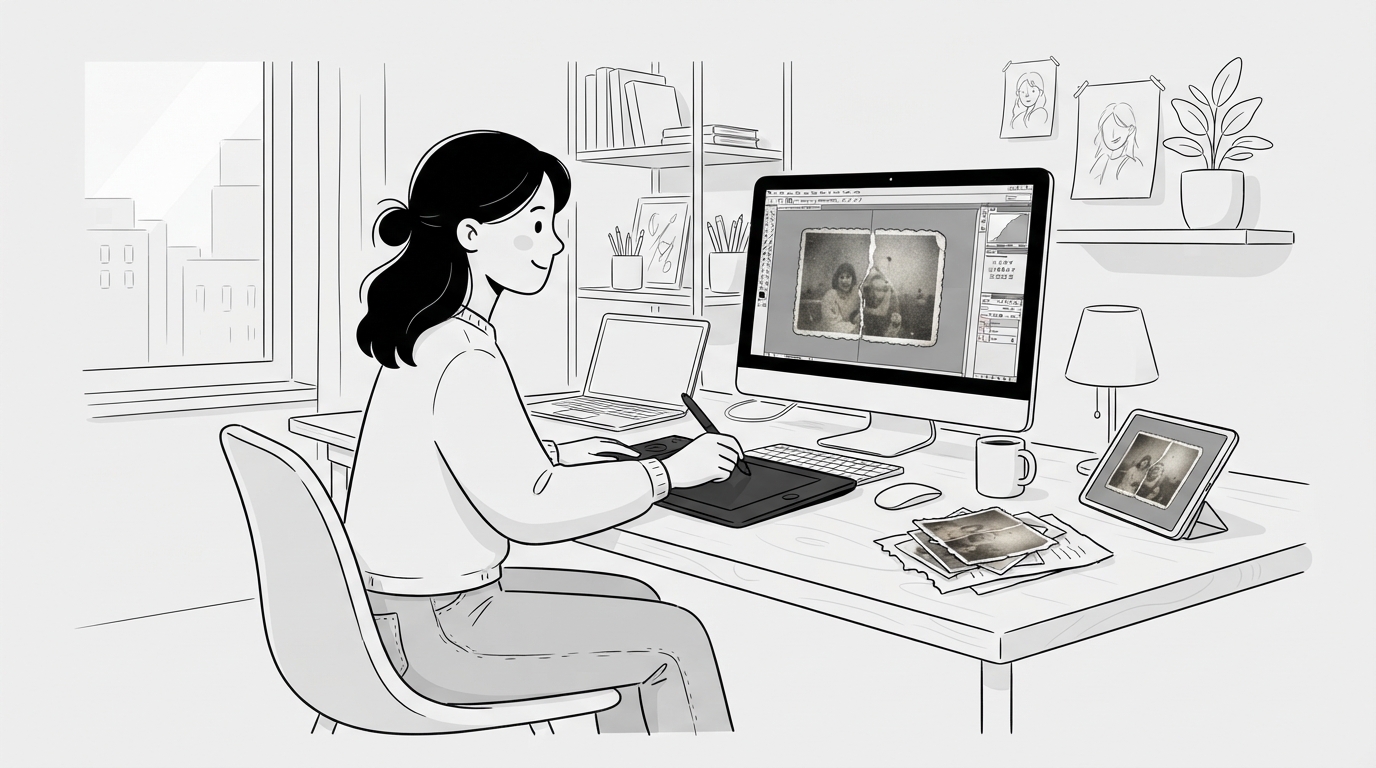
That box of old family photos — faded, scratched, maybe water-damaged — used to require a professional restorer charging per photo, or hours in Photoshop with the clone stamp. AI has collapsed that to about thirty seconds per photo. Here's the full workflow: digitizing the print properly, restoring it with AI, and what to expect (including what AI still can't fix).
Step 1: Digitize the photo properly
Restoration quality is capped by scan quality. Two ways to do it right:
With a scanner: scan at 600 DPI for small prints (wallet to 5×7), 300 DPI for larger ones. Save as PNG or maximum-quality JPG. Clean the scanner glass first — dust becomes "damage" the AI may try to restore around.
With your phone (fine for most people): shoot in bright, indirect daylight near a window. Kill the flash — glare on glossy prints is the number-one phone-scan mistake. Fill the frame with the photo, hold the phone parallel to it, and tap to focus. If the print has a stubborn sheen, angle it slightly away from the light source.
Skip the "fix it later" temptation: don't crop tightly or filter the shot. The AI wants the raw, complete image.
Step 2: Restore it with AI
- Open the AI photo restore tool.
- Upload your scan or phone shot.
- Click Restore. The AI analyzes the damage — scratches, tears, creases, fading, blur, sepia shift — and rebuilds the image.
- Download the result, or run it again if the first pass missed something.
No Photoshop, no manual masking, and it's free to try. The whole pass takes under a minute.
What AI restoration fixes well
- Scratches, dust, and creases — including fold lines across faces, the hardest manual repair.
- Fading and color shift — restores contrast and neutralizes the orange/sepia drift of old prints.
- Mild blur and soft focus — sharpens detail that's present but degraded.
- Black-and-white colorization — adds natural color to monochrome photos. Colors are the AI's best inference, not a historical record, but results are usually convincing.
- Water damage and staining — reconstructs the stained regions from surrounding context.
What to expect on tough cases
Be realistic on three fronts. First, missing pieces: if a corner of the photo is physically gone, the AI invents plausible content for it — fine for backgrounds, riskier for faces. Second, tiny faces: group photos where each face is a few dozen pixels restore less reliably than portraits. Third, identity drift: heavy reconstruction of a badly damaged face can subtly change how the person looks. Run a second pass or re-scan at higher resolution if a face doesn't look right.
Step 3: After restoring
- Upscale for printing. If you want a large print from a small original, run the restored image through the image upscaler — restoring first, then upscaling, gives the cleanest result.
- Save an archival copy. Keep the restored PNG alongside the original scan; never overwrite the original.
- Batch the box. Since each photo takes under a minute, digitize the whole album in one session and restore as you go.
AI vs. manual restoration vs. professionals
| AI (this tool) | DIY Photoshop | Professional | |
|---|---|---|---|
| Time per photo | ~30 seconds | 1–4 hours | Days |
| Cost | Free to try | Software subscription | $30–100+ per photo |
| Skill needed | None | High | None |
| Best for | Most photos | Full creative control | Museum-grade or severely damaged one-offs |
For a shoebox of family photos, AI first is the obvious play — send only the stubborn survivors to a professional.
FAQ
Can I restore old photos online for free?
Yes — upload a scan or phone photo of the print to the photo restore tool and the AI fixes scratches, fading, tears, and blur. It's free to try, with no Photoshop or design skills needed.
Can AI colorize black-and-white photos?
Yes. The same restore pass can colorize monochrome photos with natural-looking tones. Treat the colors as a faithful guess rather than historical fact — but for family albums, the effect is usually striking.
Will restoration change how people in the photo look?
Light restoration (scratches, fading) preserves faces faithfully. Heavy reconstruction of severely damaged faces can shift a likeness — compare against the original and re-run if something feels off.
What resolution should I scan old photos at?
600 DPI for small prints, 300 DPI for 8×10 and larger. With a phone, just get even window light, no flash, and fill the frame — that beats a low-effort scanner pass.
Make your next thumbnail with AI
Paste any YouTube link. Get that thumbnail's style — with your face, your topic.